
The 8 Best Specterr Alternatives in 2026
Specterr makes polished visualizers, but its free exports expire after 10 days and even the paid Pro plan caps you at 5 videos a month. Our top pick is EchoWave, which puts a scrub-accurate music visualizer inside a full editor with no video quotas, though Specterr's dedicated preset controls still go deeper. Genuinely free options, including one with no paid plan at all, are ranked below.


The 8 Best Specterr Alternatives in 2026 Features
Trusted by thousands of creators worldwide





Why people look for a Specterr alternative
Specterr, run by Tunebat LLC, does one thing well: audio-reactive visualizer and lyric videos with a live preview and cloud rendering. The frustration is the quota math around it. The free plan allows 1 video per day at 720p 30fps, capped at 5 minutes, with a watermark, image backgrounds only, and exports that are deleted after 10 days. Paying does not end the counting: Pro at $16.50/mo billed annually still caps you at 5 videos a month on monthly billing (60 a year on annual), every plan gets exactly 1 parallel export, and the server-side render queue can back up at busy hours. True unlimited costs $49 to $79 a month. And because Specterr is a visualizer only, anything else, captions, editing, a progress bar, means a second tool.
We tested each alternative in the browser and re-checked every pricing page in August 2026, with musicians uploading tracks to YouTube as the main persona in mind.
TL;DR: EchoWave is the best overall alternative, a visualizer inside a full editor with no video quotas; Vizzy is the best genuinely free pure visualizer, with no paid plan at all; Renderforest if you would rather shop visualizer templates than build scenes.
The best Specterr alternatives in 2026, ranked
Every pick tested in the browser. Prices checked August 2026.
- 1
EchoWave
Our pickBest overall: a music visualizer inside a full editor, with no video quotas
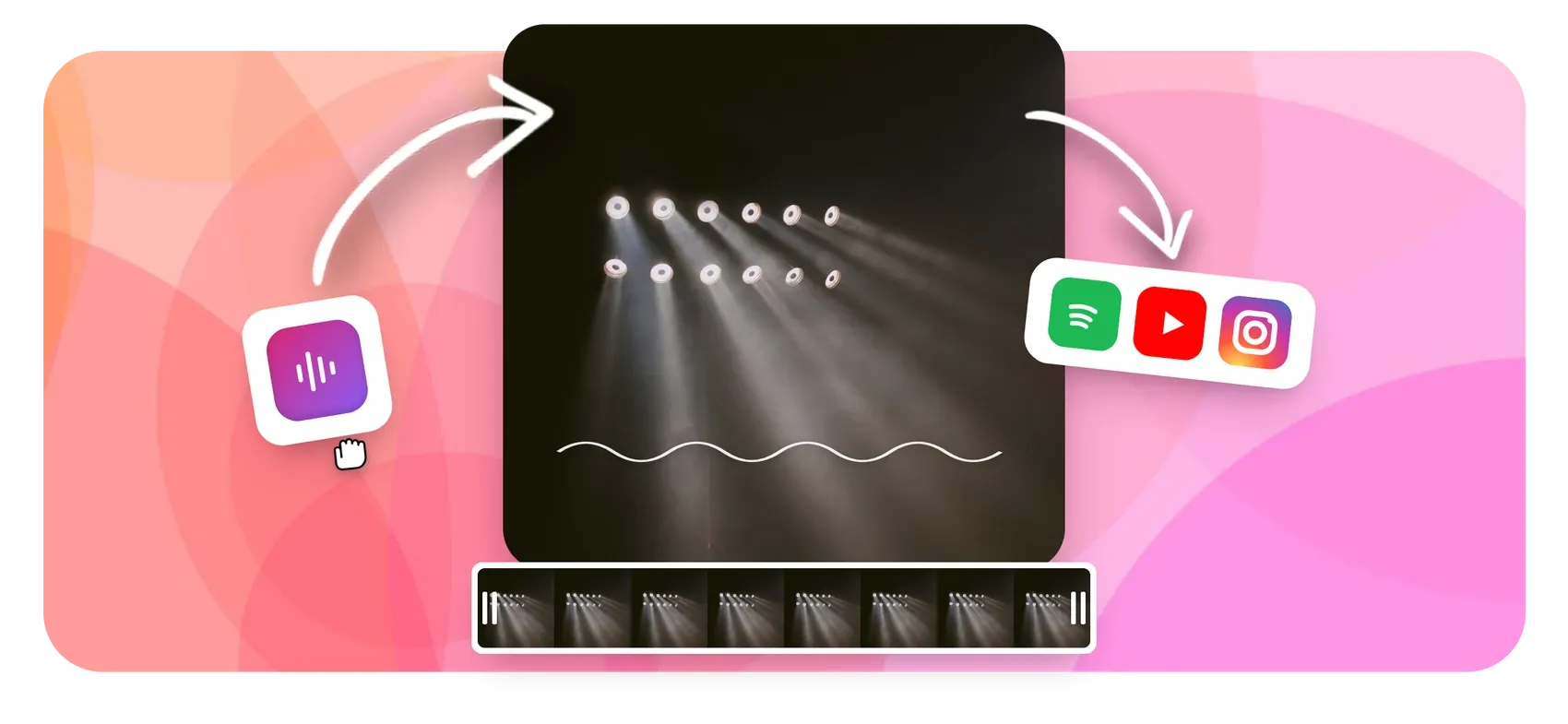
For musicians, the difference is quota versus workflow. EchoWave's music visualizer lives inside a full multi-track editor: pick a spectrum or waveform style, layer your cover art, add karaoke-style word animations for lyrics, drop in a progress bar, and export. The spectrum is baked into the preview, so scrubbing is frame-accurate rather than a guess, and there are no per-video fees, daily caps, or export expiry dates to plan releases around. The free plan takes audio and video up to 60 minutes, which covers full mixes.
Resolution scales with plans: 720p free with a small badge, 1080p from $9/mo billed annually, and 4K at 50 or 60fps on Pro. The honest caveat: Specterr's dedicated controls go deeper for pure visualizers, with up to 7 reactive wave colors and audio-reactive backgrounds, and its pay-per-video option has no EchoWave equivalent.
- Pricing:
- Free plan; paid from $9/mo billed annually
- Free plan:
- Free forever: full editor, 720p exports with a small badge; quick tools export with no watermark
- Best for:
- Musicians and labels publishing visualizers, waveform videos, and lyric-style videos on a schedule
Pros
- Music visualizer, waveform, and audiogram tools inside a full editor
- Baked spectrum makes previews scrub-accurate
- No per-video fees, daily caps, or export expiry
- Karaoke word-level text animation works for lyric videos
- Free plan takes audio and video up to 60 minutes
- 4K at 50/60fps on Pro; 8K and 120fps on Business
Cons
- Free editor exports are 720p with a small badge
- No pay-per-video option: free plan or subscription only
- Stock library is sound effects, not music, so bring your own tracks
- 2
Vizzy
vizzy.ioThe best genuinely free pure visualizer, with no paid plan at all
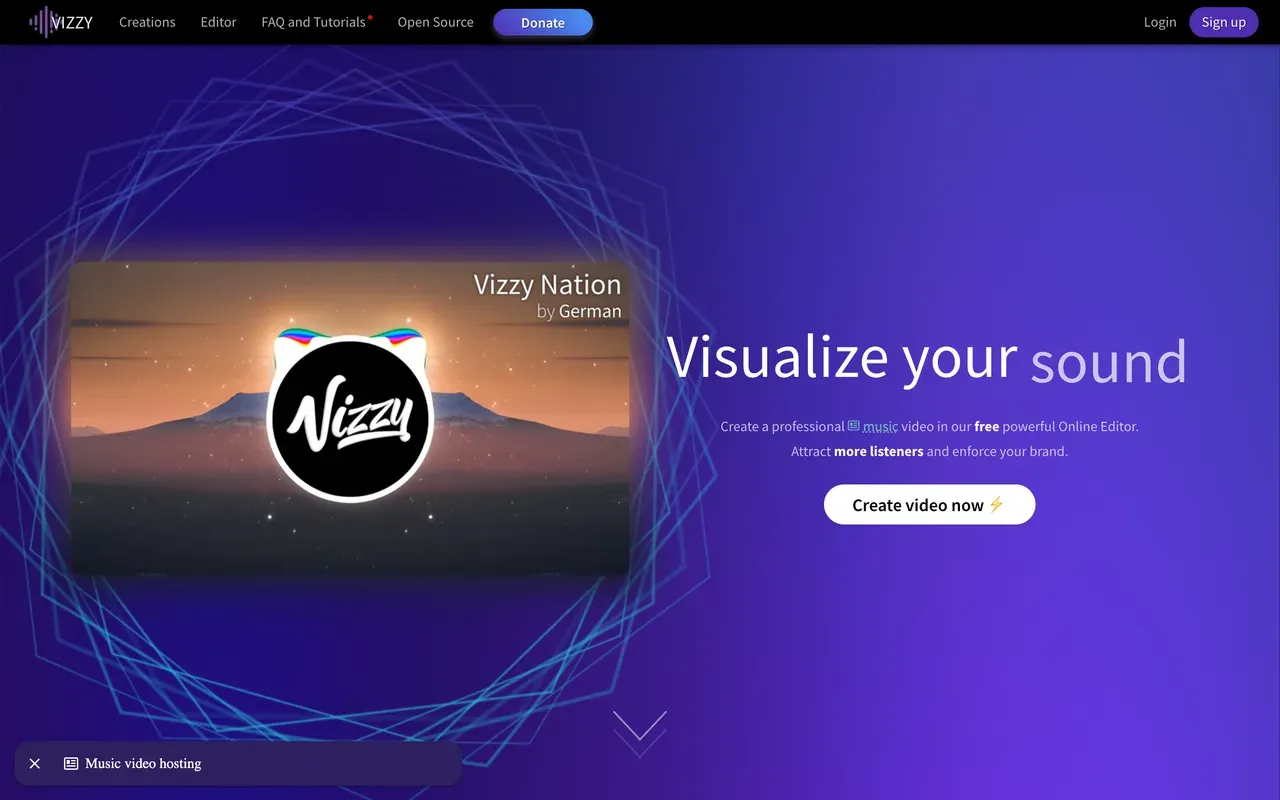
Vizzy earns plain praise: it is completely free, donation-funded through Ko-fi, and exports up to 4K at 60fps with no watermark. There is no paid tier; third-party blogs claiming a $14/mo plan are wrong per the live site. You get deep manual control over reactive elements, cinematic effects like Glitch, VHS, and Fisheye, lyric video support, and a community gallery of projects you can remix. Channels with millions of subscribers use it.
The structural trade-off: rendering happens on your own computer in the browser tab, so export time depends on your hardware and the tab must stay open. It is a visualizer only, with no captions, publishing, or team features, there is a real learning curve, and support is a community Discord rather than an SLA.
- Pricing:
- Free (donation-funded); no paid plans
- Free plan:
- Everything free: up to 4K 60fps, portrait, landscape, square, lyric videos, unlimited use, no watermark
- Best for:
- Budget-zero musicians who enjoy hands-on control and can spare their machine for renders
Pros
- Free with no watermark, up to 4K 60fps
- Deep manual control with cinematic effects and lyric support
- Community project gallery you can remix
- No accounts, credits, or upsells
Cons
- Renders on your machine: slow on weak hardware, and the tab must stay open
- Noticeable learning curve; power comes from manual configuration
- Visualizer only: no captions, publishing, or team features
- Donation-funded project with community-only support
- 3
Renderforest
renderforest.comVisualizer templates plus logos and a website builder, with renewal-price fine print
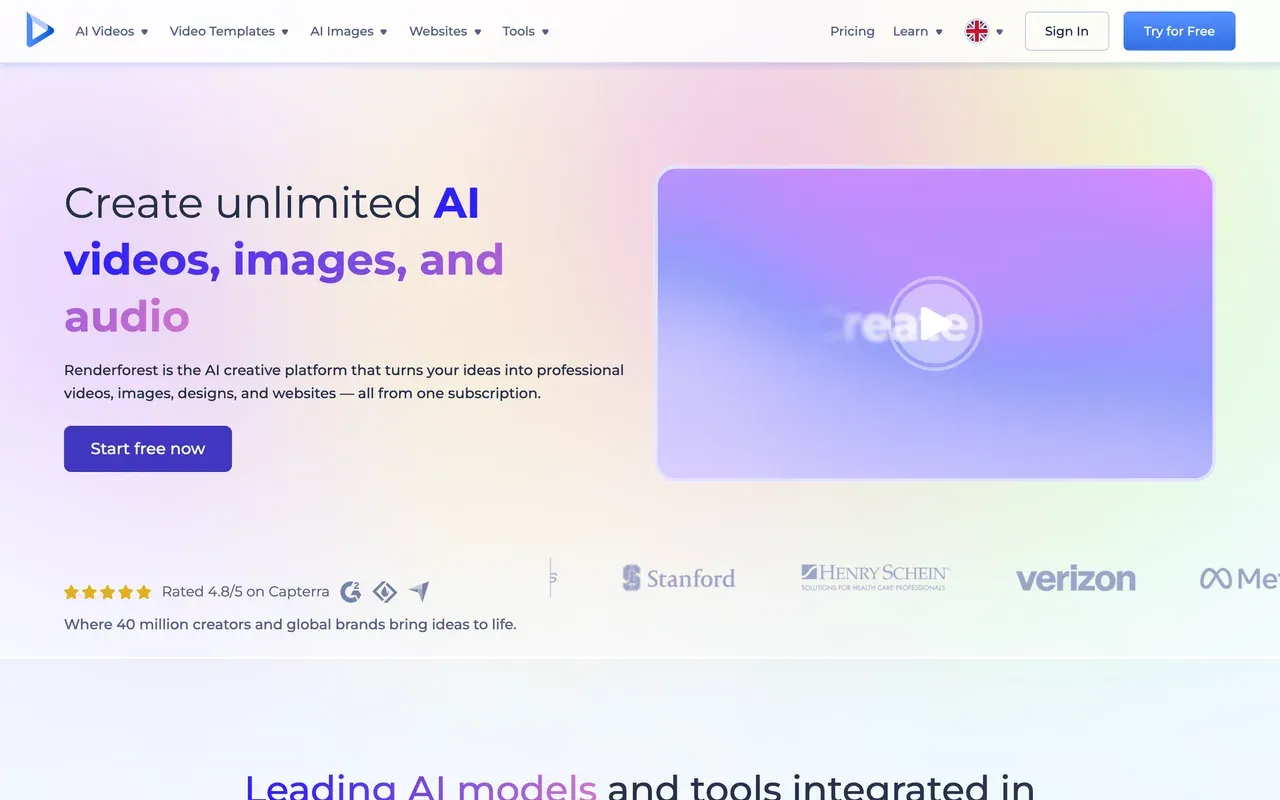
Renderforest comes at visualizers from the template angle: a large music-visualizer category inside a 1,200+ template catalog, cloud rendering, mobile apps, and a whole side business of logos, mockups, and a website builder in the same subscription. Entry is cheap at $8/mo billed annually for Lite.
Read the fine print that Specterr users will find familiar: the free plan is 360p with a watermark and about a 3-minute cap, Lite still limits you to 60 watermark-free exports, 4K is locked to the Business tier, and the annual Pro price is a first-year teaser that jumps from $12 to $24/mo at renewal. Trustpilot reviewers report surprise annual charges under a strict no-refund policy.
- Pricing:
- From $8/mo billed annually (Lite; $9 monthly)
- Free plan:
- 360p SD exports, about a 3-minute video cap, watermark
- Best for:
- Template shoppers who want branded visualizers, intros, and promos without building scenes
Pros
- Big music-visualizer template category inside 1,200+ templates
- Cloud rendering with iOS and Android apps
- Cheap entry at $8/mo billed annually
- Pay-per-export option: $24 for a single HD1080 watermark-free video
Cons
- Free plan is 360p with a watermark
- Lite caps watermark-free exports at 60; 4K locked to Business
- First-year teaser pricing: Pro annual renews from $12 to $24/mo
- Surprise-charge and no-refund complaints on Trustpilot
- 4
Headliner
headliner.appWaveform videos for podcasts more than for music drops
Headliner builds audiograms and waveform clips around spoken audio: templates, transcription in 100+ languages, and RSS automations that generate a clip for each new podcast episode and can upload full episodes to YouTube. Its Forever Free plan includes 5 unwatermarked videos a month, which beats Specterr's expiring free exports for casual use.
For musicians it is the wrong shape: exports cap at 1080p with no 4K, the visuals center on captions and waveforms rather than audio-reactive scenes, the mobile app limits clips to 10 minutes, and the free tier is ad-supported.
- Pricing:
- From $7.99/mo billed annually (Basic; $9.99 monthly)
- Free plan:
- Forever Free: 5 unwatermarked videos/mo plus unlimited watermarked videos, unlimited transcription, ad-supported
- Best for:
- Podcasters automating waveform clips from an RSS feed

Pros
- 5 unwatermarked videos a month, free forever
- RSS automations and full-episode YouTube uploads
- Transcription in 100+ languages
Cons
- 1080p ceiling, no 4K
- Built for podcast clips, not audio-reactive music scenes
- Ads on the free plan and mobile clip length caps
- 5
Wavve
wavve.coClassic waveform videos in post-acquisition limbo
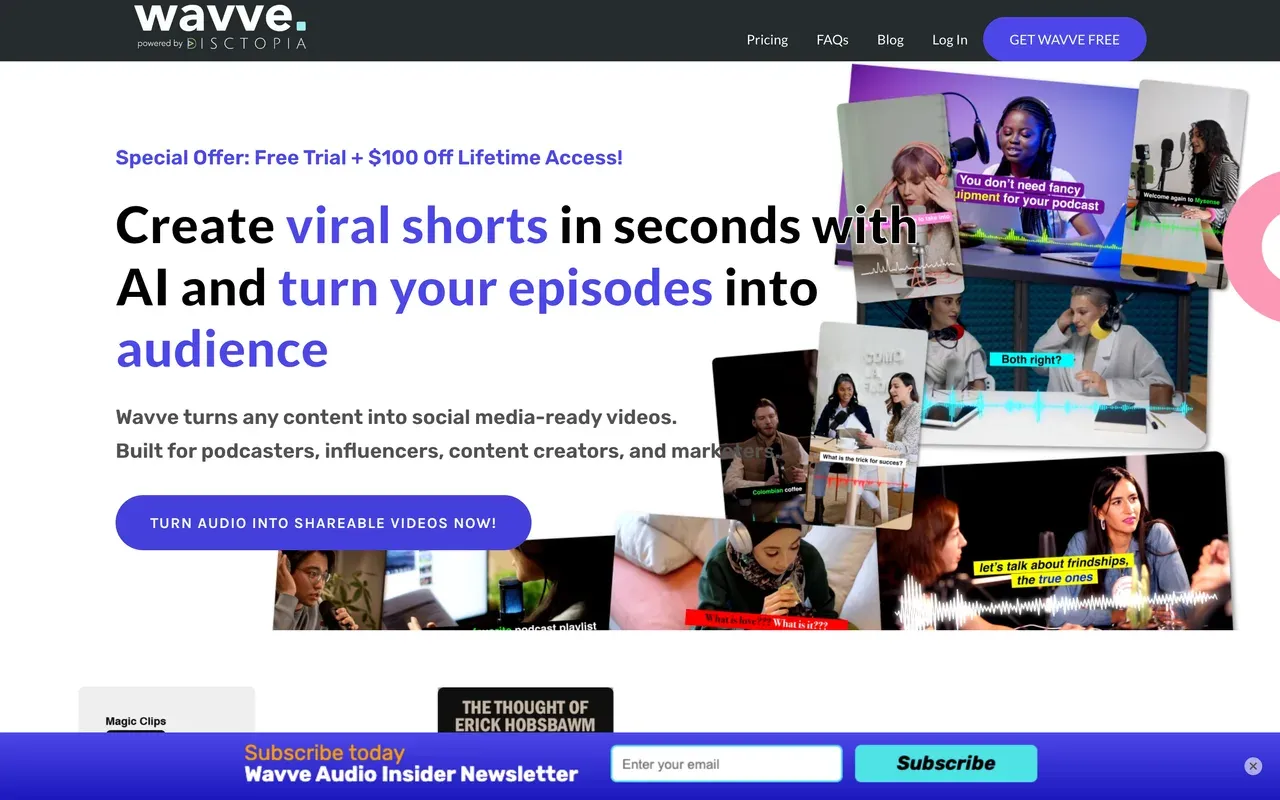
Wavve, one of the original waveform-video tools, was acquired by podcast host Disctopia in May 2025 and now runs as 'Wavve powered by Disctopia', with features being folded into the Disctopia dashboard. The product still works: waveform and audiogram templates with captions, AI hot-spot detection, a scheduler, and promo pricing from $7.99/mo.
Caveats stack up: there is no ongoing free plan, only a trial; the Starter plan meters just 70 upload minutes a month; output tops out around 2-hour videos with audio files best kept under 50MB; Trustpilot feedback cites support and billing problems; and parts of the site still show testimonials from 2021 and 2022.
- Pricing:
- From $7.99/mo (Starter promo; regular $9.99); annual 20% off, exact prices not published
- Free plan:
- No ongoing free plan; free trial only
- Best for:
- Podcasters already on or joining Disctopia who want simple audiograms plus scheduling
Pros
- Waveform and audiogram templates with captions
- AI hot-spot detection finds shareable moments
- Built-in social scheduler and a lifetime-access promo
Cons
- No ongoing free plan
- Tight caps: 70 upload minutes a month on Starter
- Post-acquisition roadmap uncertainty and stale site content
- Support and billing complaints in reviews
- 6
Audiogram
getaudiogram.comThe simplest waveform clip maker, with the lowest ceilings
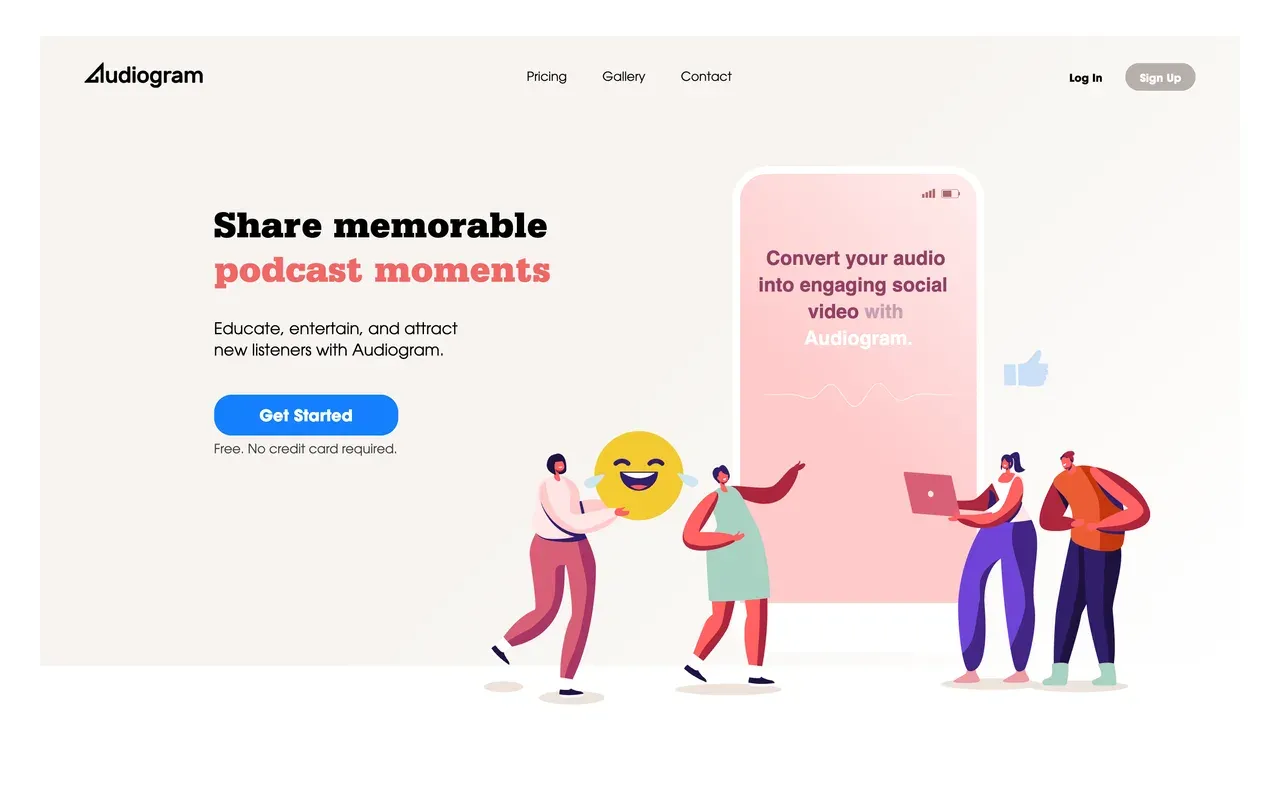
Audiogram strips the job to three steps: upload audio, pick a clip, export a captioned waveform video with your branding. The free plan covers 2 videos a month with captions capped at 60 seconds, watermarked. Paid plans lift you to 15 videos ($19/mo Pro) or 30 videos ($29/mo Elite), watermark-free.
The ceilings arrive fast: captions max out at 5 minutes per video even on Elite, there is no unlimited tier and no published annual pricing, reviewers report unresponsive customer service, and the showcased case studies date from 2019 and 2020, which suggests a product in maintenance mode.
- Pricing:
- Pro $19/mo; Elite $29/mo; no annual pricing displayed
- Free plan:
- 2 videos/month, captions capped at 60 seconds, watermarked MP4 export
- Best for:
- Occasional podcasters needing a couple of short captioned clips a month
Pros
- Dead-simple upload-to-clip flow
- Editable auto-transcribed captions
- Multi-aspect export for each social platform
Cons
- 5-minute caption ceiling even on the top plan
- Low monthly video caps with no unlimited tier
- Unresponsive-support reports and a stagnant feature set
- 7
VEED
veed.ioA full editing suite when the visualizer is only one deliverable
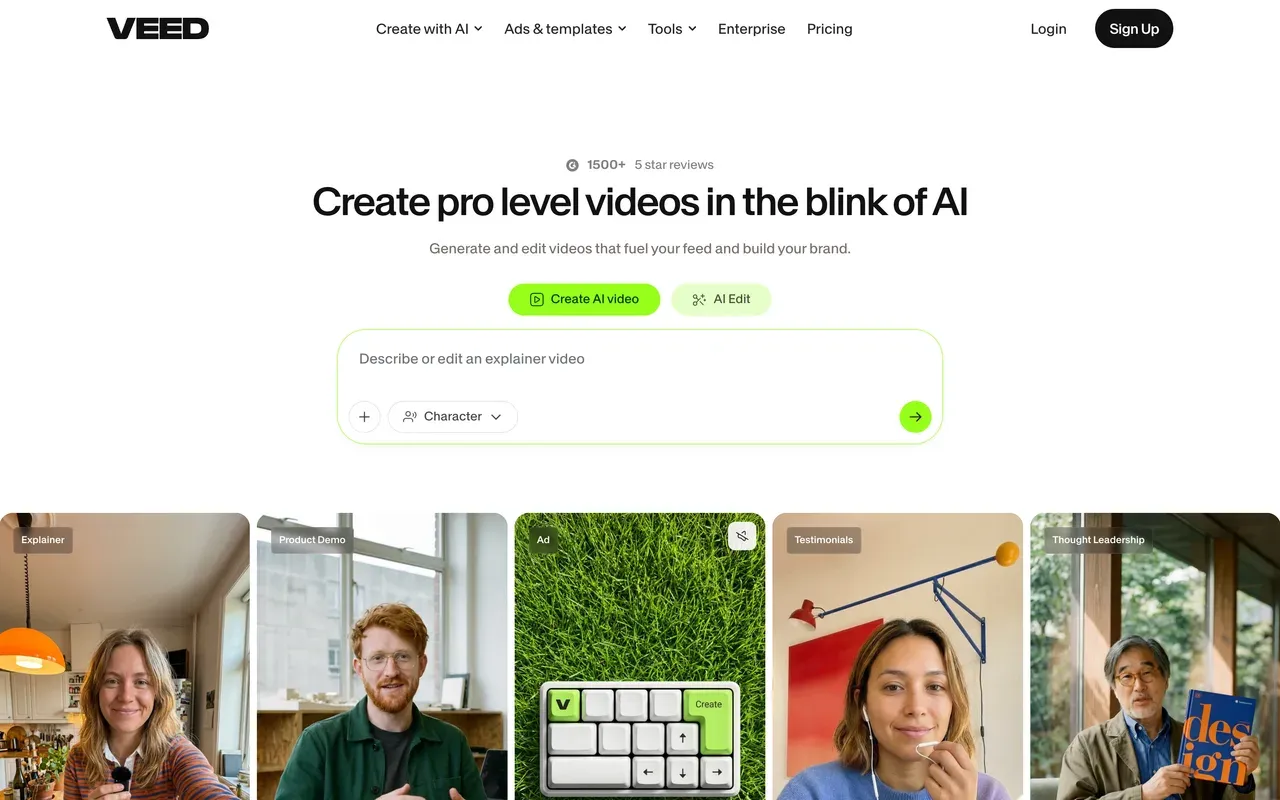
VEED is the pick when your channel needs more formats than visualizers: a browser editor with auto-subtitles in 50+ languages on Pro, a recorder, AI avatars, text-to-speech, and a Gen-AI studio aggregating 25+ video models. Music marketing teams juggling lyric captions, promo cuts, and artist interviews get one tool for all of it.
The costs are structural: every plan is per user with monthly billing at roughly double the annual rate, all AI runs on yearly credit allowances users report exhausting, the free tier is a 720p, 10-minute, watermarked demo, and billing complaints lead its Trustpilot page.
- Pricing:
- From $10/mo billed annually (Creator; $20 monthly), per user
- Free plan:
- Free: 720p, 10-minute export cap, 2GB storage, limited AI credits, watermark
- Best for:
- Music marketing teams producing many video formats beyond visualizers
Pros
- Broad browser suite: editor, subtitles, recorder, avatars, AI generation
- Subtitle translation in 50+ languages on Pro
- Brand kits and team controls
Cons
- Per-user pricing; monthly billing about doubles the rate
- AI metered by yearly credits
- Demo-grade free tier with watermark
- Auto-renewal and refund complaints on Trustpilot
- 8
Wave.video
wave.videoAn editor-hosting-streaming bundle, not a visualizer specialist
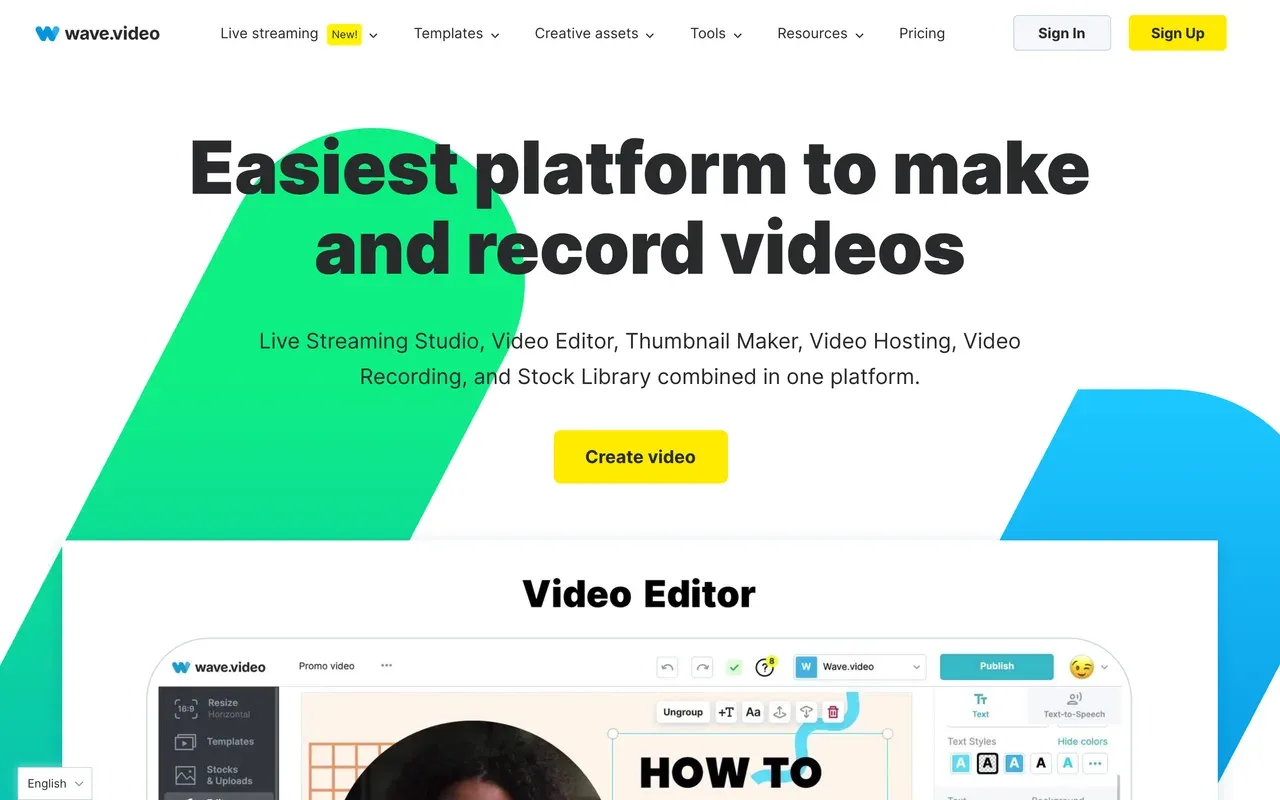
Wave.video bundles a lot for the money: an editor, a multistreaming live studio, video hosting with embeds, a thumbnail maker, a recorder, and a 200M-asset stock library on Creator and above, with captions in 20+ languages. For a musician running premieres and clips from one account, the breadth is tempting.
The catches are sharp: the free plan caps edited videos at 15 seconds and watermarks everything, its Trustpilot score sits at 2.6, reviewers report render errors and streams stuck in processing, and users describe automatic charges when exceeding plan limits. Treat it as a utility bundle, not a visualizer studio.
- Pricing:
- From $12.80/mo billed annually (Streamer; $16 monthly)
- Free plan:
- Editor limited to 15-second videos, watermark on all outputs, 10GB storage
- Best for:
- Marketers who want editing, hosting, and streaming under one subscription
Pros
- Editor, live streaming, hosting, and recorder in one bundle
- 200M stock assets on Creator tier and above
- Captions in 20+ languages plus text-to-speech
Cons
- Free plan caps edited videos at 15 seconds, with a watermark
- Trustpilot 2.6 with reliability complaints
- Reports of automatic charges for exceeding plan limits
- No dedicated audio-reactive visualizer focus
Specterr vs EchoWave at a glance
| Feature | EchoWave | Specterr |
|---|---|---|
| Free tier reality | Free forever: full editor, audio and video up to 60 minutes, 720p exports | 1 video per day, 720p 30fps, 5-minute max, image backgrounds only |
| Free export expiry | No expiry on your downloads | Free exports are deleted after 10 days |
| Watermark on free exports | Small badge in the editor; quick tools export with no watermark | Watermark on free exports |
| Starting price | $9/mo billed annually (Basic; $19 monthly) | $16.50/mo billed annually (Pro; $29 monthly) |
| Video quotas on paid plans | No per-video fees or monthly video quotas | Pro allows 5 videos/month (monthly billing) or 60/year (annual); unlimited starts at $49/mo annual |
| Max resolution and frame rate | 8K and 120fps on Business, 4K at 50/60fps on Pro | 4K 60fps only on Unlimited; 1080p 60fps on Pro |
| Max video length | Up to 60 minutes on the free plan | 5 minutes free, 10 minutes on Pro, 120 minutes on Unlimited |
| Preview accuracy | Baked spectrum: scrubbing the timeline shows the real visualizer frames | Live real-time preview while editing |
| Beyond visualizers | Full editor: captions, karaoke text, progress bars, converters, compressor | Visualizer and lyric videos only, no general editing |
| Pay-per-video option | No: free plan or subscription | Yes: $14.99 to $29.99 per video, watermark-free, no subscription |
| Rendering | In the cloud, from any browser | Cloud rendering, 1 parallel export on every plan, queues at busy hours |
Best free Specterr alternative
Be honest about the podium here. Vizzy is the best free pure visualizer on the internet: no watermark, up to 4K 60fps, no paid plan at all, with the trade-off that renders run on your own machine. EchoWave is the best free pick when the visualizer is part of a bigger video: the free editor takes tracks up to 60 minutes with no daily cap and no export expiry, and quick tools export watermark-free. Specterr's free tier, by contrast, allows 1 video a day at 720p and deletes your exports after 10 days.
Specterr alternative without a watermark
Three routes, cheapest first. Vizzy never watermarks anything and costs nothing. EchoWave quick tools export with no watermark free, and removing the small editor badge costs $9/mo billed annually, which also unlocks 1080p. Specterr's own watermark-free paths are the $16.50/mo annual Pro plan, still quota-capped at 5 videos a month on monthly billing, or single videos at $14.99 to $29.99 each with no subscription. Renderforest removes watermarks from $8/mo annual but caps Lite at 60 clean exports.
Best Specterr alternative for YouTube musicians
If the goal is turning finished tracks into YouTube uploads, work backwards from resolution and length. EchoWave handles a full album or DJ mix up to 60 minutes free, exports 4K at 50/60fps on Pro, and its mp3 to YouTube flow pairs the music visualizer with cover art and a progress bar. Vizzy does free 4K 60fps if your hardware can carry the render. Specterr itself caps length at 10 minutes on Pro; 120-minute videos require the $49/mo annual Unlimited tier.
Audiogram makers vs music visualizers
The tools on this page split into two families. Headliner, Wavve, and Audiogram are audiogram makers: caption-led waveform clips built for podcast promotion, metered by monthly video or minute caps. Specterr, Vizzy, and EchoWave are music visualizers: audio-reactive scenes built for tracks and mixes. If you produce both a podcast and music, EchoWave is the only tool here that covers the two shapes, with the audio waveform video generator sitting beside the visualizer in the same editor.
How to switch from Specterr to EchoWave
One project from track to published visualizer, with no daily cap.
-
1. Upload your track and artwork
Drop your audio and cover art into the music visualizer in any browser. No account needed, and files are processed for your session, not used to train AI models.

-
2. Style the visualizer scene
Choose a spectrum or waveform style, position it over your artwork, add karaoke-style lyric text and a progress bar, and scrub the timeline: the baked spectrum shows exactly what will render. The audio to video workflow keeps everything in one project.
-
3. Export for YouTube
Render in the cloud and download: 720p free, 1080p from $9/mo billed annually, 4K at 50/60fps on Pro. Full mixes up to 60 minutes work even on the free plan; see mp3 to YouTube for the upload side.

What people are saying about EchoWave

About the EchoWave team
EchoWave is a browser-based video and audio editor built by Lemon Vault LLC since 2018. The people who build the editor write these guides and test every step in the production app before publishing.
Specterr alternative FAQ
What is the best free Specterr alternative?
For a pure visualizer, Vizzy: completely free, donation-funded, no watermark, and it exports up to 4K at 60fps, with the catch that rendering runs on your own computer and the browser tab must stay open. For a visualizer inside a real editor, EchoWave's free plan takes tracks up to 60 minutes with no daily video cap and no export expiry, exporting 720p with a small badge. Specterr free allows 1 video a day, capped at 5 minutes, and deletes exports after 10 days.
What is cheaper than Specterr?
Specterr Pro costs $16.50/mo billed annually ($29 monthly) and still caps output at 5 videos a month on monthly billing. Cheaper subscriptions on this page: Renderforest Lite at $8/mo annual (60 watermark-free exports, then limits), EchoWave Basic at $9/mo annual with no video quotas, and Headliner at $7.99/mo annual for podcast-style waveform clips. Vizzy is free outright. For a one-off release, Specterr's own $14.99 single-video purchase can beat a subscription; nothing else here offers per-video pricing except Renderforest's $24 single export.
Does Specterr have a watermark?
Yes, on the free plan, which also limits you to 1 video per day at 720p 30fps with a 5-minute cap, and deletes exports after 10 days. Watermark-free output requires either a paid plan, Pro at $16.50/mo billed annually or Unlimited at $49, or a single-video purchase at $14.99 to $29.99 depending on resolution. On EchoWave, quick tools export watermark-free on the free plan, and the editor badge comes off at $9/mo billed annually. Vizzy never adds a watermark.
Specterr vs EchoWave: which should I pick?
Pick Specterr if you live entirely inside visualizer and lyric videos and want its deep dedicated controls, up to 7 reactive wave colors, audio-reactive backgrounds, and a live preview, or if you release rarely and prefer paying $14.99 per video with no subscription. Pick EchoWave if you publish regularly and want no video quotas, tracks up to 60 minutes free, scrub-accurate previews, and an editor around the visualizer for captions, progress bars, and promo cuts, with 4K on Pro at $17/mo billed annually.
Is Vizzy really free, or is there a catch?
Really free. Vizzy has no paid plan; it is donation-funded through Ko-fi with over 650 supporters, and the live site confirms everything is included: up to 4K 60fps export, portrait, landscape, and square formats, lyric videos, and no watermark. Blogs listing a $14/mo Vizzy tier are wrong. The honest catches are structural, not commercial: rendering uses your own hardware with the tab open, the learning curve is real, and support is a community Discord.
Why did my Specterr video disappear?
On the free plan, exported videos expire and are deleted 10 days after rendering, per Specterr's own pricing page. If you exported a free video and came back later to a missing file, that is the policy working as designed, not a bug. The fix is to download immediately and store the file yourself, or use a tool without export expiry: EchoWave and Vizzy both let you keep what you render, on free plans.
How many videos can I make on Specterr Pro?
Five per month on monthly billing, or 60 per year if you pay annually, per the pricing page, alongside 1080p 60fps output, a 10-minute length cap, video backgrounds, and no watermark. Every Specterr plan also processes just 1 export at a time, and the render queue can back up during busy hours. If you release more than weekly, Specterr's Unlimited tier at $49/mo billed annually or a quota-free editor like EchoWave works out simpler to plan around.
Can these tools make lyric videos?
Three can, differently. Specterr is a purpose-built lyric video maker with designed presets and per-element controls. Vizzy supports animated lyrics in its free editor. EchoWave approaches lyrics through its caption system: karaoke word-level animations timed to the audio, with 170+ style presets, which also doubles as subtitles for promo clips. Headliner, Wavve, and Audiogram focus on caption-led podcast clips rather than stylized lyric typography, so they are the wrong pick for that job.
What is the cheapest way to get a 4K music visualizer?
Vizzy, at $0, if your computer can handle the render time: it exports 4K 60fps free with no watermark. In the cloud, EchoWave Pro at $17/mo billed annually renders 4K at 50 or 60fps with no video quotas. On Specterr, 4K 60fps requires either the Unlimited plan at $49/mo billed annually or a $29.99 single-video purchase, and Renderforest locks 4K to its Business tier at $34.30/mo annual, which renews at $49.
The honest verdict
Make your next visualizer without a quota EchoWave has a free plan
Tracks up to 60 minutes, no account needed to start.
Get Started →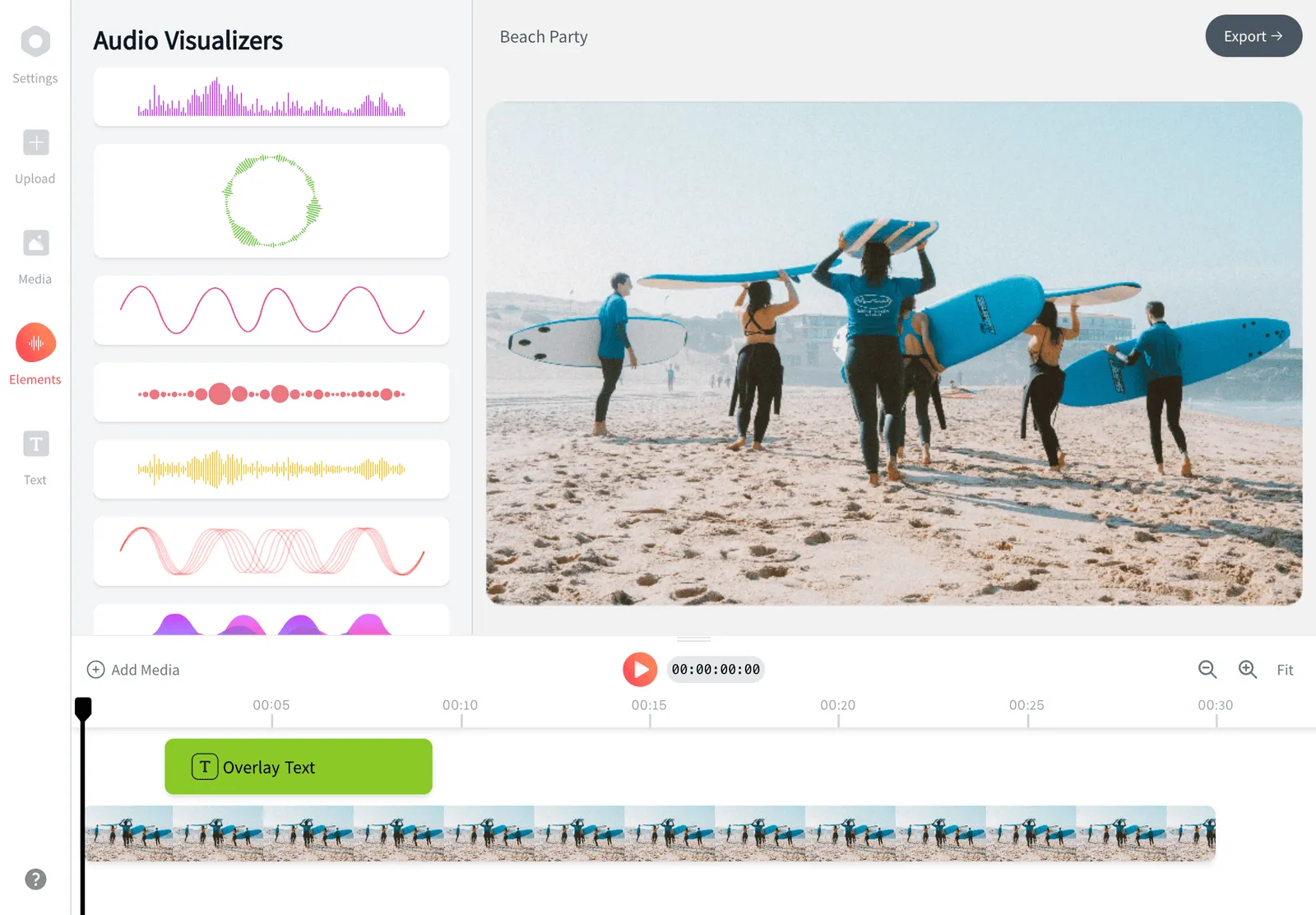
How we checked
Prices and limits on this page come from the tools' own published pages, as checked August 2026:
- Specterr pricing (specterr.com) - Specterr
- Specterr music visualizer (specterr.com) - Specterr
- Vizzy (vizzy.io) - Vizzy (live site confirms free, no paid plans)
- Renderforest subscription (renderforest.com) - Renderforest
- Headliner pricing (spotsaas.com) - SpotSaaS tracker (headliner.app blocks automated access)
- Wavve pricing (wavve.co) - Wavve
- Audiogram pricing (getaudiogram.com) - Audiogram
- VEED pricing (veed.io) - VEED
- Wave.video pricing - Wave.video
Every competitor claim on this page was re-verified against the sources above on August 3, 2026.
Pricing and limits change often. If anything here is out of date, email hello@echowave.io with a link and we'll correct it. Our editorial policy explains how we test and update comparisons.
Trademark and comparison notice. Specterr and all related names, logos, product names and trademarks are the property of their respective owners. EchoWave is an independent product and is not affiliated with, associated with, authorised by, endorsed by, sponsored by, or in any way officially connected to Specterr or its owners. Any third-party names, logos and trademarks are used here only to identify and compare the products honestly (nominative fair use) and do not imply any endorsement, partnership or affiliation.
This comparison reflects EchoWave's own opinion and our understanding of publicly available information believed accurate at the time of writing. Third-party features, pricing and availability change frequently and can vary by region, so figures may be out of date; please confirm the current details on Specterr's official website before making a decision. EchoWave makes no representation or warranty as to the accuracy or completeness of any third-party information shown here. If you believe anything on this page is inaccurate or out of date, please contact us and we will review it promptly.