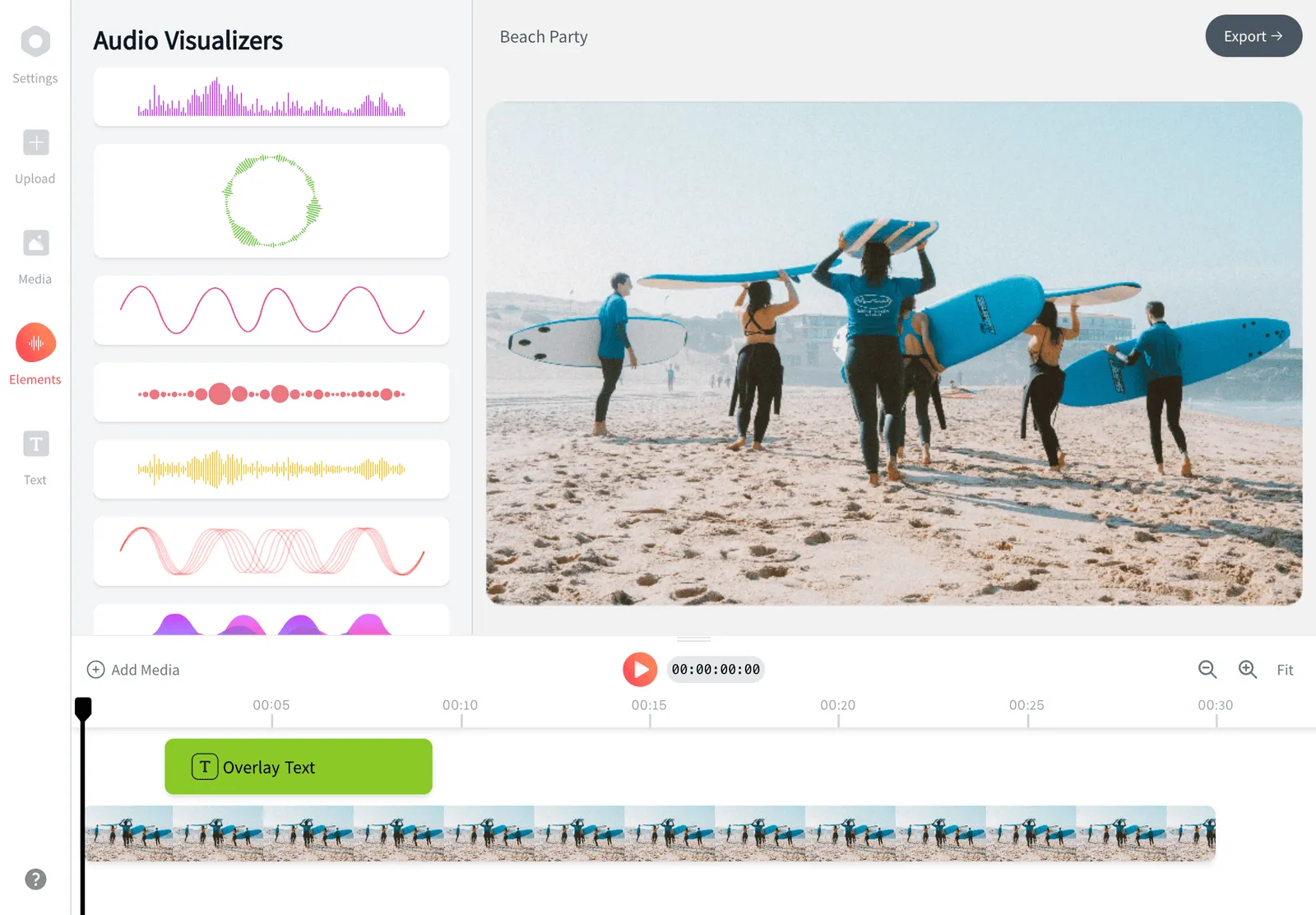
Add Music to a Photo Online
Add music to a photo, drop in a song, audio, or any MP3, and turn a still picture into a video you can post anywhere. Upload your image, then pick a royalty-free track or your own file and export an MP4 for Instagram, TikTok, WhatsApp, or YouTube with EchoWave's online video editor. It's free to start, there's nothing to install, and it runs on your phone.


Add Music to a Photo Online Features


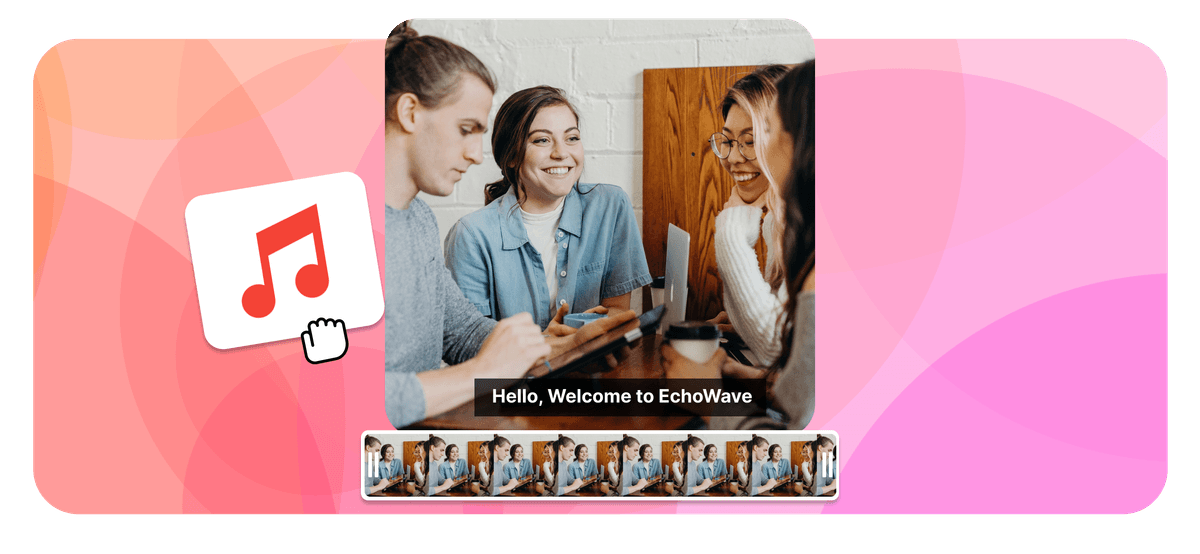
To add music to a photo, or any audio, song, or MP3, you merge the picture and the sound into an MP4 video, because a JPG or PNG file can't hold audio on its own. In EchoWave you add audio to a photo in three steps: upload your image, add an MP3 or pick a royalty-free track, set how long it plays, then export an MP4 you can post anywhere. It's free, runs in your browser, and needs no signup.
Echowave is used by thousands of businesses around the world





How to add music to a photo
Three steps take you from a still picture to a video that is ready to share, all in your browser. The same steps add audio to a photo, a song, or any MP3.
-
1. Upload your photo
Drag and drop a JPG, PNG, WebP, or iPhone HEIC photo into the editor. Choose a canvas size (9:16 vertical, 1:1 square, or 16:9 widescreen) to match the platform you are posting to, or let the canvas fit your image automatically.

-
2. Add your audio or music
Upload an MP3, WAV, or M4A, choose a song from the royalty-free library, or record a voiceover. Trim the track to the part you want, set the volume, and add a music visualizer if you want the sound to be seen on screen.
-
3. Export and share
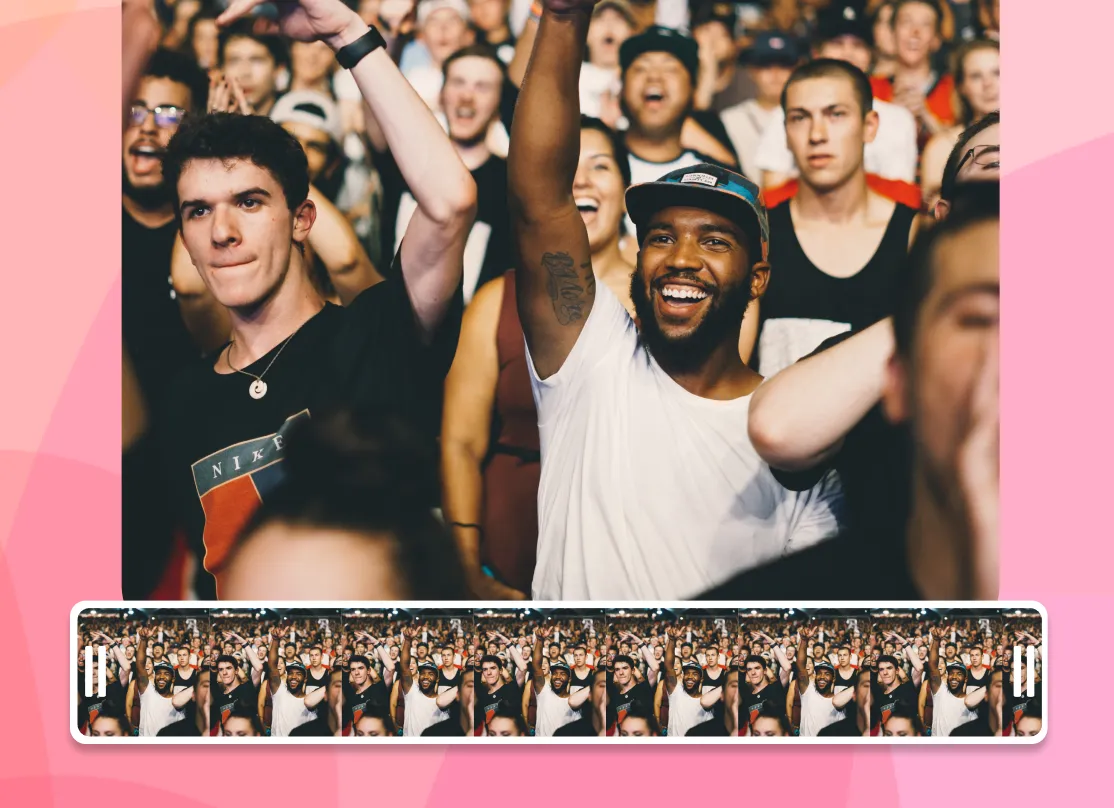
Press Export and EchoWave renders an MP4 with your photo on screen for the full length of the audio. Download it, then post it to Instagram, TikTok, WhatsApp, or YouTube.
What people are saying about EchoWave
Photo + audio = video
Why adding sound to a photo makes a video
Image files like JPG and PNG cannot hold sound, because there is no audio track inside a photo. EchoWave does what every professional tool does and merges your picture and your audio into an MP4 video. Your photo stays on screen for the full length of the track, and the result plays anywhere a video plays, from Instagram and TikTok to WhatsApp, YouTube, and your camera roll.
Any photo plus any song becomes an MP4 that plays everywhere
-
10+ image formats
including iPhone HEIC
-
12+ audio formats
MP3, WAV, M4A and more
-
Up to 4K export
-
Files up to 1 GB
The full toolkit
More than a photo audio mixer
EchoWave is a complete online editor, so adding a song to a picture is just the start. Everything below works on the same canvas, with no extra apps.
-
Use your own audio
Upload an MP3, WAV, or M4A. It can be a song, a voice note, or a podcast clip. If you can play it, you can put it on a photo.
-
Royalty-free music library
No track on hand? Browse built-in royalty-free background music and add it to your photo without copyright worries.
-
Music visualizers
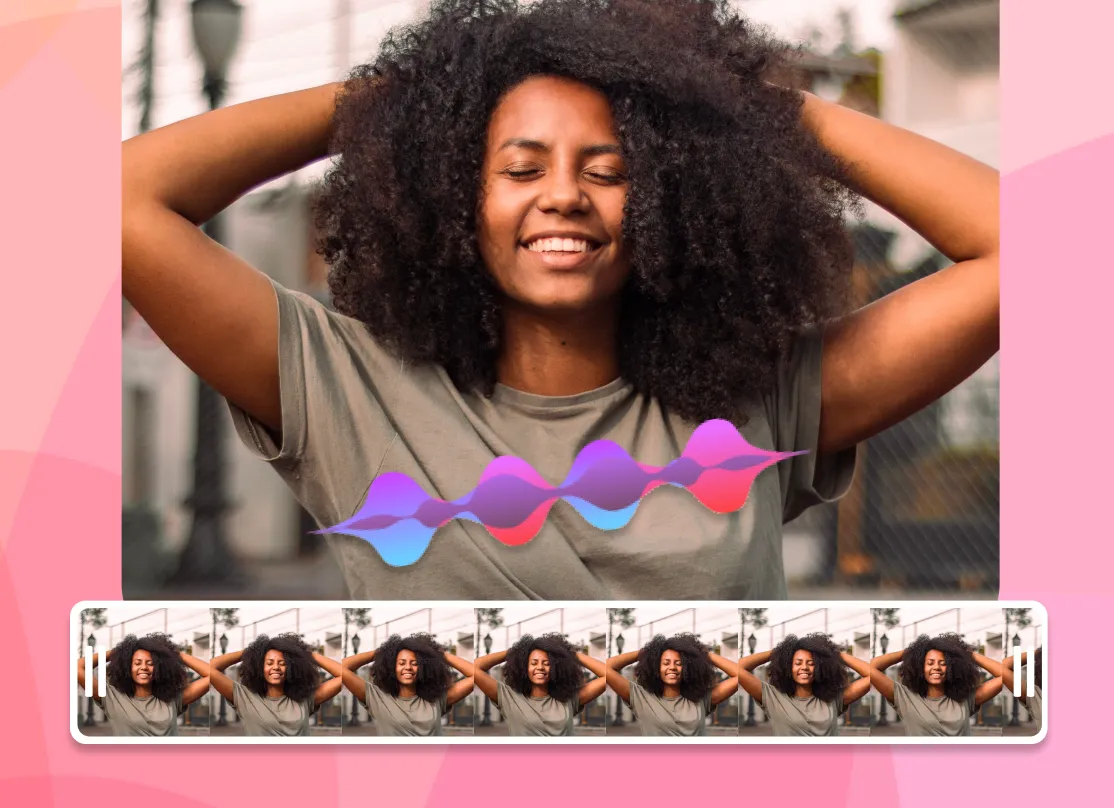
Add an animated waveform or spectrum that moves with the beat, so your still photo never looks static.
-
AI voiceover
Type a script and lay a natural AI voice over your picture, with no microphone needed. Great for narrated posts and tributes.
-
Trim, fade, and mix
Cut the audio to the exact section you want, set the volume, and fade in or out for a clean finish.
-
Subtitles and text
Add captions and titles over your image, which is ideal for feeds that autoplay on silent.
-
Any aspect ratio
One click switches the canvas between 9:16, 1:1, and 16:9, framing your photo for the platform you're posting to.
-
HD and 4K export
Export a crisp MP4. Free exports carry a small EchoWave watermark, and paid plans remove it and unlock 4K.
Built for sharing
The right size for every platform
A photo with music only works if the platform accepts the file. Pick a preset and EchoWave frames your picture to fit.
-
9:16 Vertical
- TikTok
- Instagram Reels & Stories
- YouTube Shorts
- WhatsApp Status
-
1:1 Square
- Instagram feed
- X
-
16:9 Widescreen
- YouTube
- presentations
- web
| Platform | Best size | Max length | Good to know |
|---|---|---|---|
| Instagram Reels | 9:16 · 1080×1920 | 3 min | Under 90 seconds tends to reach further |
| Instagram Story | 9:16 · 1080×1920 | 60 s per card | Longer videos split into cards |
| TikTok | 9:16 · 1080×1920 | 10 min | Keep mobile uploads under 287 MB |
| YouTube Shorts | 9:16 · 1080×1920 | 3 min | 9:16 is required for the Shorts shelf |
| WhatsApp Status | 9:16 | 90 s | Keep the file under 16 MB |
| YouTube | 16:9 · 1920×1080 | Up to 12 hours | The standard for full uploads |
Platform limits as published, June 2026.
Ideas
What people make with one photo and one song
-
Share a song with cover art
Put album or single artwork behind a track and post your music to YouTube, Reels, or TikTok.
-
WhatsApp status with music
A photo with background music makes a 90-second status that friends stop to hear.
-
Birthday & anniversary wishes
Put their favourite song on a photo and send a greeting that feels like a gift.
-
Memorial tributes
Pair a treasured photo with a meaningful piece of music for a respectful, shareable remembrance.
-
Podcast & audio clips
Turn a quote from an episode into a photo and waveform clip, also known as an audiogram.
-
Voice notes on photos
Merge a photo and audio of a recorded message to make a picture that speaks.
Any device
Add music to a photo on iPhone, Android, Windows, or Mac
EchoWave runs in the browser, so the steps are the same on every device and there is nothing to install from an app store.
-
iPhone (Safari)
Upload straight from your camera roll, and HEIC photos work without conversion. Add your song, export, and save the MP4 back to Photos. The built-in Photos app cannot export a video with a custom song, but this can.
-
Android (Chrome)
Android has no universal built-in photo-music tool. Open the editor in Chrome, upload your image and MP3, and download the finished video to your gallery.
-
Windows
Skip the project setup in the Photos app. Drag a picture and an MP3 into the browser editor, line them up, and export. There is nothing to install.
-
Mac (Safari or Chrome)
Faster than building an iMovie timeline for one image. Upload, add audio, and export an MP4 in about a minute.
Compare
How EchoWave compares to other photo and music tools
| Feature | EchoWave | Kapwing | Clideo | addmusictophoto.com |
|---|---|---|---|---|
| Works in the browser, no install | Yes | Yes | Yes | Yes |
| Royalty-free music library | Yes | Yes | No | No |
| Music visualizers on photos | Yes | No | No | No |
| AI voiceover (text to speech) | Yes | Yes | No | No |
| Subtitles & text styling | Yes | Yes | No | No |
| Aspect ratio presets (9:16, 1:1, 16:9) | Yes | No | Yes | No |
| iPhone HEIC photos | Yes | No | No | No |
| 4K export available | Yes | No | No | No |
| Image formats accepted | JPG, PNG, HEIC, WebP, GIF + more | JPEG, PNG | JPEG, TIFF, PNG, GIF | JPEG only |
Based on what each tool advertises on its own add audio to image page as of June 2026. A dash means the feature is not mentioned there. EchoWave's 4K export and watermark removal are part of paid plans.
Private by default
Uploads travel over an encrypted connection and live in your project, where only you can access them. They are only used to create your video, and you can delete projects whenever you like. Read more on our security page.
Add music to your photo now
Start free. Upload a picture and give it a soundtrack.
Why adding music to a photo creates a video
A still image is only pixels. JPG, PNG, WebP, and HEIC files have no audio stream inside them, so a picture on its own can never play a sound. The only way to keep a photo and its audio together in one file is to wrap them in a container that holds both, and that container is a video, almost always an MP4. So when you add music to a photo, add a song to a picture, or add sound to an image, what you actually create is a short video where the image stays on screen while the track plays.
That is what EchoWave does for you. The editor places your photo on a canvas, lays the audio on the timeline below it, and renders an MP4 that runs for the full length of the track. The picture does not move, but the file now carries sound, which is exactly what platforms like Instagram, TikTok, and WhatsApp need before they will accept it. You upload, add the audio, and export. No prior editing experience is needed, and nothing gets installed on your device.
The process is the same whether you call it adding music to a picture, putting an MP3 over an image, or adding audio to a photo: one image plus one track, exported as a video. If you have several photos and want them to change in time with a song, that is a slideshow rather than a single still, and the photo video maker is built for that. For one picture and one track, this tool is the most direct route.
Add audio to a photo on iPhone and Android
EchoWave runs entirely in the browser, so there is no app to install on either platform. On an iPhone, open EchoWave in Safari, tap to upload a photo straight from your camera roll, add an MP3 or a royalty-free track, then export. HEIC photos from recent iPhones upload as is, with no need to convert them to JPG first. Apple's Photos app can build Memories set to Apple Music, but those clips cannot be saved out as a normal video file, so a browser tool is the reliable way to get an MP4 you can actually keep and post.
On Android, the steps are the same in Chrome. Upload your image, add your audio, and download the finished MP4 to your gallery. Because the work happens in the browser, the exact same process runs on phones, tablets, and desktops without a separate download for each one. If you only have a voice note or a song saved on the device, upload that file directly and it becomes the soundtrack for your photo.
A practical tip for phones: pick the right canvas size before you export, not after. Re-cropping a finished MP4 means re-rendering, so choosing 9:16 for a Story or 1:1 for a feed post at the start saves a step.
Sizing for Instagram, TikTok, WhatsApp, and Facebook
Every platform prefers a different shape, and EchoWave has presets for all of them so your photo fills the frame instead of sitting inside black bars. Set the canvas size before you export:
- Instagram Reels and Stories, TikTok: 9:16 vertical, 1080 x 1920. Reels under 90 seconds tend to reach further, so trim long tracks down.
- Instagram feed post: 1:1 square (1080 x 1080) or 4:5 portrait (1080 x 1350).
- YouTube and Facebook video: 16:9 widescreen, 1920 x 1080.
- WhatsApp status: 9:16 vertical, trimmed to 60 seconds, kept under the in-app size cap so it sends without re-compressing.
Whichever preset you choose, the steps stay the same: drop in your picture, add the track, set the size, and export an MP4 that uploads straight to the platform you have in mind.
Supported formats and export specs
You can bring almost any common file into the editor. On the image side, EchoWave reads JPG, PNG, WebP, HEIC, and static GIF. For audio, it accepts MP3, WAV, M4A, AAC, OGG, and FLAC, which covers everything from a downloaded song to a voice memo recorded on your phone.
The output is always an MP4 with H.264 video and AAC audio, the pairing that plays on practically every phone, browser, and social platform without conversion. The free plan exports up to 1080p, which is full HD and the right resolution for social feeds. Paid plans raise that to 4K and remove the watermark. Because your photo is a single frame held on screen, the file stays small for its length, which keeps uploads quick even on a phone connection.
One honest limitation worth knowing: the browser cannot read the duration or dimensions of every exotic codec the way the server can. If a less common audio file does not show a length right away, the editor still uploads it and the render handles it, so your export is not blocked by a quirky source file.
Practical uses for a photo with audio
The most common reason people add music to a photo is to share something on a platform that only accepts video. Turning a single cover image and a track into an MP4 is the standard way to add a song to a picture, a beat, or a demo on Reels, TikTok, or YouTube without filming anything. The same trick lets you add an MP3 to an image for an album release: musicians use it to put a track behind their artwork on screen, and podcasters use it to post a clip with their show art.
It is also handy for spoken audio. Pair a portrait or a logo with a recorded message, a testimonial, or an announcement, and you have a clip that travels through feeds and messaging apps where a raw audio file would not. For visual interest, switch on a music visualizer so a waveform or bars react to the sound while the photo holds behind them, which stops a still image from feeling flat over a long track.
Quieter use cases work too: a birthday photo with a favourite song, a holiday picture with the audio you recorded there, or a quote card with a voiceover. In every case the recipe is one image plus one piece of audio, exported as a video you can keep.

About the EchoWave team
EchoWave is a browser-based video and audio editor built by Lemon Vault LLC since 2018. The people who build the editor write these guides and test every step in the production app before publishing.
Frequently Asked Questions
Quick answers about how to add music to a photo, plus audio, songs, sound, and MP3s to pictures and images online.
How do I add music to a photo?
Upload the photo, add an MP3 or pick a royalty-free track, then export an MP4. The picture stays on screen for the full length of the audio. The same steps add music to an image or add audio to a picture, since the format does not matter.
Can a JPEG or PNG photo contain sound?
No. Image files have no audio stream, so the picture and the track are combined into an MP4 video that carries both the image and the sound.
Is it free to add music to a photo?
Yes, it is free and there is no account required to start. Optional paid plans add 4K export and remove the watermark.
Will my video have a watermark?
Exports from the full editor include a small EchoWave watermark on the free plan, which you can remove any time by upgrading. EchoWave's dedicated quick tools, like crop, trim, and compress, export with no watermark.
How do I add music to a photo on iPhone?
Open EchoWave in Safari, upload a photo from your camera roll (HEIC works), add your song or audio, then export. There is no app to install, and the MP4 saves straight to your camera roll. This also works to add a song to a photo when Apple's Music library will not export as a file.
How do I add music to a photo on Android?
Use the same browser steps in Chrome to add music to a picture: upload your image, add a song, and download the MP4 to your gallery. Nothing needs installing.
How do I make a photo with music for Instagram?
Pick the 9:16 preset for a Reel or Story, or 1:1 for a feed post, add your track, then export and upload the MP4 to Instagram.
How do I add music to a photo for a TikTok or WhatsApp status?
Export a 9:16 vertical MP4. For TikTok, keep it short; for a WhatsApp status, trim the audio to about 60 seconds so it sends without re-compressing.
Can I use my own MP3 or a voice recording?
Yes. Upload any MP3, WAV, M4A, AAC, OGG, or FLAC file, including a voice memo, or record a voiceover directly in the editor. You can add an MP3 to an image or add sound to a picture the same way, with no format conversion first.
What image and audio formats can I upload?
Images: JPG, PNG, WebP, HEIC, and static GIF. Audio: MP3, WAV, M4A, AAC, OGG, and FLAC. Output is always an MP4.
How long can the audio be?
As long as you need. The photo holds on screen for the whole track, and you can trim the audio to play only the part you want before exporting.
Can I add several photos to one song?
For a sequence of images timed to a track, use the photo video maker to build a slideshow. This tool is for a single still picture with one audio track.
Are my files private?
Your photo and audio load into the editor in your own browser and are not shared with anyone. Files used for rendering are processed for your export and not published.
Ready to put music on your photo? Free plan available
No credit card needed. Free exports include a small Echowave.io watermark. Upgrade any time to remove it and export in 4K.
Add music to a photo →