Free YouTube Clip Maker, No Watermark
Upload a long video and let EchoWave's AI score every moment, cut the strongest ones to 9:16 with captions, or trim by hand on the timeline. Everything runs in your browser, nothing to install.

Free YouTube Clip Maker, No Watermark Features
How to make a YouTube clip
Start with your long video, choose the section worth keeping, then export a clean clip ready for YouTube Shorts and other social channels. The whole workflow runs in your browser.
-
1. Upload your video
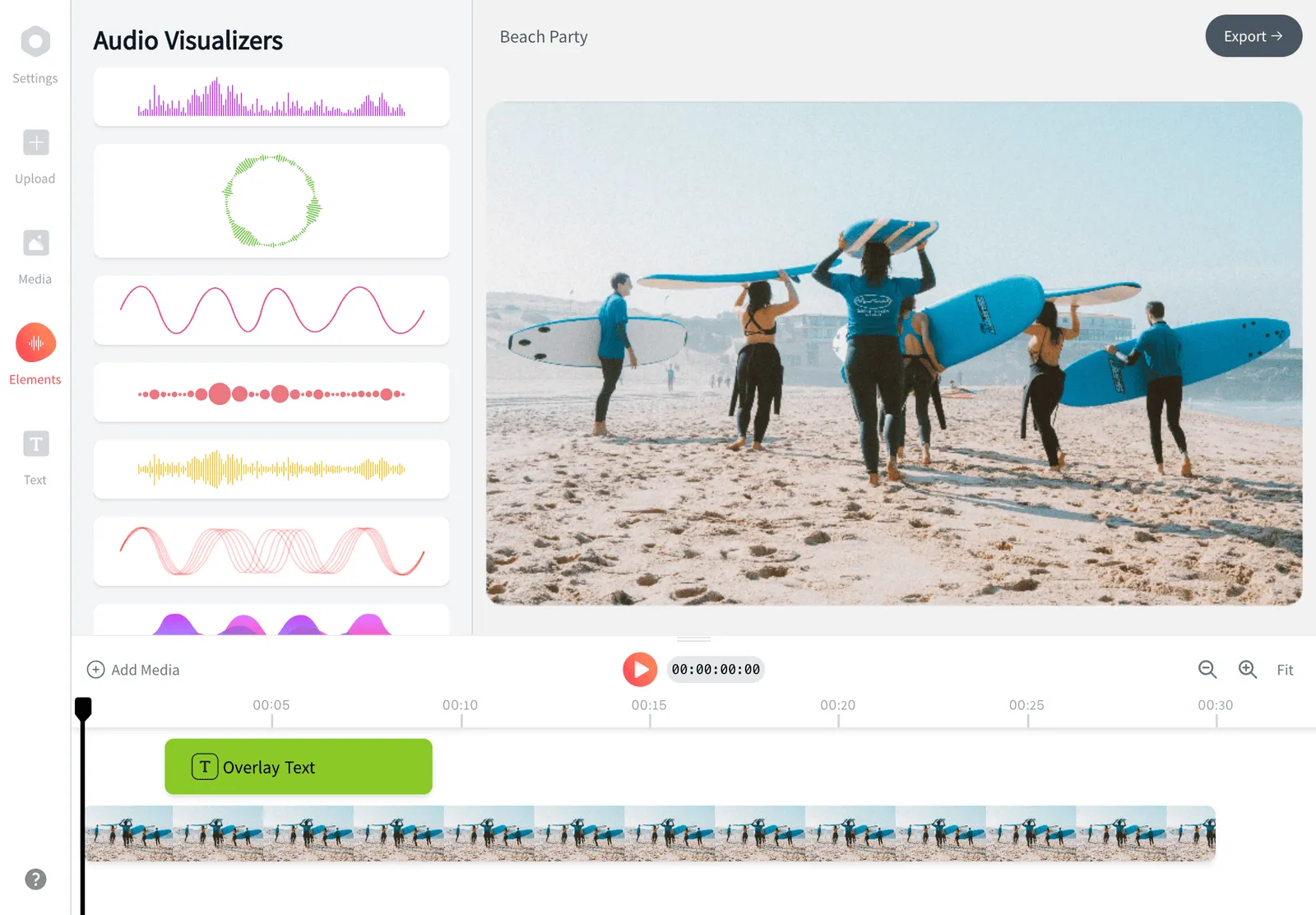
Open the EchoWave editor and drag your video file onto the canvas. Common formats work, including MP4, MOV, WebM, AVI, and MKV. Your file uploads to your private workspace and appears on the timeline, ready to cut.

-
2. Trim and edit your clip
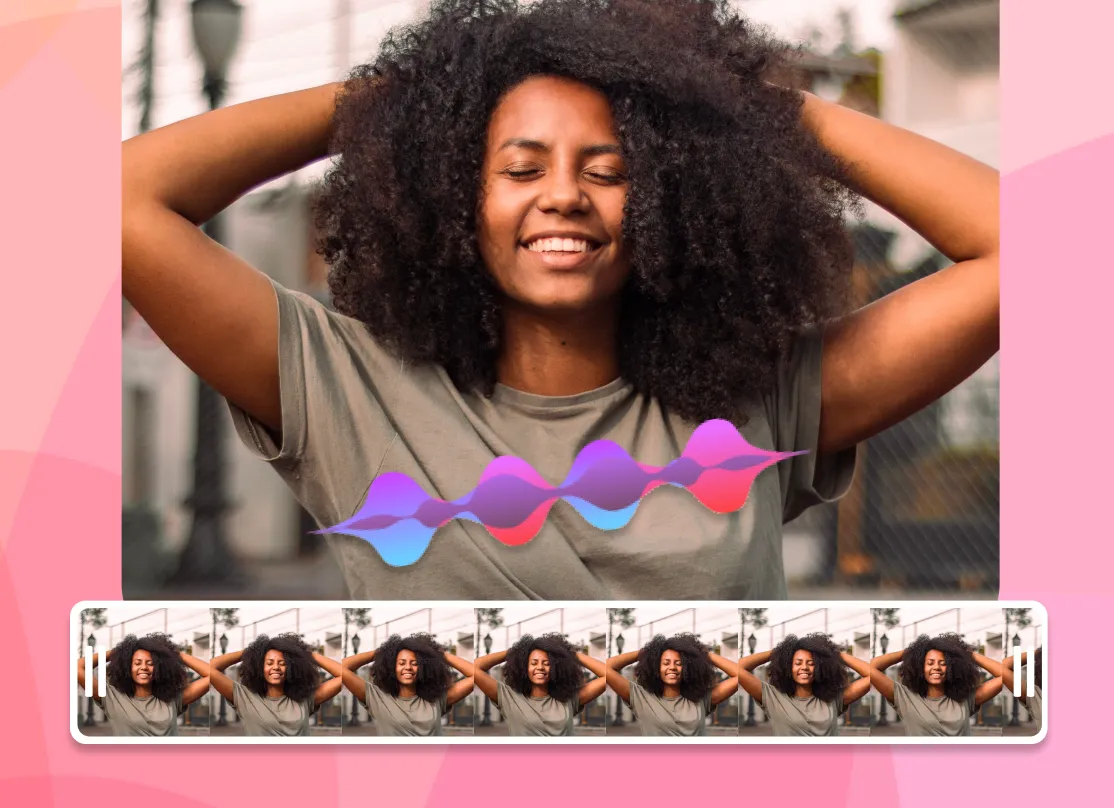
-
3. Export and share
Press Export to render your clip as an MP4. Pick the resolution that fits the platform, then download the finished file with no watermark and upload it to YouTube Shorts, TikTok, Reels, or anywhere else.
What people are saying about EchoWave
New: AI Picks the Clips
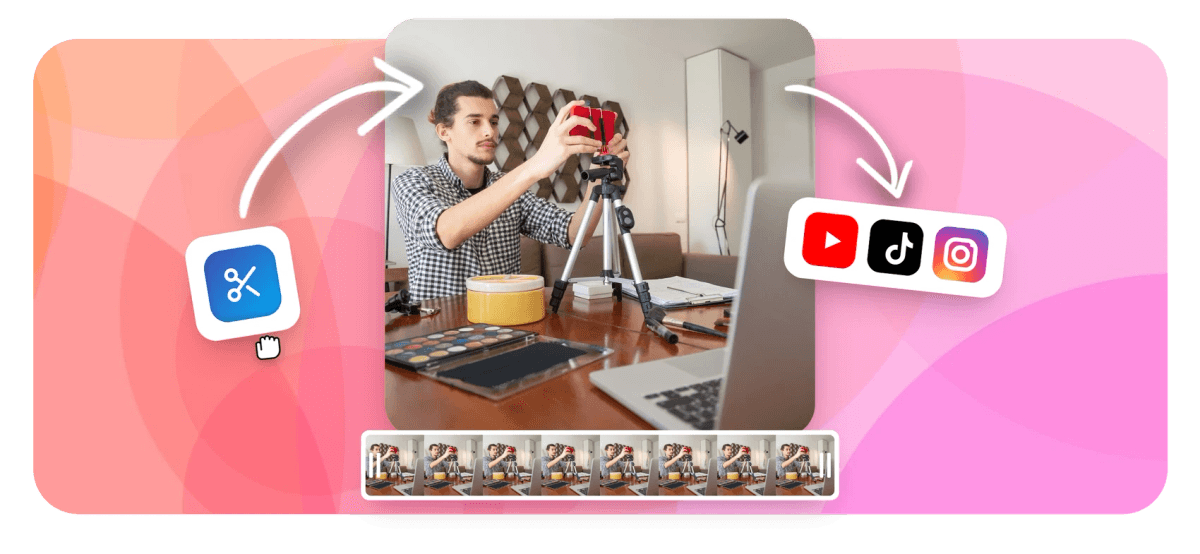
A YouTube clip maker lets you clip a YouTube video, cutting a short segment out of a longer recording and exporting it as a standalone file. With EchoWave you upload your video, drag the timeline handles to the exact start and end of the moment you want, resize the frame for Shorts or another platform, then download a clean MP4. This YouTube clip maker is free, runs in your browser, and adds no watermark.
How the EchoWave YouTube clip maker works
EchoWave is a real editor, not a paste-a-link downloader. You bring your own footage, a recorded talk, an interview, a stream export, a tutorial, or a video you already own on your channel, and you cut it down with frame-level control. Set an in point and an out point on the timeline and the clip is trimmed instantly, with no re-encoding wait until you export.
Because you work on a timeline rather than a single slider, you are not limited to one cut. You can pull several highlights from the same recording, drop them onto the timeline in order, and stitch them into one clip, or export each segment on its own. Everything stays editable until you render, so you can nudge the in and out points, swap the soundtrack, or change the crop without starting over.
Make YouTube Shorts from long videos
Long-form content is where most clips come from, and turning long videos into Shorts is the most common reason people reach for a clip maker. A 40-minute podcast, a webinar, a livestream, or a lecture usually holds several moments that work as 15 to 60 second clips. To make YouTube Shorts from a recording, open it in EchoWave, scrub to the part that lands, mark it, and reframe it vertical. If you have ever searched for how to clip a YouTube video, this is the same idea: pick the start and end, then export the segment on its own.
YouTube Shorts run up to 3 minutes and are built for a 9:16 vertical frame at 1080x1920. When you crop a 16:9 recording to 9:16, reposition the subject so faces and on-screen text stay inside the frame rather than getting sliced at the edges. Burned-in captions help here too, since a large share of Shorts and Reels views happen with the sound off.
Resize for every platform
One source video can feed several channels if you change the aspect ratio for each one. The frame sizes that matter most:
- 9:16 vertical (1080x1920) for YouTube Shorts, TikTok, Instagram Reels, and Facebook Reels.
- 1:1 square (1080x1080) for in-feed posts on Instagram and Facebook.
- 16:9 widescreen (1920x1080) for standard YouTube uploads and embeds.
EchoWave lets you set the canvas size, crop or pan the footage inside it, and add padding or a background if the original aspect ratio does not fill the new frame. Reframing once per platform is faster than re-editing the whole clip.
Supported formats and export specs
You can upload the formats creators actually record in, including MP4, MOV, WebM, AVI, MKV, and most H.264 and HEVC video. Clips export as MP4 with H.264 video and AAC audio, the combination YouTube, TikTok, and Instagram all accept without re-processing.
For upload-ready output, 1080p is the practical sweet spot: it looks sharp on phones and keeps file sizes reasonable. EchoWave also lets you export 720p when you want a smaller file. Keep the frame rate matched to your source (usually 24, 30, or 60 fps) so motion stays smooth and audio stays in sync.
Editing tools beyond the cut
A tight trim is the start. To make a clip hold attention, you can layer on the extras that signal a finished piece rather than a raw screen grab:
- Add a hook line or title with text overlays, and set when each line appears and disappears.
- Burn in captions so the clip is watchable on mute.
- Drop in a logo or watermark of your own to keep clips branded across a series.
- Add background music or a voiceover, and balance it against the original audio.
- Adjust speed, rotate or flip the frame, and trim dead air at the head and tail.
Reusing the same fonts, colors, and logo placement across every clip keeps a series feeling consistent even when the source videos differ.
Privacy, pricing, and a note on copyright
You upload your video to your own private workspace, edit it there, and export it. EchoWave is a free YouTube clip maker that runs online with nothing to install, and clips you export from the dedicated quick tool carry no watermark. The free plan in the full editor includes a small EchoWave watermark; paid plans remove it everywhere and add longer exports.
One honest point on copyright: a clip maker is for footage you have the right to use, your own recordings, content you created, or material you are licensed to edit. Re-cutting someone else's YouTube video and reposting it can breach their rights and YouTube's policies, so use the tool with content you own or have permission to use.
Works on any device and browser
EchoWave runs in the browser, so there is nothing to download or install. It works on Chrome, Edge, Firefox, and Safari across Windows, macOS, ChromeOS, and Linux. You can start a clip on a laptop and pick it back up later from your dashboard, which keeps your projects in one place rather than scattered across a hard drive.

About the EchoWave team
EchoWave is a browser-based video and audio editor built by Lemon Vault LLC since 2018. The people who build the editor write these guides and test every step in the production app before publishing.
Frequently Asked Questions
Is the EchoWave YouTube clip maker free?
Yes. You can upload, trim, resize, and export clips for free. Clips made with the dedicated quick tool have no watermark, and paid plans remove the small watermark from the full editor and add longer exports.
Does it add a watermark to my clips?
No watermark is added when you export from the dedicated YouTube clip tool. In the full free editor a small EchoWave mark appears, which any paid plan removes.
How do I turn a long YouTube video into Shorts?
Upload the long recording, drag the timeline handles to a 15 to 60 second moment, crop the frame to 9:16 vertical, add captions, then export. Repeat for each highlight you want to publish as a separate Short.
Can I make a clip from a YouTube video that is not mine?
Only if you have the right to use it. EchoWave is built for footage you own or are licensed to edit. Re-cutting and reposting someone else's video can breach copyright and YouTube's policies.
Do I need to download or install anything?
No. EchoWave runs entirely in your web browser, so there is no app or desktop software to install. It works on Chrome, Edge, Firefox, and Safari.
What video formats can I upload?
Common formats work, including MP4, MOV, WebM, AVI, and MKV, plus most H.264 and HEVC video. If your browser cannot read an unusual file, the upload still proceeds for server-side processing.
What format and resolution do clips export in?
Clips export as MP4 with H.264 video and AAC audio, which YouTube, TikTok, and Instagram all accept. You can export at 1080p or 720p and keep your source frame rate.
Can I add captions and text to my clip?
Yes. You can add captions, title cards, and text overlays, and control when each line appears. Burned-in captions help on Shorts and Reels, where many people watch on mute.
How long can a YouTube Short be?
YouTube Shorts can be up to 3 minutes long in a 9:16 vertical frame. Most high-performing clips land between 15 and 60 seconds, so trim to the moment that earns the view.
Can I make several clips from one video?
Yes. The timeline lets you pull multiple highlights from a single recording, then export each one separately or stitch chosen segments into one clip.
Will editing reduce the quality of my clip?
Trimming itself does not degrade quality. EchoWave re-encodes once at export, so choosing 1080p keeps clips sharp for upload while keeping file sizes manageable.
Can EchoWave find and clip the best moments automatically?
Yes. The AI clip generator transcribes your upload, then rates candidate moments with a Viral Score from 0 to 100, broken into Hook, Clarity, Emotion, Value and Trend sub-scores with a reason for each pick. It returns a ranked grid of 1 to 30 clips, already reframed to 9:16 with word-timed captions in any of 60+ styles and a suggested title. You can also type a prompt like "find moments about sponsorships" to search the transcript directly. Every clip opens as a normal project in this editor, so trim, recrop or restyle before exporting. Analysis is free for 30 minutes of source video a month; free exports carry a small watermark at 720p.
What does the AI clip generator not do?
A few things, and it is worth being upfront. It works on files you upload, so it cannot pull a video down from a YouTube link. There is no post scheduler or direct publishing, no AI B-roll, no dubbing or voice cloning, no multi-guest remote recording, and no RSS automation for podcast feeds. Speaker detection is on-screen only: lip movement matched to the voice, not voice-print analysis. What it does handle is the slow part, finding, scoring, reframing and captioning the clips, and every result stays fully editable in the timeline.
Ready to make some YouTube clips? We have a free plan!
No credit card required, our free plan includes a small Echowave.io watermark.
Get Started →