
The 10 Best Headliner Alternatives in 2026
Headliner is still a solid audiogram maker, but its free tier is ad-supported, exports top out at 1080p, and the mobile app caps clips at 10 minutes of audio. EchoWave is our top pick: its AI clip generator pulls 1 to 30 clips per episode, scores each 0-100 for virality with Hook, Clarity, Emotion, Value, and Trend sub-scores, reframes speakers across 7 camera layouts, and captions everything in 60+ styles, with audiograms, waveform video, and a full browser editor behind it. Free and cheaper picks are ranked below, including where Headliner still wins.



The 10 Best Headliner Alternatives in 2026 Features
Trusted by thousands of creators worldwide





Why people look for a Headliner alternative
Headliner is not dying. Its docs were refreshed in April 2026, the Android app is actively listed, and pricing has been stable per 2026 trackers. But it is quiet: the public review base is tiny (six G2 reviews), the official site sits behind an aggressive bot gate, and the free tier now runs ads inside the app. The sharper complaints are practical. The mobile app caps clips at 10 minutes of audio, users report the share flow hanging for hours and clips landing on Instagram with no audio, and exports top out at 1080p with no 4K option anywhere.
We tested every alternative in the browser and checked each pricing page in August 2026. One transparency note: because Headliner's site blocks non-browser traffic, its prices here come from 2026 pricing trackers rather than a live pricing page, and we flag them as such.
TL;DR: EchoWave is the best overall alternative for podcasters who want AI-picked, virality-scored clips (30 free source minutes a month) plus audiograms, waveforms, and full episodes without per-episode caps; Vizzy if you want genuinely free, watermark-free 4K visualizers; Descript if the transcript is where you like to edit.
The best Headliner alternatives in 2026, ranked
Every pick tested in the browser. Prices checked August 2026.
- 1
EchoWave
Our pickBest overall: AI-picked, virality-scored clips plus audiograms and waveform videos, with no per-episode caps
Headliner's whole category, turning audio into share-ready video, is EchoWave's home turf, and it now finds the highlights for you. Give it an episode and the AI clip generator picks 1 to 30 moments per run, scores each 0-100 for virality with Hook, Clarity, Emotion, Value, and Trend sub-scores plus plain-English reasons like "strong hook" or "big reactions", reframes speakers across 7 camera layouts using on-screen speaker detection (lip movement matched to the voice), and captions clips in any of 60+ word-timed styles. When you already know the topic, a "Find moments about ..." prompt searches the transcript directly. From there the audiogram creator, audio waveform video generator, and podcast-to-video tools cover the classic Headliner jobs inside a full multi-track editor, with the audio spectrum baked into the preview for frame-accurate scrubbing, no per-episode or monthly video caps, auto subtitles in 50+ languages, and paid plans from $9/mo billed annually, with 4K on Pro at $17/mo billed annually.
The honest caveat stays: Headliner's RSS automations are genuinely hands-off. It can create clips for every new episode automatically and even upload full episodes to YouTube on a schedule. EchoWave does not watch your RSS feed; you upload or link each episode yourself, with 30 free minutes of clip analysis a month (180 on Basic, 600 on Pro). Its batch automation story is templates built from your own projects, bulk CSV renders, and a REST API. Powerful, but not zero-touch.
- Pricing:
- Free plan; paid from $9/mo billed annually
- Free plan:
- Free forever: 30 AI clip-analysis minutes a month, full editor, 720p exports with a small watermark; quick tools export with no watermark
- Best for:
- Podcasters and audio creators who want AI-picked clips plus audiograms and full episodes from one editor

Pros
- AI clips with a Viral Score 0-100 (Hook, Clarity, Emotion, Value, Trend sub-scores) and speaker-aware auto-reframe across 7 camera layouts
- Audiograms, waveforms, and podcast-to-video with no per-episode caps
- Auto subtitles in 50+ languages with 170+ presets and karaoke word highlighting
- Scrub-accurate previews thanks to the baked audio spectrum
- 4K export on Pro; Headliner stops at 1080p
- Starts in the browser with no account or install
Cons
- No RSS-fed automation; you upload or link each episode, then batch runs use templates, CSV, and the API
- Free plan analyses 30 source minutes a month; full-editor exports are watermarked at 720p
- No native iOS or Android app; it runs in the phone's browser
- 2
Audiogram
getaudiogram.comThe simplest possible audiogram maker
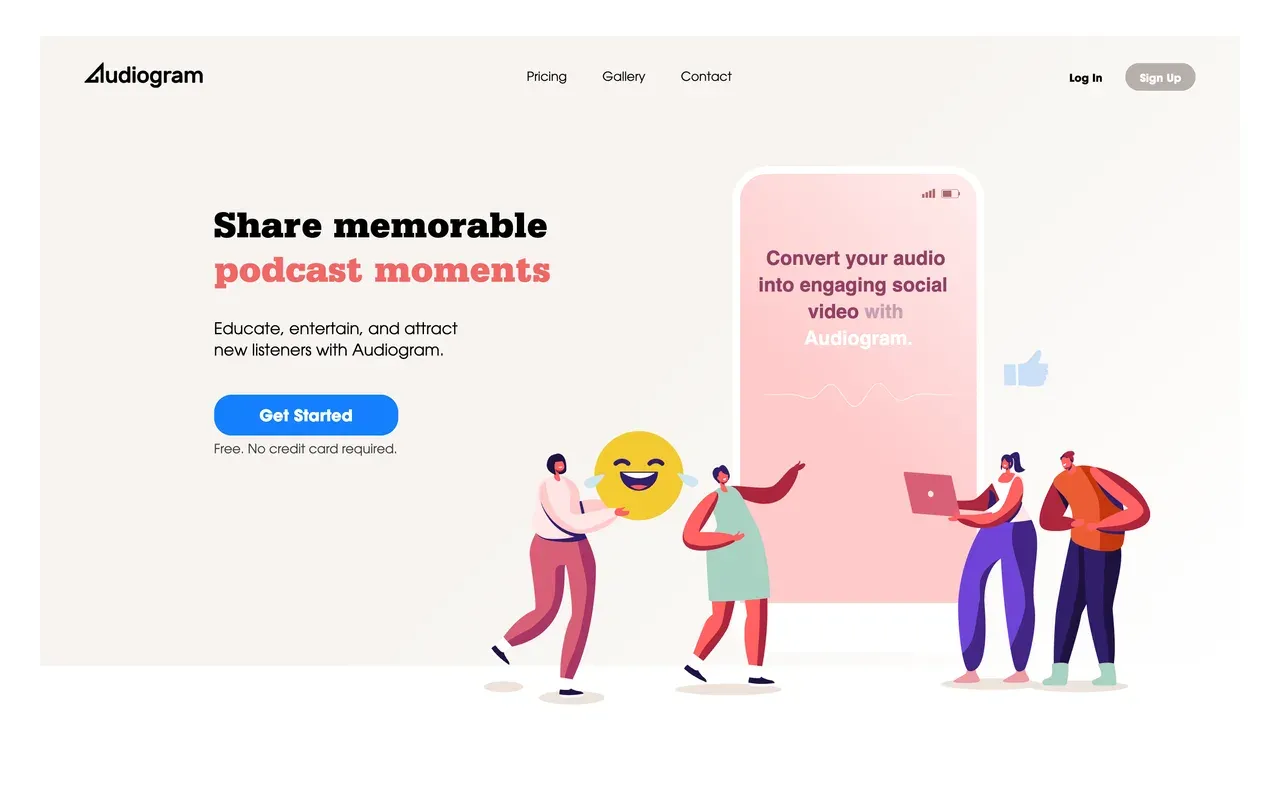
Audiogram (getaudiogram.com) does one thing with almost no learning curve: upload audio, pick a clip, export a captioned waveform video with brand templates and multi-aspect sizes. Against Headliner it is simpler but tighter: the free tier allows 2 videos a month with captions capped at 60 seconds, and even the $29/mo Elite plan stops at 30 videos a month with a 5-minute caption ceiling. No annual pricing is published.
The bigger worry is momentum. Showcase customers date from 2019 to 2020, there is no visible 2025 or 2026 feature news, and reviewers report unresponsive customer service. Fine for a couple of short clips a month; frustrating beyond that.
- Pricing:
- Pro $19/mo; Elite $29/mo (no annual pricing published)
- Free plan:
- 2 videos/month, captions capped at 60 seconds, watermarked exports
- Best for:
- Occasional podcasters making a couple of short captioned clips a month
Pros
- Dead-simple upload-to-export flow
- Editable auto-transcribed captions in the browser
- Multi-aspect export for Instagram, Facebook, X, LinkedIn
- Animated waveforms on every plan
Cons
- Hard 5-minute caption ceiling even on the top plan
- Low monthly video caps (2 free, 15 Pro, 30 Elite) with no unlimited tier
- Stagnant product with reports of unresponsive support
- 3
Wavve
wavve.coClassic audiograms plus a scheduler, now under Disctopia
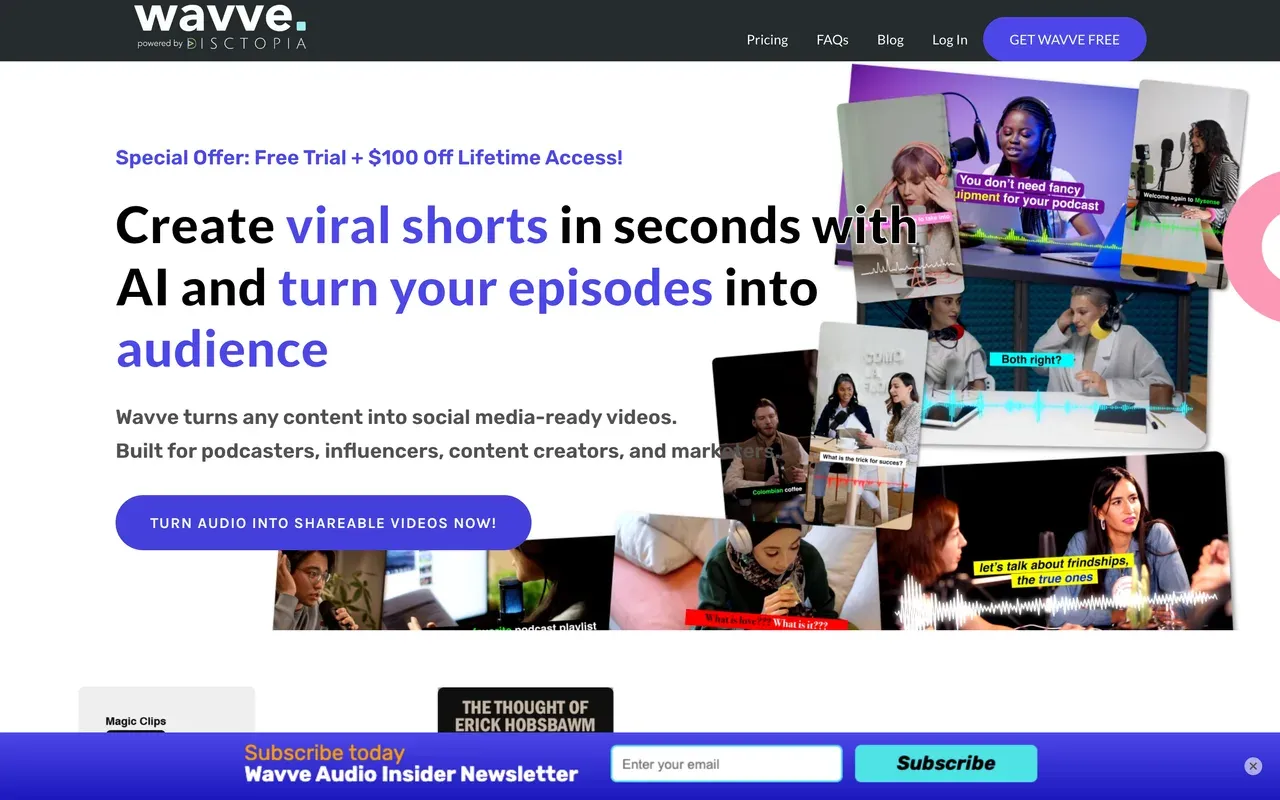
Wavve was acquired by podcast host Disctopia in May 2025 and is now branded 'powered by Disctopia', with its features gradually folding into the Disctopia dashboard. The product itself remains a classic Headliner rival: waveform videos with captions, AI hot-spot detection to find shareable moments, RSS and YouTube imports, and a built-in social scheduler.
The metering is stricter than Headliner's: no ongoing free plan (trial only), and Starter at $7.99/mo (promo price, regularly $9.99) includes 70 upload minutes and 18 video exports a month. Trustpilot feedback cites poor support and billing errors, and the standalone roadmap is uncertain post-acquisition. The current lifetime-access promo is the main draw if you want to lock in cheap audiograms.
- Pricing:
- From $7.99/mo (Starter promo; regularly $9.99)
- Free plan:
- No ongoing free plan; free trial only
- Best for:
- Podcasters on or joining Disctopia who want audiograms plus scheduled posting
Pros
- Audiograms with captions plus a built-in social scheduler
- AI hot-spot detection finds shareable moments
- Imports from RSS, YouTube, and cloud storage
- Lifetime-access promo currently offered
Cons
- Tight caps: 70 upload minutes a month on Starter
- No ongoing free plan
- Post-acquisition limbo; support and billing complaints on record
- 4
Descript
descript.comThe transcript-first podcast editor Headliner's Eddy hints at
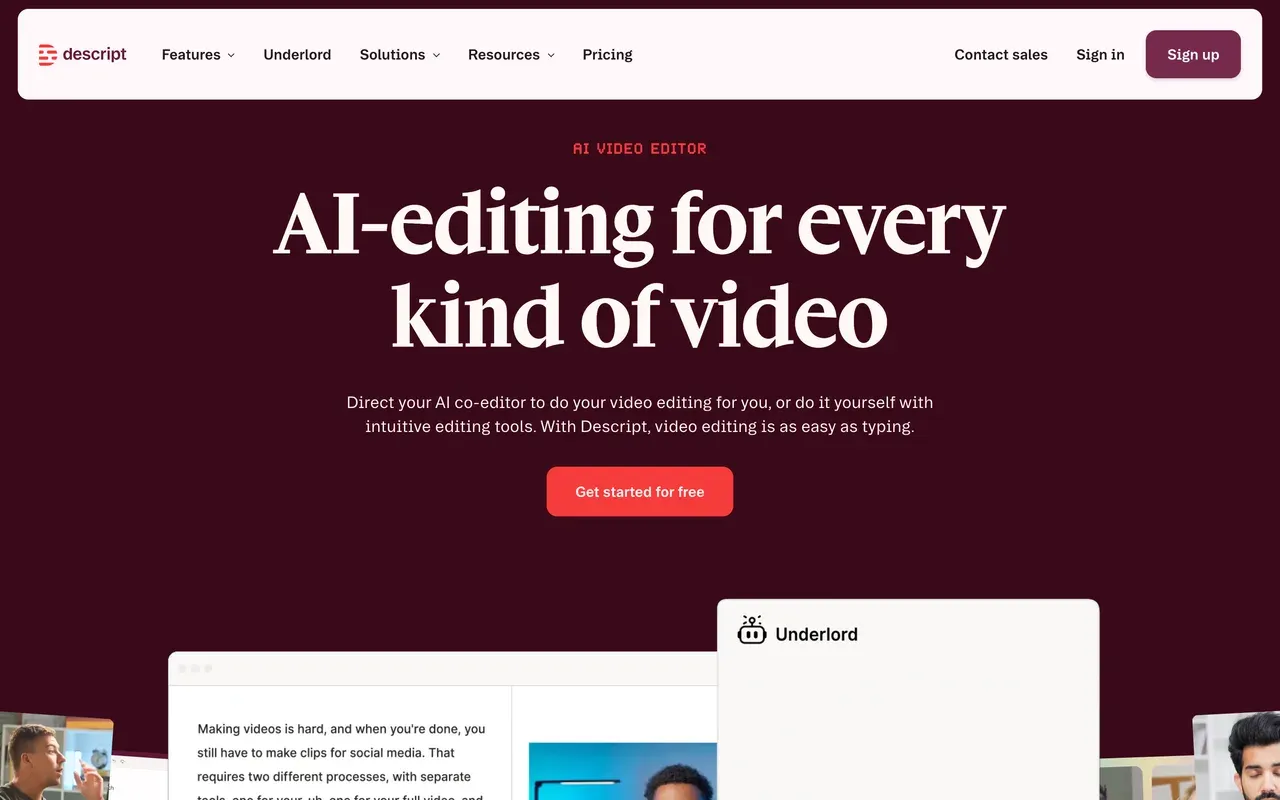
Headliner bundles its Eddy transcript editor; Descript is the full realization of that idea. It defined text-based editing: transcribe with industry-leading accuracy in 25 languages, then cut audio and video by deleting words. Multitrack editing, Studio Sound, filler-word removal, and the Underlord AI co-editor make it the most complete podcast production tool on this page.
Two cautions. Late-2025 pricing meters media hours and AI credits separately, and users complain that a month's credits can disappear in a day. And since the editor rebuild, long-project stability complaints (freezes, lag) recur in reviews. Hobbyist starts at $16/mo billed annually with 10 media hours a month.
- Pricing:
- From $16/mo billed annually (Hobbyist; $24 monthly)
- Free plan:
- 60 transcription minutes/month, 100 one-time AI credits, 720p export
- Best for:
- Podcasters who edit full episodes by transcript, not just clips
Pros
- Best-in-class text-based editing and transcription
- Studio Sound and filler-word removal clean up episodes fast
- Underlord AI co-editor can rough-cut, clip, and caption
- Remote and screen recording in the same tool
Cons
- Dual meter of media hours plus AI credits makes bills unpredictable
- Stability complaints on long projects since the rebuild
- More tool than pure audiogram makers need
- 5
Async (formerly Podcastle)
async.comA full AI podcast studio, if the credit system fits
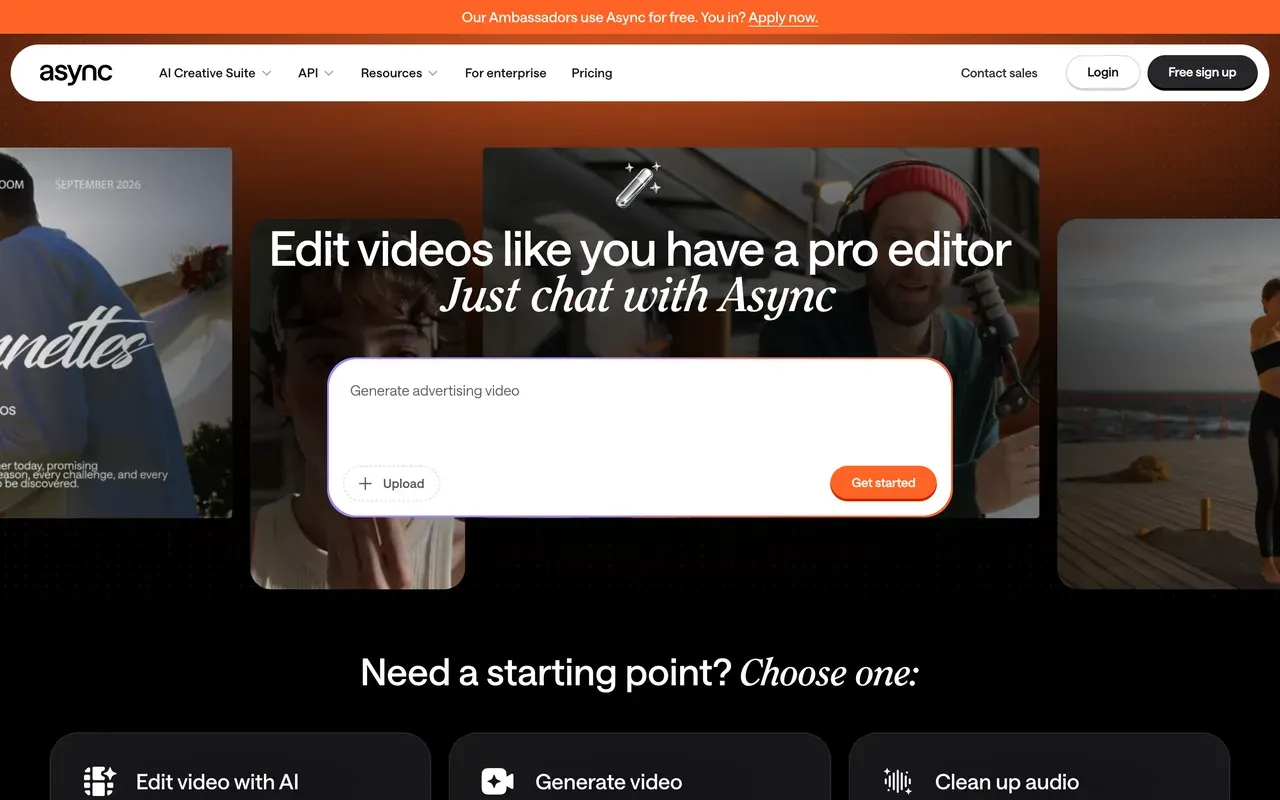
Podcastle rebranded to Async on January 28, 2026, keeping accounts, plans, and billing intact. It is a complete podcast studio rather than a clip tool: remote recording, audio and video editing, magic-clips repurposing, AI voices with cloning, and a chat-driven AI editing agent that executes edits from plain instructions.
The free Basic plan records up to 3 hours of video but watermarks videos and includes just 1 lifetime hour of remote recording. Storyteller at $11.99/mo billed annually removes the watermark and adds 450 monthly AI credits. Read the billing terms first: Trustpilot reviewers report trials rolling into annual charges of $300 to $700 with refunds refused, and clip features being moved to higher tiers after purchase.
- Pricing:
- From $11.99/mo billed annually (Storyteller; $14.99 monthly)
- Free plan:
- Free Basic plan: watermark on videos, 3-hour video recording cap, 1 lifetime hour of remote recording
- Best for:
- Solo podcasters who want recording, editing, and clips in one AI-heavy studio
Pros
- Recording, editing, clips, and AI voices in one place
- Chat-driven AI editing agent
- Voice cloning and audio enhancement included
- Existing Podcastle accounts and pricing carried over
Cons
- AI credits meter every paid tier
- Trustpilot reports of trial-to-annual billing surprises and refund refusals
- Reliability complaints: failed recordings and processing errors
- 6
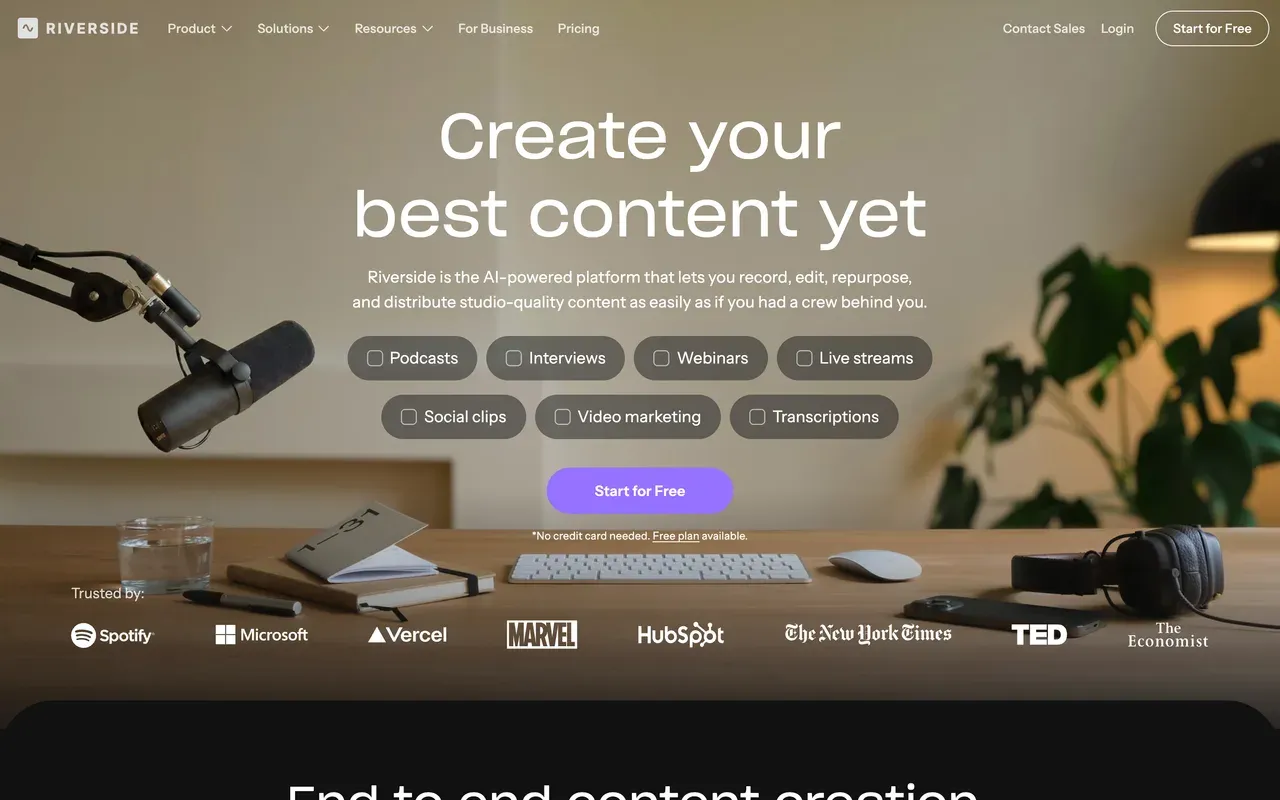
Riverside
riverside.comStudio-grade recording first, clips second
Riverside (it dropped the .fm and moved to riverside.com in May 2026) is the serious end of this list: local multi-track recording up to 4K that survives bad internet, then Magic Clips, AI captions in 30+ languages, and new publishing tools like newsletters and social scheduling. G2 rates it 4.8 from roughly 1,600 reviews, and the trusted-by wall includes Spotify and TED.
For pure audiogram jobs it is overkill, and the meters are real: the free tier caps multi-track recording at 2 hours total with a watermark, Pro at $24/mo billed annually includes 15 hours of separate-track downloads a month, and guests outside Chrome or Edge hit friction. Pick it when recording quality matters as much as the clips you cut from it.
- Pricing:
- From $24/mo billed annually (Pro; $29 monthly)
- Free plan:
- 2 hours of multi-track recording total, 720p, watermarked exports
- Best for:
- Interview shows where capture quality matters as much as the clips
Pros
- Local multi-track recording up to 4K with progressive upload
- Magic Clips and AI captions in 30+ languages
- Livestreaming, webinars, and publishing tools in one subscription
- G2 4.8 from about 1,600 reviews
Cons
- Hour caps on separate-track downloads drive upgrades
- Guests effectively need Chrome or Edge
- Expensive if all you need is audiograms
- 7
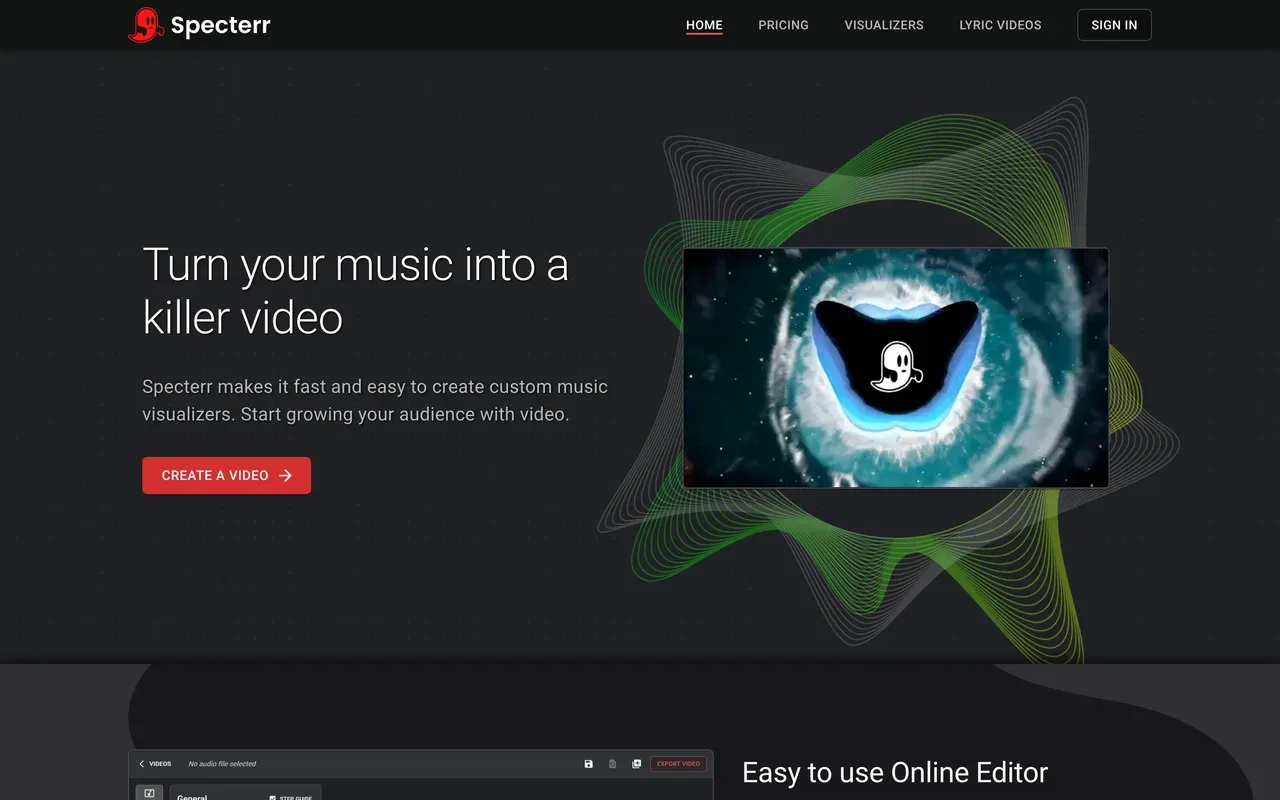
Specterr
specterr.comMusic visualizers and lyric videos with cloud rendering
Specterr covers the music side of the audiogram world: audio-reactive visualizers and lyric videos with a live preview, deep controls (up to 7 reactive wave colors, particles), and fast server-side rendering fetched from any device. If your clips are tracks rather than talk, it is purpose-built in a way Headliner is not.
The quotas are unusual. Free exports are 720p, watermarked, limited to one video a day, and they expire after 10 days. Pro at $16.50/mo billed annually allows 5 videos a month on monthly billing (60 a year on annual), and true unlimited costs $49/mo billed annually. One-off exports from $14.99 need no subscription. There are no captions or podcast features; it is a visualizer, not an editor.
- Pricing:
- From $16.50/mo billed annually (Pro; $29 monthly); one-off videos from $14.99
- Free plan:
- 1 video/day at 720p with watermark; exports expire after 10 days
- Best for:
- Musicians and DJs making visualizer or lyric videos, not talk clips
Pros
- Purpose-built visualizer and lyric video editor with live preview
- Cloud rendering, no load on your machine
- Long-video support up to 120 minutes on Unlimited
- Pay-per-video option with no subscription
Cons
- Video-count quotas even on paid Pro
- Free exports expire after 10 days
- No captions, clipping, or general editing
- 8
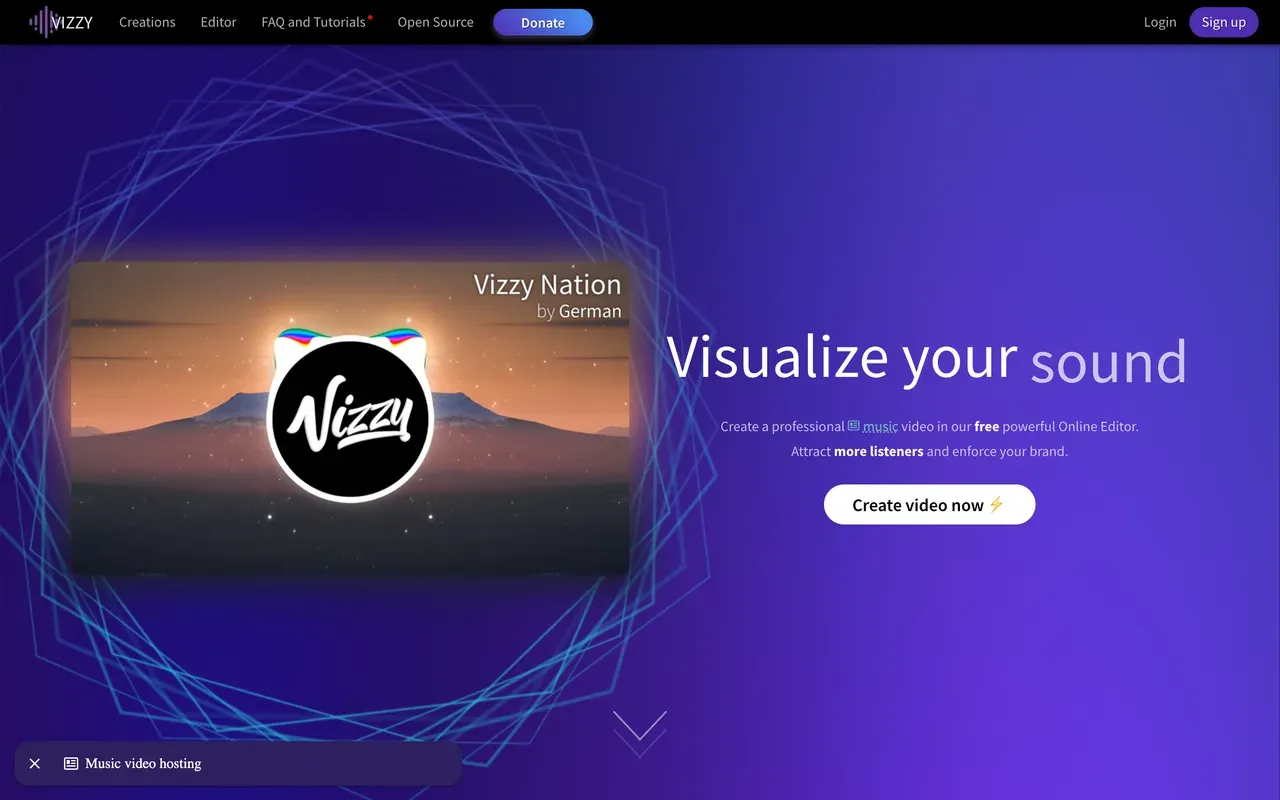
Vizzy
vizzy.ioGenuinely free, watermark-free visualizers up to 4K
Vizzy is the anomaly on this list: entirely free, donation-funded, no watermark, no paid plan, with exports up to 4K 60fps in portrait, landscape, or square. It offers deep manual control over reactive elements, cinematic effects like glitch and VHS, lyric videos, and a community gallery of remixable projects. Channels with millions of subscribers use it.
Two honest trade-offs: it renders on your machine rather than in the cloud, so weak hardware means slow exports and the browser tab must stay open, and it is a visualizer only, with no captions, publishing, or team features. Blogs claiming Vizzy has a $14/mo plan are wrong; there is no paid tier at all.
- Pricing:
- Free (donation-supported; no paid plans)
- Free plan:
- Everything free: up to 4K 60fps, no watermark, unlimited use
- Best for:
- Budget-zero musicians who want watermark-free 4K visualizers and enjoy hands-on control
Pros
- Completely free with no watermark, up to 4K 60fps
- Deep manual control plus lyric video support
- Community project gallery to remix from
- No accounts, credits, or upsells
Cons
- Renders locally: slow on weak hardware, tab must stay open
- Visualizer only: no captions, clipping, or scheduling
- Donation-funded passion project with community-only support
- 9
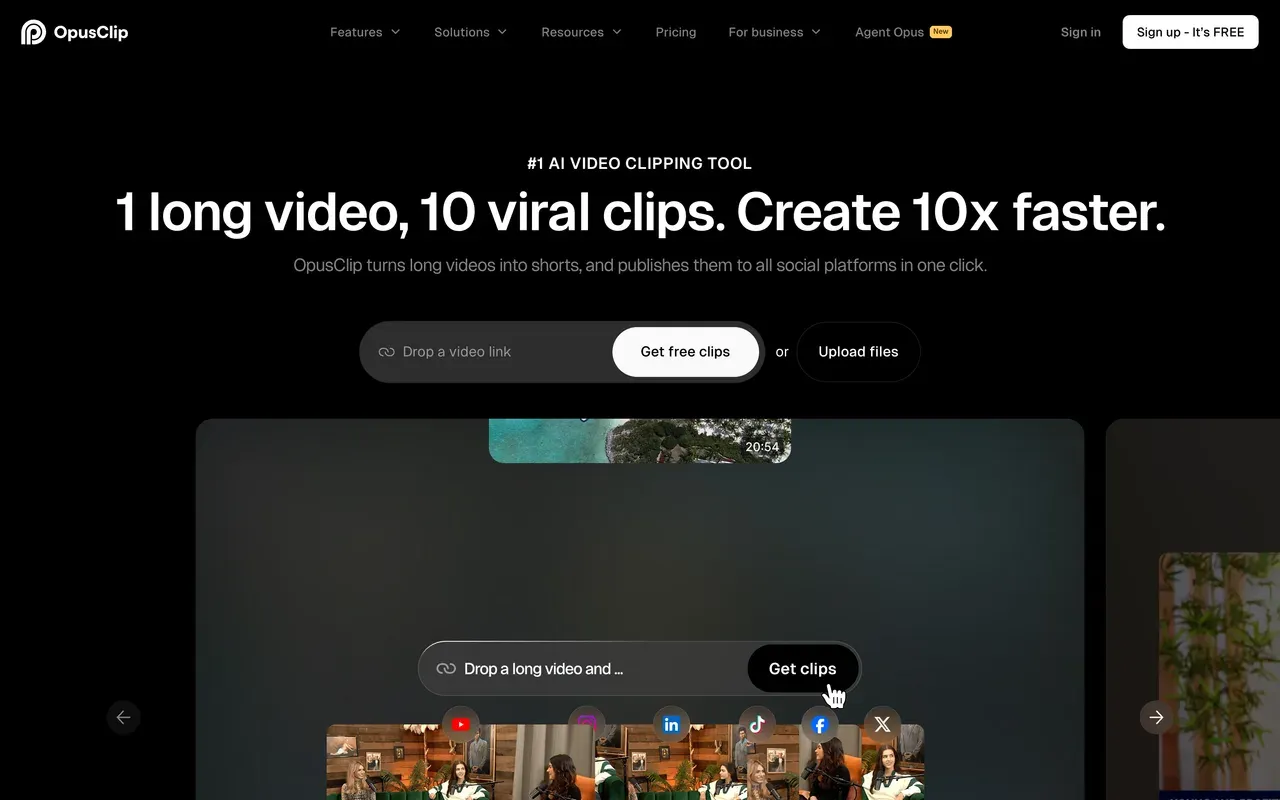
OpusClip
opus.proAI moment-picking instead of template audiograms
OpusClip replaces Headliner's template-driven clips with AI selection: ClipAnything finds highlights in any genre by speech, visuals, and emotion cues, scores each clip for virality, and reframes it for vertical. A scheduler and API round out a volume workflow, and the company claims 16M+ users.
It is credit-metered in a way Headliner is not: 1 credit per source minute, 60 free credits a month with a watermark and 3-day media storage, and monthly-plan credits expire after 60 days. Paid starts at $15/mo (Starter, monthly billing only). For talk-heavy shows chasing shorts volume it is the mature choice; for waveform-and-caption audiograms it is more machine than the job needs.
- Pricing:
- From $15/mo (Starter, monthly billing only); Pro $29/mo or $14.50/mo billed annually
- Free plan:
- 60 credits/month, watermark, media and exports expire after 3 days
- Best for:
- Talk-heavy shows producing shorts at volume from every episode
Pros
- ClipAnything picks moments across any genre, with virality scoring
- Auto-reframing with AI subject tracking
- Multi-platform scheduler and API
- Animated caption templates with ~97% claimed accuracy
Cons
- Credits expire after 60 days on monthly plans
- Free-plan media deleted after 3 days
- No annual discount on the $15 Starter tier
- 10
Recast Studio
recast.studioClips plus the show notes, for marketing teams
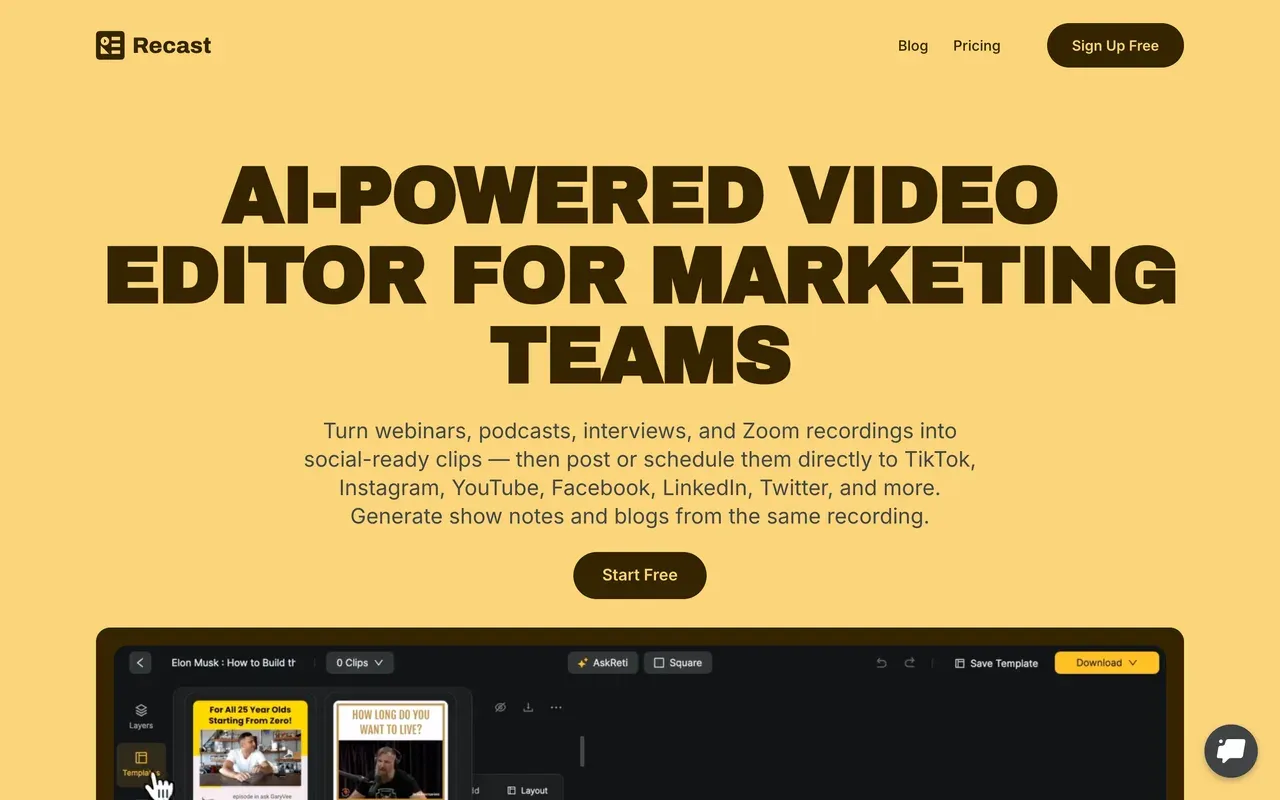
Recast Studio aims at marketing teams repurposing episodes end to end: AI pulls 30+ clips from one recording, then writes the show notes, blog draft, and social posts to match, and publishes directly to the major platforms. Text-based editing in 20+ languages, animated captions, and soundwave and progress-bar layers cover the audiogram basics.
Credits meter uploads at 1 credit per minute, so long episodes burn allowance before you export anything. Starter at $14/mo billed annually includes 150 credits and 300 export minutes a month. The free tier is a demo (1-minute max clips, 5 export minutes a month) but notably adds no watermark. Main caveat: a thin public review footprint makes it a harder sell for cautious teams.
- Pricing:
- From $14/mo billed annually (Starter; $17 monthly)
- Free plan:
- One-time 60 credits, 5 export minutes/month, 1-minute max clips, no watermark
- Best for:
- Marketing teams that want clips plus written promo content per episode
Pros
- Generates clips and the written assets (show notes, posts) together
- Text-based editing in 20+ languages
- Direct publishing to TikTok, YouTube, Instagram, LinkedIn, X
- Free tier exports carry no watermark
Cons
- Upload-minute credits punish long episodes
- Free tier caps clips at 1 minute
- Small vendor with a thin review footprint
Headliner vs EchoWave at a glance
| Feature | EchoWave | Headliner |
|---|---|---|
| Usable free plan | Yes, free forever: full editor, videos up to 60 minutes, 720p exports | Yes, and generous in one way: 5 unwatermarked videos a month plus unlimited watermarked ones, but the free app is ad-supported |
| Watermark-free free exports | Yes, quick tools export clean; the full editor adds a small badge on free | Yes, 5 videos a month; unlimited unwatermarked requires Pro |
| Starting paid price | $9/mo billed annually (Basic) | $7.99/mo billed annually (Basic, per 2026 trackers; the official pricing page is bot-gated) |
| Max export resolution | 1080p on Basic, 4K on Pro, 8K on Business | 1080p, with no 4K option |
| Clip length limits | Free plan handles videos up to 60 minutes | Mobile app caps clips at 10 minutes of audio |
| Subtitles and captions | Auto-transcribe 50+ languages, 170+ presets, karaoke word highlighting, SRT/VTT import and export | 100+ language transcription, unlimited even on the free tier |
| Full multi-track editor | Yes, 90+ tools including text-based editing and filler-word removal | No, audiogram and clip templates plus the Eddy transcript editor |
| AI clip finding from episodes | Yes: 1-30 clips per run, Viral Score 0-100 with Hook, Clarity, Emotion, Value, and Trend sub-scores plus reasons, speaker-aware reframe across 7 layouts, 60+ caption styles, 30 free source minutes a month | No dedicated moment-finder; clips come from RSS automation and manual selection |
| RSS automation | No; batch rendering runs through templates, bulk CSV, and a REST API instead | Yes, auto-creates clips per new episode and can auto-upload full episodes to YouTube |
| Music visualizer tools | Yes, dedicated music visualizer with a scrub-accurate baked spectrum | Waveform-centric audiogram templates |
| Platforms | Browser (works on phones too), plus desktop apps for Mac, Windows, Linux | Web, iOS app, Android app |
Best free Headliner alternative
Be fair to Headliner here: 5 unwatermarked videos a month on its free tier is hard to beat for pure audiograms, ads notwithstanding. Vizzy beats it on quality if visualizers are the goal: genuinely free, watermark-free, up to 4K 60fps, though it renders on your own machine. EchoWave beats it on scope: the free plan covers a full editor with 60-minute videos and watermark-free quick tools, so clips, captions, and full episodes come from one place. Audiogram trails with 2 free videos a month and 60-second captions.
Headliner alternative for waveform videos and audiograms
If the waveform is the point, start with EchoWave's audio waveform video generator: reactive waveforms, progress bars, and captions in one project, with the spectrum baked in so previews scrub accurately. Specterr is the pick for music-first visuals, with deep visualizer controls and cloud rendering, but video-count quotas apply even on paid plans. Wavve keeps classic audiograms plus a scheduler, metered at 70 upload minutes a month on Starter.
Headliner alternative that puts full episodes on YouTube
Honesty first: automatic full-episode YouTube upload on a schedule is Headliner's party trick, and nothing here replicates the zero-touch version. The manual route is stronger on output quality though: EchoWave's podcast-to-video turns a full episode into a video with waveforms and captions, free up to 60 minutes, and Riverside covers shows that also need the recording itself captured properly, up to 4K multi-track.
Apps like Headliner for iPhone and Android
Headliner's native apps are a real advantage on paper, but the 10-minute audio cap and reports of exports hanging or landing on Instagram silent undercut them. EchoWave skips the app store entirely: it runs in the phone's browser with no install and no account to start. Async (async.com) (formerly Podcastle) ships an iOS app alongside its web studio if you want a native recorder-editor combo.
How to switch from Headliner to EchoWave
Your first audiogram takes about two minutes, no account required.
-
1. Upload your audio or episode
Drop an MP3, WAV, or video episode into the audiogram creator. No signup and nothing to install.

-
2. Style the waveform and captions
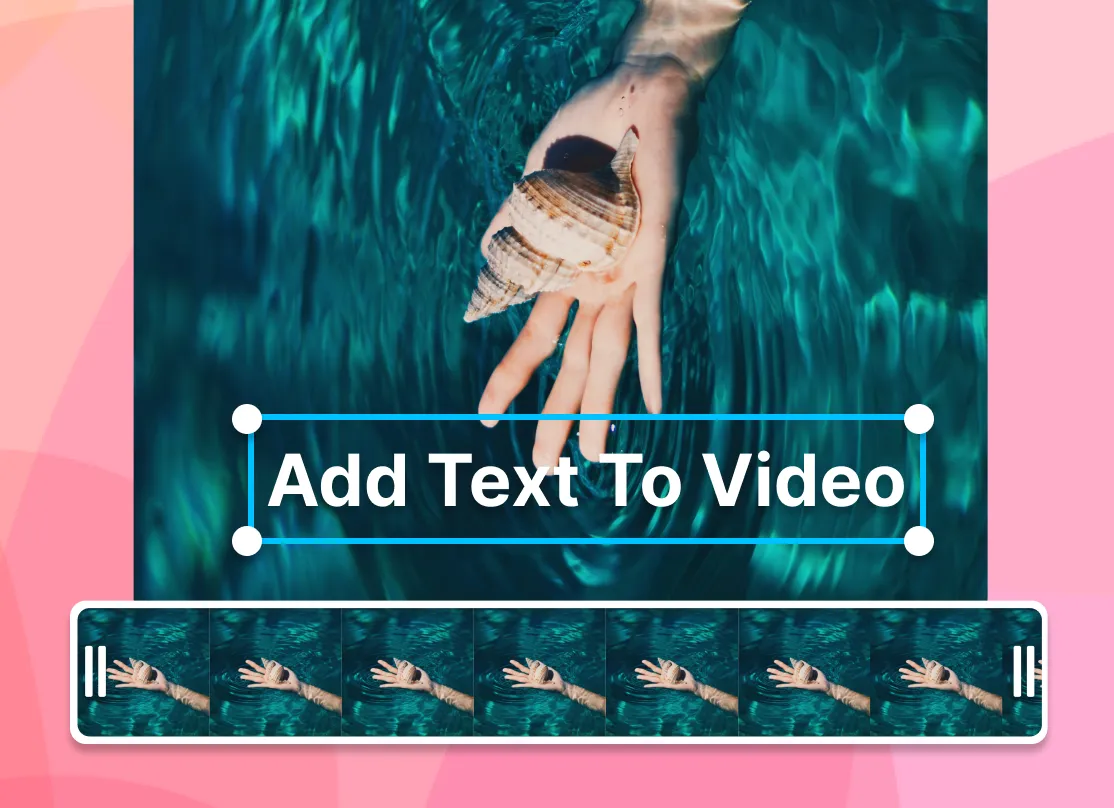
Pick a waveform or spectrum style, add episode artwork and a progress bar, then auto-caption the clip with the caption generator in 50+ languages.
-
3. Export for every platform
Render square, vertical, or widescreen and download. Full episodes up to 60 minutes work on the free plan; podcast-to-video handles the YouTube version.
Why people choose EchoWave

About the EchoWave team
EchoWave is a browser-based video and audio editor built by Lemon Vault LLC since 2018. The people who build the editor write these guides and test every step in the production app before publishing.
Headliner alternative FAQ
What is the best free Headliner alternative?
Depends on the job. For audiograms and podcast clips with captions, EchoWave's free plan is the most complete: a full editor, videos up to 60 minutes, auto subtitles with no monthly minute cap on free fast subtitles, and quick tools that export with no watermark. For pure music visualizers, Vizzy is remarkable: completely free, watermark-free, up to 4K 60fps, funded by donations. Credit where due, Headliner's own free tier includes 5 unwatermarked videos a month, which is generous, though the app is ad-supported.
What is cheaper than Headliner?
Not much, honestly. Headliner Basic at $7.99/mo billed annually (per 2026 trackers) is among the cheapest paid plans in this category. Wavve's Starter matches it at $7.99/mo on promo but caps you at 70 upload minutes a month. EchoWave Basic costs slightly more at $9/mo billed annually but removes the watermark across a full editor with no per-episode caps, and purchasing-power pricing makes it cheaper in many countries. Vizzy is free outright if visualizers are all you need.
Does Headliner add a watermark?
Partially. The Forever Free tier includes 5 unwatermarked videos each month; beyond those, additional free videos are watermarked. Basic ($7.99/mo billed annually per trackers) raises the unwatermarked count to 10 a month, and Pro removes the cap with unlimited unwatermarked videos at 1080p. For comparison, EchoWave's quick tools export with no watermark on the free plan, the free full editor adds a small badge, and any paid plan from $9/mo billed annually removes it entirely.
Headliner vs EchoWave: which makes better podcast clips?
Headliner wins on feed automation: RSS-fed clip creation for every new episode and automatic full-episode YouTube uploads are things EchoWave does not do. EchoWave wins on the clips themselves. Its AI clip generator pulls 1 to 30 clips per run, gives each a Viral Score from 0 to 100 with Hook, Clarity, Emotion, Value, and Trend sub-scores and plain-English reasons, reframes speakers across 7 camera layouts, and captions in 60+ word-timed styles. Add scrub-accurate waveform previews, no per-episode caps, and 4K export on Pro where Headliner stops at 1080p. Hands-off weekly automation favors Headliner; clip quality and control favor EchoWave.
How does EchoWave's AI clip generator work?
Upload one long episode, or point it at a direct media link, and the AI reads a word-timed transcript alongside audio energy, silences, speaker turns, and scene cuts to find highlights. Each clip gets a Viral Score from 0 to 100 with Hook, Clarity, Emotion, Value, and Trend sub-scores, plus an AI title, hook line, and hashtags. Set the genre preset, clip length, count (1 to 30), and aspect ratio, or type "Find moments about ..." to search the transcript. Analysis can run on-device in the browser, so the video never leaves your machine. Free accounts get 30 source minutes a month; free exports are watermarked at 720p.
Is Headliner shutting down?
No. Its documentation was refreshed in April 2026, the Android app remains actively listed as of May 2026, and trackers verified stable pricing through mid-2026, with no shutdown, layoff, or outage reports. It is quiet rather than dying: the review base is small (six G2 reviews), the site aggressively blocks automated traffic, and the free tier became ad-supported. Reasonable to keep using; also reasonable to want an alternative with more visible momentum.
What is the best Headliner alternative for music visualizers?
For musicians, Specterr and Vizzy are the specialists. Specterr offers designed presets, deep reactive controls, and cloud rendering, with one-off exports from $14.99 if you hate subscriptions, but paid Pro still carries video-count quotas. Vizzy is free with watermark-free 4K, rendering on your own hardware. EchoWave's music visualizer sits in between: visualizer, waveform, and text tools inside a full editor, so one project can hold the visualizer plus captions and artwork, with 4K on Pro.
Can any Headliner alternative auto-create clips from my RSS feed?
On this list, fully automatic RSS-triggered clip creation is Headliner's specialty, and that is worth saying plainly. Wavve imports episodes from RSS and adds AI hot-spot detection, but with monthly minute caps. OpusClip and Recast Studio automate the moment-picking once you upload, and so does EchoWave: give it an episode and it returns ranked clips with a Viral Score of 0 to 100 and reasons, but it does not watch your feed on its own. The free plan analyses 30 source minutes a month. Batch runs from there use templates, CSV (one row per video), or the REST API, which suits scheduled workflows you control.
What replaces Headliner's Eddy transcript editor?
Descript is the deepest option: it invented mainstream text-based editing and pairs it with Studio Sound and filler-word removal, though media hours and AI credits are both metered. EchoWave includes transcript editing without a meter: delete words in the transcript and the video ripple-cuts to match, plus one-click filler-word and silence removal. Async (formerly Podcastle) takes the chat route, where you describe the edit and its AI agent executes it.
Why do my Headliner exports hang or post to Instagram without audio?
Both problems show up in Google Play reviews of the mobile app: users describe the share flow hanging on a 'keep Headliner open' screen for hours, and clips arriving on Instagram silent. There is no published fix; the practical workarounds are exporting from Headliner's web app instead of mobile, or using a browser-based tool. EchoWave renders in the cloud and hands you a standard MP4 download, which sidesteps the mobile share-sheet problem entirely.
Do these tools work for video podcasts too?
Yes, at different depths. Riverside is the strongest for capture: multi-track recording up to 4K with progressive uploads, then Magic Clips for shorts. Descript edits recorded video by transcript. EchoWave covers the post-production side: edit video episodes up to 60 minutes free, add captions from 170+ presets, cut clips, and export up to 4K on Pro. Headliner itself remains audio-first, so video-podcast workflows are exactly where switching pays off most.
The honest verdict
Clip your episode Free to start
Upload one episode, get ranked clips with captions, 30 source minutes free every month.
Get Started →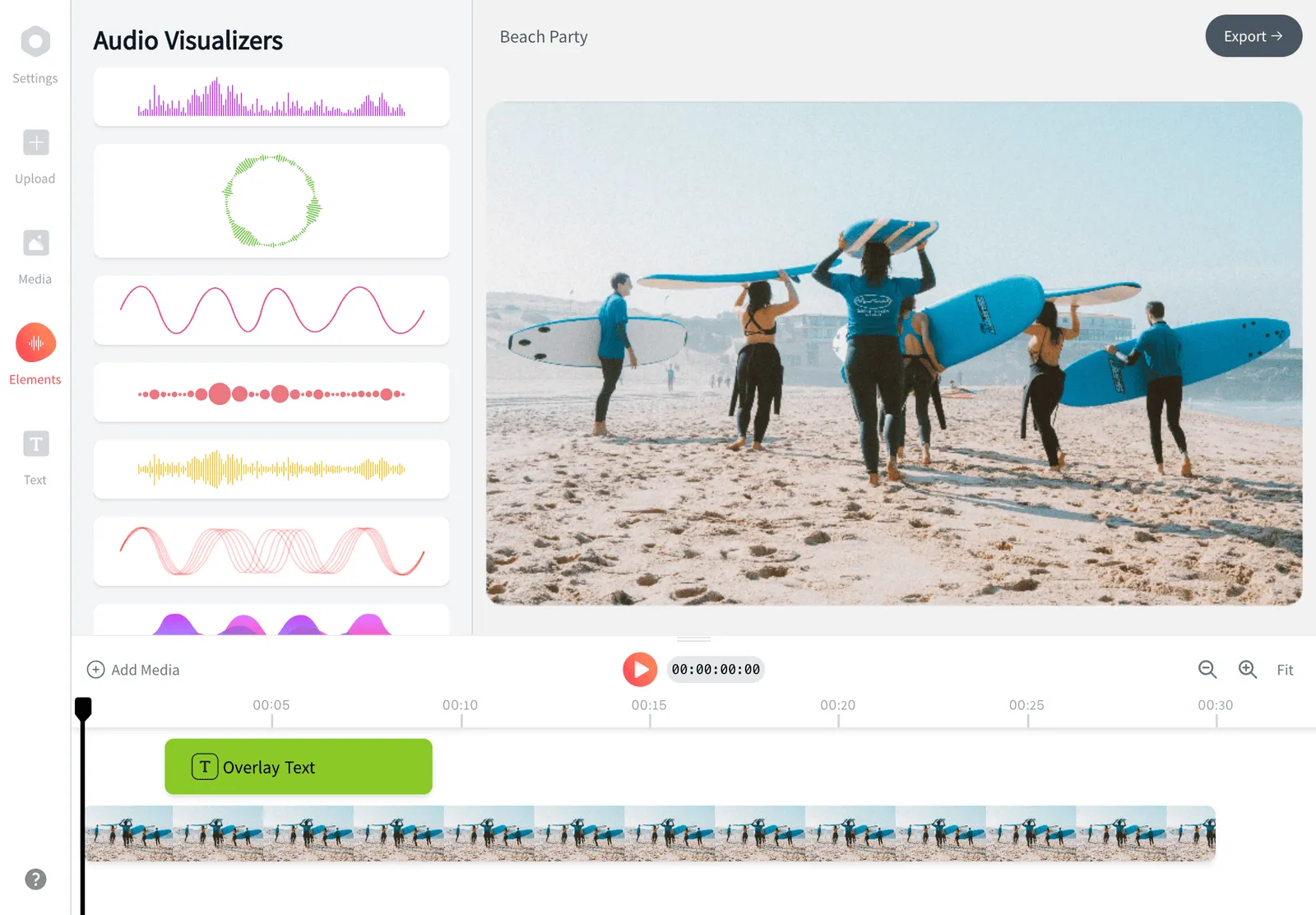
How we checked
Sources we relied on for the claims above, as checked August 2026. Note: headliner.app blocks automated access, so Headliner's prices were cross-checked via 2026 pricing trackers rather than a live pricing page.
- Headliner pricing on SpotSaaS (spotsaas.com) (SpotSaaS tracker)
- Headliner on Google Play (play.google.com) (Google Play)
- Headliner reviews on G2 (g2.com) (G2)
- Audiogram pricing (getaudiogram.com) (getaudiogram.com)
- Wavve pricing (wavve.co) (wavve.co)
- Disctopia acquires Wavve (disctopia.com) (Disctopia)
- Descript pricing (descript.com) (descript.com)
- Async pricing (async.com) (async.com)
- Riverside pricing (riverside.com) (riverside.com)
- Specterr pricing (specterr.com) (specterr.com)
- Vizzy (vizzy.io) (vizzy.io)
- OpusClip pricing (opus.pro) (opus.pro)
- Recast Studio pricing (recast.studio) (recast.studio)
Every competitor claim on this page was re-verified against the sources above on August 3, 2026.
Pricing and limits change often. If anything here is out of date, email hello@echowave.io with a link and we'll correct it. Our editorial policy explains how we test and update comparisons.
Trademark and comparison notice. Headliner and all related names, logos, product names and trademarks are the property of their respective owners. EchoWave is an independent product and is not affiliated with, associated with, authorised by, endorsed by, sponsored by, or in any way officially connected to Headliner or its owners. Any third-party names, logos and trademarks are used here only to identify and compare the products honestly (nominative fair use) and do not imply any endorsement, partnership or affiliation.
This comparison reflects EchoWave's own opinion and our understanding of publicly available information believed accurate at the time of writing. Third-party features, pricing and availability change frequently and can vary by region, so figures may be out of date; please confirm the current details on Headliner's official website before making a decision. EchoWave makes no representation or warranty as to the accuracy or completeness of any third-party information shown here. If you believe anything on this page is inaccurate or out of date, please contact us and we will review it promptly.