
The 9 Best Wavve Alternatives in 2026
Wavve was acquired by Disctopia in May 2025 and its features are being folded into the Disctopia dashboard, while plans still meter you at 70 upload minutes a month on Starter. Our top pick is EchoWave: its AI clip generator finds the highlight moments in a full episode, scores each clip 0-100, and reframes it for vertical with on-screen speaker detection, alongside waveform videos and audiograms with no per-minute metering and a real free plan. Free and cheaper options are ranked below.



The 9 Best Wavve Alternatives in 2026 Features
Trusted by thousands of creators worldwide





Why people look for a Wavve alternative
Wavve practically invented the podcast audiogram, but 2025 changed its trajectory. Disctopia, a podcast-hosting platform, acquired Wavve in May 2025, and the product is now branded "Wavve, powered by Disctopia" while its features migrate into the Disctopia dashboard. The standalone roadmap is genuinely unclear, and parts of the site still show testimonials from 2021 and 2022.
The metering has not changed, though. Starter gives you 70 upload minutes and 18 video exports a month at the current $7.99 promo price, and even the $98.99 Agency plan caps you at 410 minutes. Upload one weekly hour-long episode and Starter is nearly spent. There is no ongoing free plan, only a trial, and reviews collected on SaaSworthy cite unresponsive support and incorrect billing amounts. Output tops out around 2 hours per video, with audio files recommended under 50MB.
For this list we tested each tool in the browser where possible and checked every pricing page in August 2026. Where a vendor does not publish something, we say so.
TL;DR: EchoWave is the best overall Wavve alternative: its AI clip generator scores highlight moments 0-100 and reframes them for vertical, and its waveform videos and audiograms run with no per-minute metering (to be precise, clip analysis is the one metered thing, at 30 free source minutes a month); Headliner if you want RSS-fed audiogram automation with a usable free tier; Vizzy if you want a completely free music visualizer and can render on your own machine.
The best Wavve alternatives in 2026, ranked
Every pick tested in the browser. Prices checked August 2026.
- 1
EchoWave
Our pickBest overall: AI auto-clipping plus waveform videos and audiograms, no minute meter
Switching from Wavve removes the two things that hurt most: the minute meter and the export counter, and replaces Wavve's hot-spot detection with a full clip generator. Upload an episode and the AI finds the strongest moments, scores each clip 0-100 for virality with Hook, Clarity, Emotion, Value and Trend sub-scores plus plain-English reasons, then reframes it to vertical with on-screen speaker detection (lip movement matched to the voice) across 7 camera layouts, from Follow speaker to Split and Grid. Ask for 1 to 30 clips per run, pick a length, or type "find moments about sponsorships" to search the transcript; every clip gets word-timed captions in any of 60+ styles, an AI title and hashtags, and opens as a normal project you can change shot by shot. The free plan analyzes 30 source minutes a month. EchoWave does not meter the editing that follows per upload minute, and the free plan is free forever, not a trial, handling videos up to 60 minutes. The audio waveform video generator, audiogram maker and podcast-to-video tools all use a baked audio spectrum, so previews scrub accurately instead of guessing where the waveform will land.
You also get what Wavve never had: a full multi-track editor around the audiogram, auto subtitles in 50+ languages with 170+ caption presets and SRT/VTT export, progress bars, and AI voiceovers. Paid plans are flat: Basic at $9/mo billed annually removes the watermark at 1080p, Pro at $17/mo annually adds 4K. The honest caveat stays: Wavve's built-in social scheduler and RSS auto-import are real conveniences EchoWave does not match, so hands-off publishing pipelines still favor Wavve or Headliner.
- Pricing:
- Free plan; paid from $9/mo billed annually
- Free plan:
- Free forever: 30 AI clip-analysis minutes a month, full editor, 720p exports with a small watermark; quick tools export with no watermark
- Best for:
- Podcasters and musicians who want AI auto-clipping plus waveform clips and audiograms every week

Pros
- AI clip generator: Viral Score 0-100 with five sub-scores and reasons, 7 speaker-aware camera layouts, prompt search over the transcript
- No per-minute upload metering and no monthly export counter
- Real free plan with 60-minute videos, not a trial
- Scrub-accurate waveforms, audiograms and progress bars in a full editor
- Auto subtitles in 50+ languages, 170+ presets, SRT/VTT import and export
- Flat published pricing from $9/mo billed annually
Cons
- No built-in social scheduler or RSS auto-import
- No AI B-roll or dubbing
- Clip analysis is metered at 30 free source minutes a month; free exports carry a small watermark at 720p
- 2
Headliner
headliner.appThe closest like-for-like Wavve replacement, with automation and a real free tier
Headliner is the most direct Wavve substitute on this list: purpose-built audiogram templates, plus RSS automations that create clips for every new episode and can auto-upload full episodes to YouTube. Where Wavve gives you a trial, Headliner's Forever Free plan includes 5 unwatermarked videos a month plus unlimited watermarked ones, with unlimited transcription. The Eddy AI transcript editor is bundled into the same subscription.
It is quieter than it used to be. The free tier is ad-supported, exports cap at 1080p with no 4K, and the mobile app limits clips to 10 minutes of audio with reports of hanging exports and clips landing on Instagram without audio. G2 has it at 4.5 from a small review base.
- Pricing:
- Free plan; Basic $7.99/mo billed annually ($9.99 monthly)
- Free plan:
- Forever Free: 5 unwatermarked videos/mo, unlimited watermarked, ad-supported
- Best for:
- Hands-off podcasters who want RSS-fed audiograms and YouTube automation

Pros
- RSS automations: auto-clips per episode, full-episode YouTube uploads
- Genuinely usable free tier with 5 unwatermarked videos a month
- Eddy AI transcript editor bundled in one subscription
- Transcription in 100+ languages
Cons
- 1080p ceiling, no 4K export
- Mobile app caps clips at 10 minutes and users report flaky exports
- Ads inside the free experience
- 3
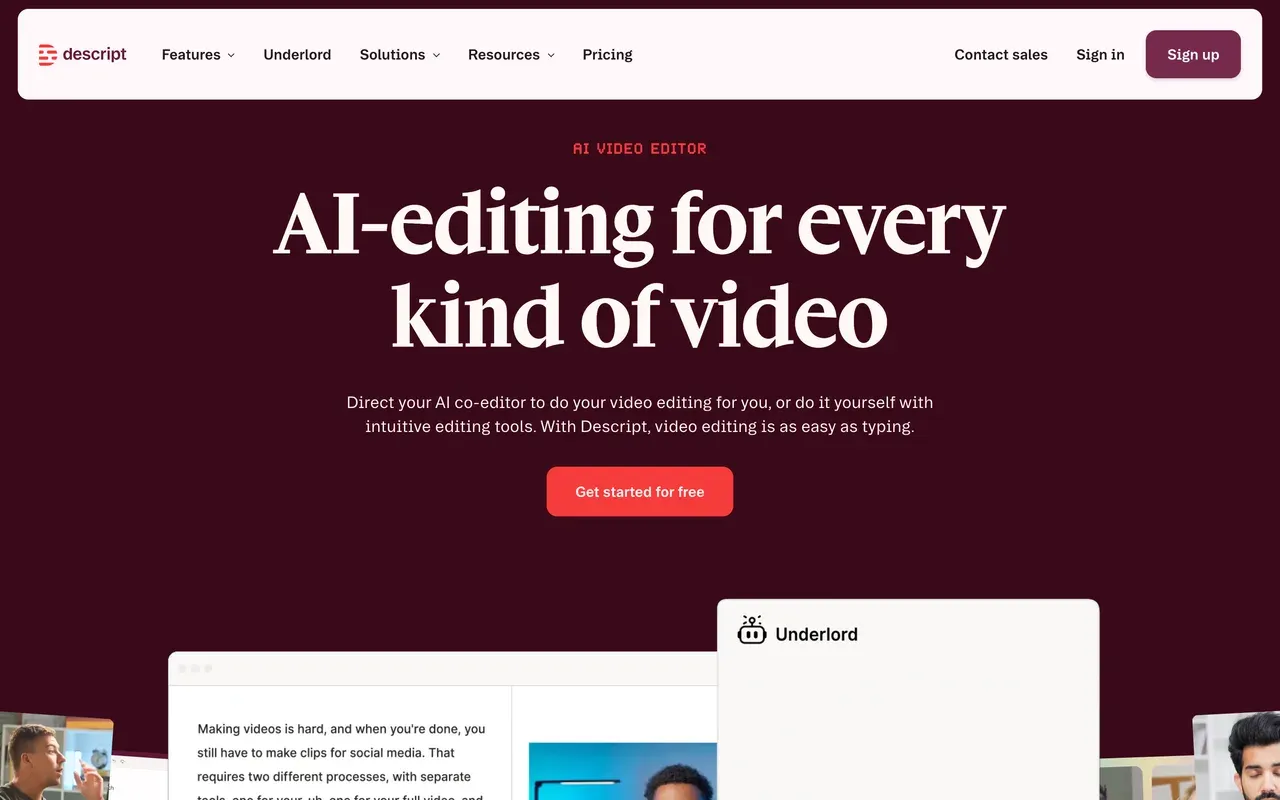
Descript
descript.comFull podcast editing by transcript, if audiograms are only part of your job
If you left Wavve because you outgrew single-purpose audiograms, Descript is the deep end: edit the whole episode by editing its transcript, clean the audio with Studio Sound, remove filler words, then cut social clips from the same project. Its transcription accuracy leads the category.
It costs real money and runs on two meters, media hours plus AI credits, a late-2025 change that upset long-time users; reviewers report heavy AI use can burn a month's credits in about a day. The rebuilt editor has also drawn stability complaints on long projects. Hobbyist starts at $16/mo billed annually with 10 media hours a month.
- Pricing:
- From $16/mo per user billed annually ($24 monthly)
- Free plan:
- Free: 60 transcription minutes/mo, 720p export, watermark
- Best for:
- Podcasters who want episode editing, cleanup and clips in one tool
Pros
- Edit audio and video by editing the transcript
- Studio Sound cleanup and filler-word removal
- Industry-leading transcription in 25 languages
- Screen and remote recording included
Cons
- Dual metering: media hours plus AI credits
- Stability complaints on longer projects since the editor rebuild
- Overkill if you only need waveform clips
- 4
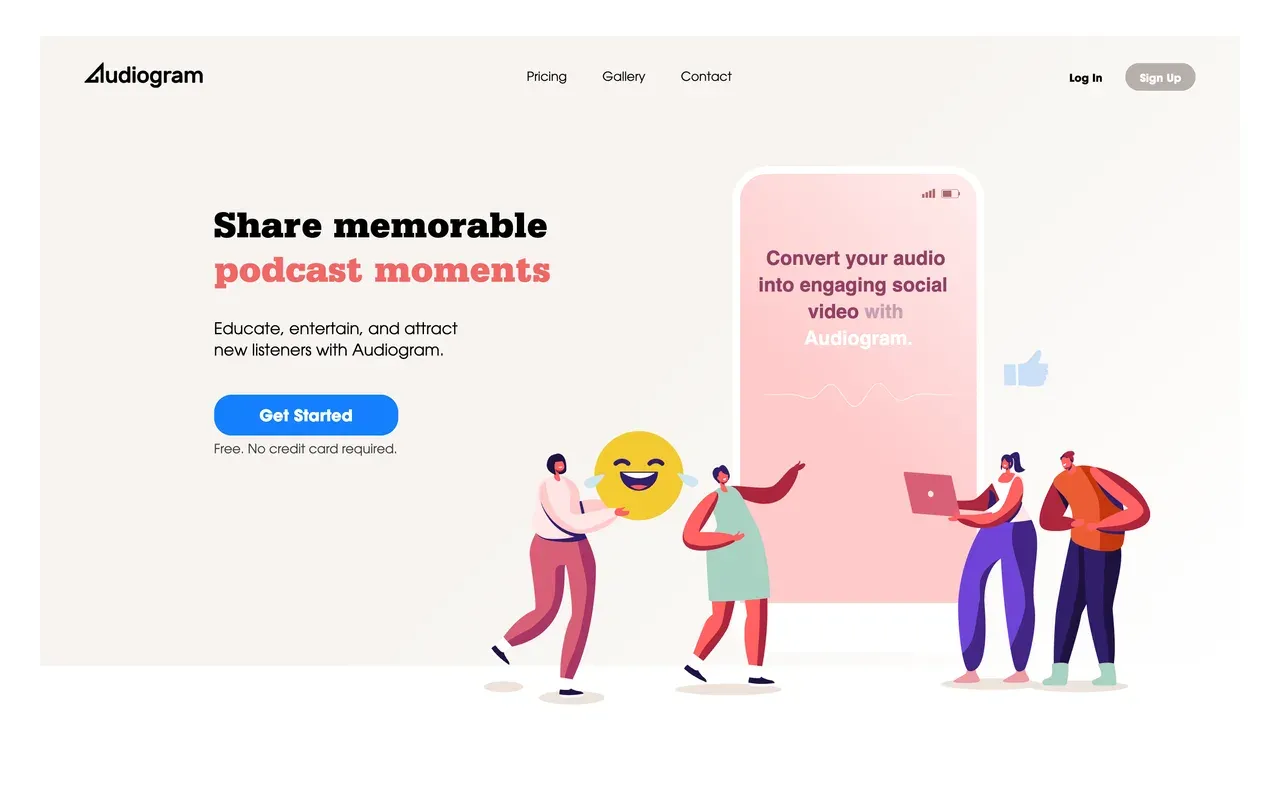
Audiogram
getaudiogram.comThe simplest option for a couple of captioned clips a month
Audiogram (getaudiogram.com) does one thing with almost no learning curve: upload audio, pick a clip, add auto-transcribed captions and an animated waveform, export in the right aspect ratio for each platform. If Wavve felt like too much dashboard, this is the minimal version.
The caps are tighter than Wavve's in places: the free plan allows 2 watermarked videos a month with captions limited to 60 seconds, and even the $29 Elite plan stops at 30 videos with captions capped at 5 minutes per video. There is no annual pricing published, the showcased customers date from 2019 and 2020, and reviewers report unresponsive support.
- Pricing:
- Pro $19/mo; no annual pricing published
- Free plan:
- Free: 2 videos/month, 60-second caption cap, watermarked exports
- Best for:
- Occasional podcasters who need one or two short waveform clips a month
Pros
- Dead-simple upload-to-export flow
- Editable auto-transcribed captions
- Multi-aspect export for each social platform
- Animated waveforms on every plan
Cons
- Captions cap at 5 minutes per video even on the top plan
- Low monthly video caps (2 free, 15 Pro, 30 Elite) with no unlimited tier
- Product looks stagnant, with 2019-2020 era case studies
- Reports of unresponsive customer service
- 5
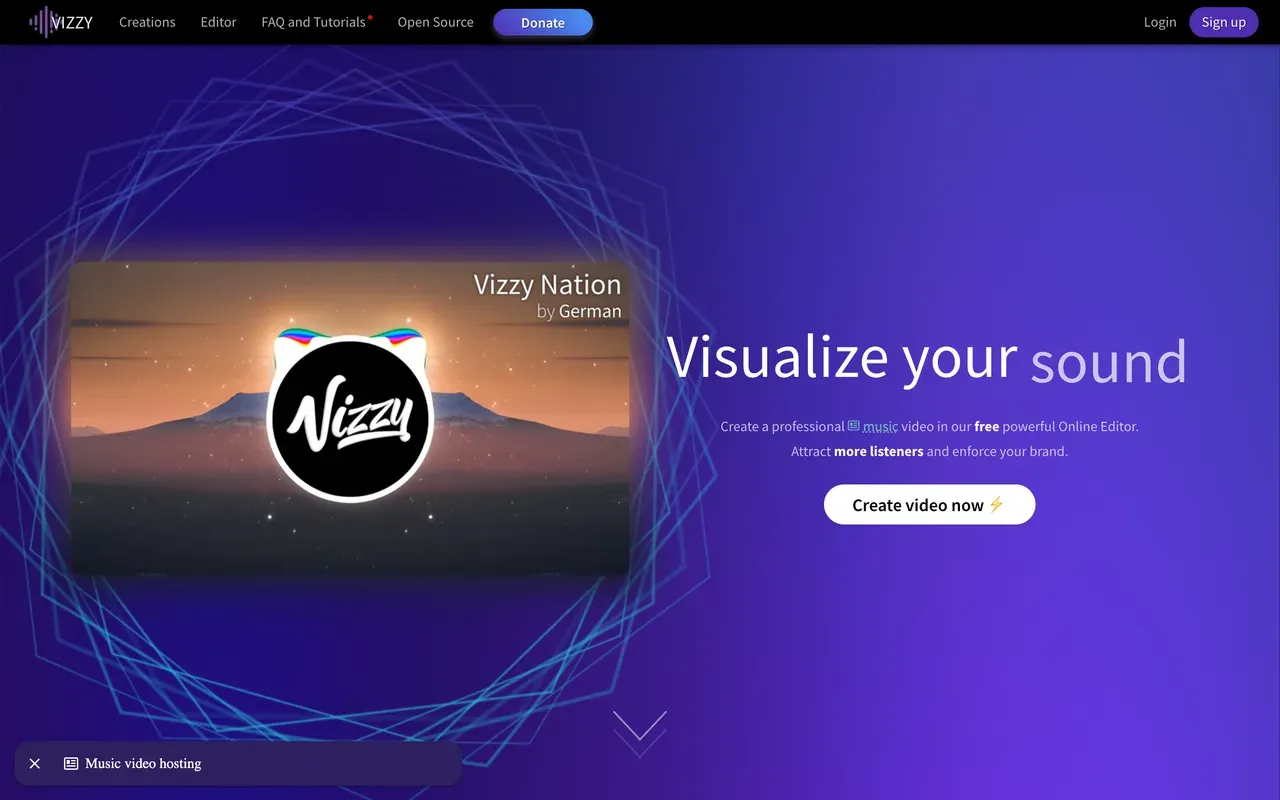
Vizzy
vizzy.ioCompletely free 4K music visualizer that renders on your own machine
Vizzy is the outlier here: genuinely free, donation-supported, no watermark, no account or credit system, exporting up to 4K at 60fps. For musicians who found Wavve's waveforms too basic, Vizzy's reactive elements, audio analyzer and effects like Glitch and VHS go far deeper, and a community gallery lets you remix other people's projects.
The trade-offs are structural. Rendering happens client-side in your browser, so export speed depends on your hardware and the tab must stay open, and there are no captions, no stock library, no scheduler and no team features. It is a visualizer, not an audiogram or clip tool, and support is a community Discord rather than an SLA.
- Pricing:
- Free (donation-supported); no paid plans
- Free plan:
- Everything free: 4K 60fps, no watermark, unlimited use
- Best for:
- Budget-zero musicians who want deep visualizer control and free 4K
Pros
- Free with no watermark, up to 4K 60fps
- Deep manual control and cinematic effects
- Community project gallery to remix
- No account or credit system
Cons
- Renders on your computer; browser tab must stay open
- No captions, scheduler or podcast-clip features
- Donation-funded, so no formal support
- 6
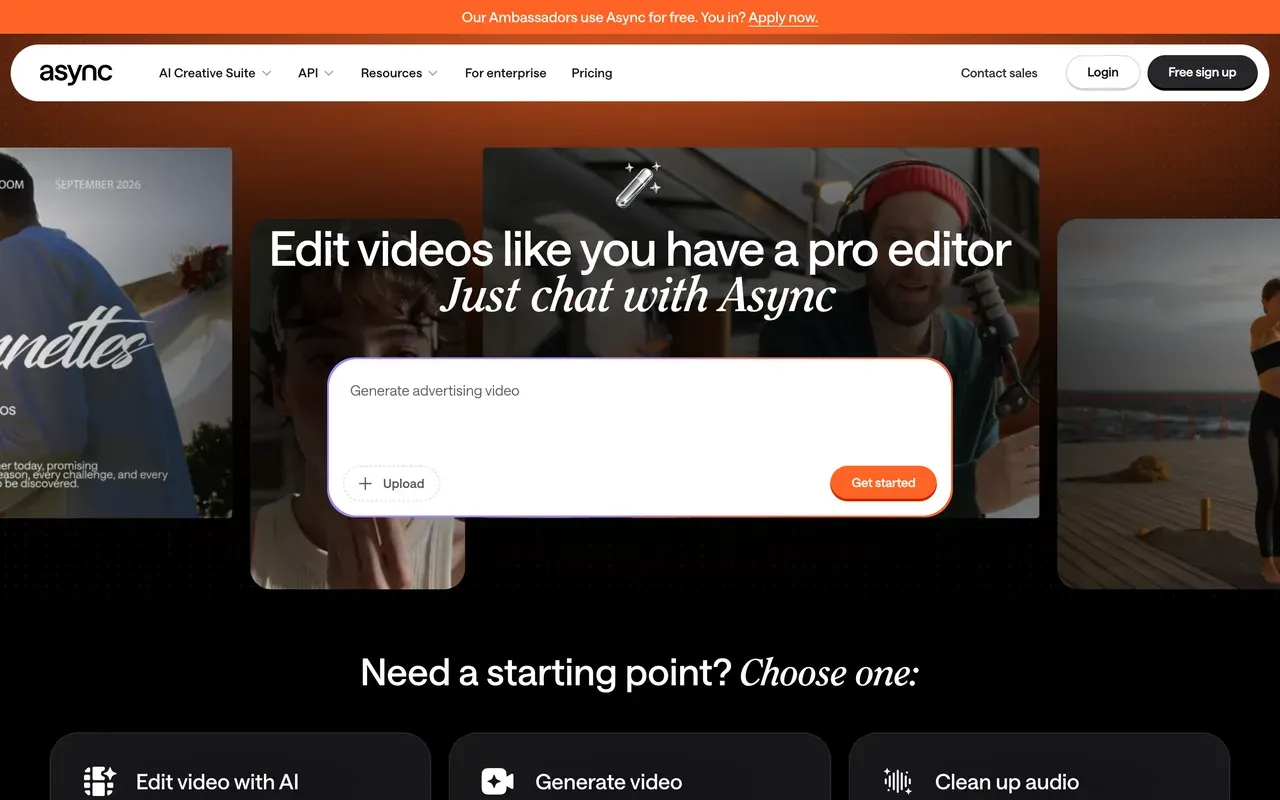
Async (formerly Podcastle)
async.comAn AI podcast studio that records, edits and clips in one place
Podcastle rebranded to Async in January 2026 (podcastle.ai now redirects to async.com) and positions itself as a full AI content platform: remote recording, audio and video editing, magic clips repurposing, AI voices and a chat-driven editing agent. If Wavve was one piece of your podcast pipeline, Async tries to be the whole pipeline.
Costs are credit-shaped: the free Basic plan watermarks videos and includes just 1 lifetime hour of remote recording, while Storyteller at $11.99/mo billed annually carries 450 AI credits a month. Trustpilot reviews report trials rolling into annual charges of $300 to $700 with refunds refused, and some features being re-gated to higher tiers after purchase.
- Pricing:
- Free plan; Storyteller $11.99/mo billed annually ($14.99 monthly)
- Free plan:
- Basic: free, watermark on videos, 1 lifetime hour of remote recording
- Best for:
- Solo podcasters who want recording, editing and clips in one AI studio
Pros
- Recording, editing, clips and AI voices in one subscription
- Chat-driven AI editing agent
- Translation, dubbing and audio cleanup included
Cons
- AI credits meter every paid tier
- Billing complaints: trials rolling into large annual charges
- Reports of features moving to higher tiers after purchase
- 7
OpusClip
opus.proAI picks your clip moments, on credits that expire
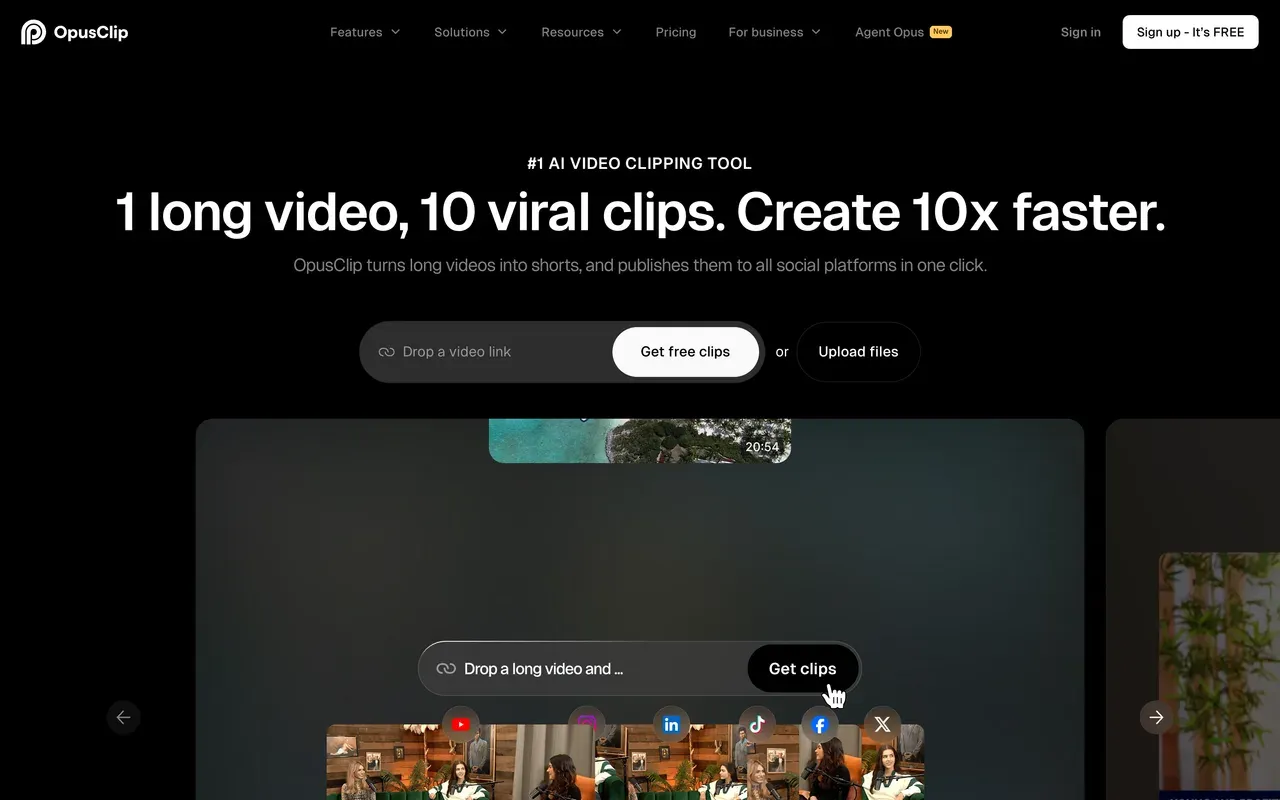
Where Wavve makes you choose the clip, OpusClip's AI finds it: ClipAnything scans long episodes for shareable moments by speech, visuals and emotion cues, scores each clip for virality, and reframes it per platform. For video podcasts at volume, it is the most mature clipping AI here, claiming 16M+ users.
It shares Wavve's core problem in a different shape: metering. Credits map roughly one to one to source minutes, monthly-plan credits expire after 60 days, and projects become inaccessible about 3 days after a subscription ends. The free tier watermarks captions and deletes media after 3 days. Starter is $15/mo with no annual discount; Pro drops to $14.50/mo billed annually.
- Pricing:
- Starter $15/mo (monthly only); Pro $14.50/mo billed annually ($29 monthly)
- Free plan:
- Free: 60 credits/mo, watermark, media expires after 3 days
- Best for:
- Video podcasters clipping talk-heavy episodes at volume
Pros
- Best-in-class AI moment detection with virality scores
- Auto-reframing and animated captions
- Scheduler and API for automation
Cons
- Credits expire after 60 days on monthly plans
- Projects inaccessible about 3 days after cancelling
- Refund and cancellation friction in reviews
- Audio-only podcasts get less from its video-first AI
- 8
Specterr
specterr.comPolished cloud-rendered music visualizers with per-video quotas
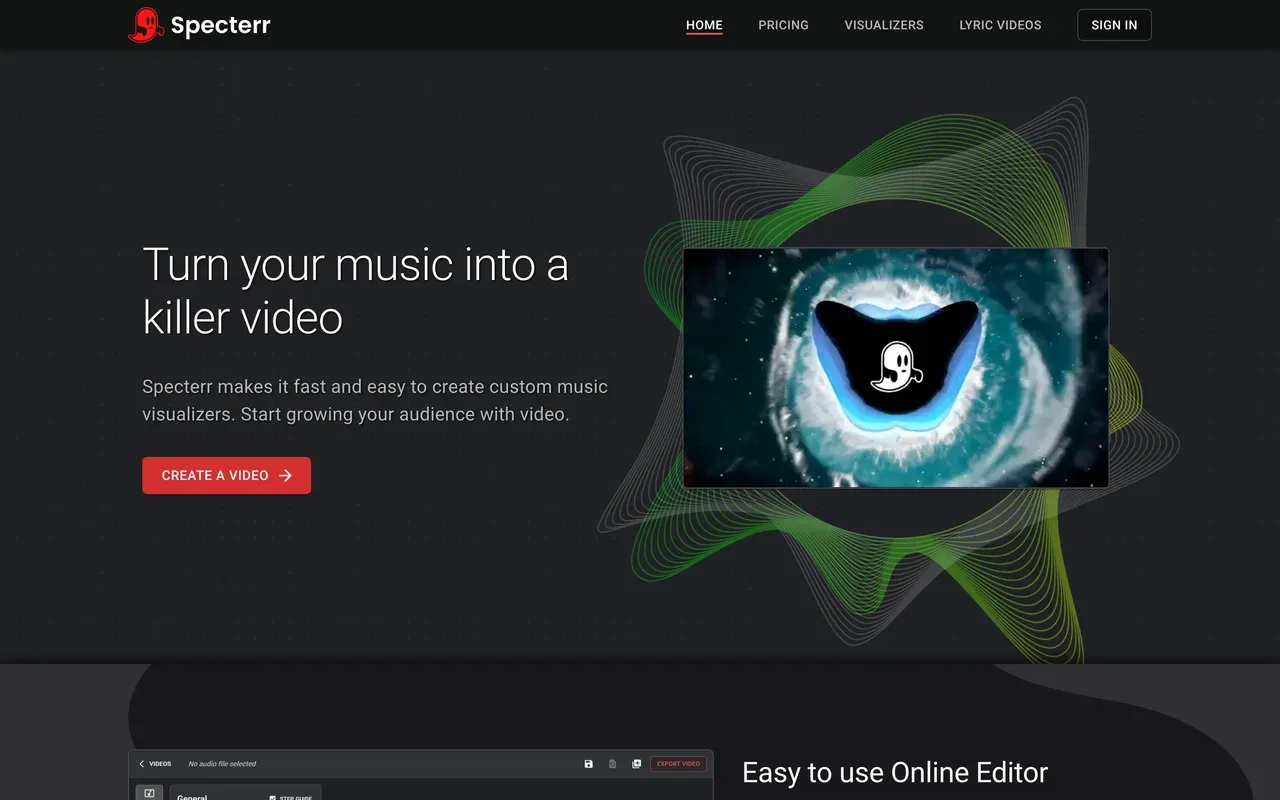
Specterr sits on the music side of Wavve's audience: audio-reactive visualizers and lyric videos with real-time preview, cloud rendering, and long-video support up to 120 minutes on the Unlimited plan, which suits DJ mixes. A pay-per-video option ($14.99 to $29.99 depending on resolution) covers one-off releases without a subscription.
The quotas are stricter than you would expect from the price. Free exports are 720p, watermarked, one per day, and they expire after 10 days. Even paid Pro caps you at 5 videos a month on monthly billing, and every plan renders one export at a time through a server queue that can back up.
- Pricing:
- Pro $16.50/mo billed annually ($29 monthly); one-off videos from $14.99
- Free plan:
- Free: 1 video/day, 720p, watermark, exports expire after 10 days
- Best for:
- Musicians and labels making visualizer and lyric videos
Pros
- Purpose-built visualizer and lyric video editor with live preview
- Cloud rendering takes the load off your machine
- 120-minute videos on Unlimited for DJ mixes
- No-subscription pay-per-video option
Cons
- Video-count quotas even on paid Pro
- Free exports expire after 10 days
- Visualizers only, no captions or general editing
- 9
Recast Studio
recast.studioTurns each episode into clips plus written marketing content
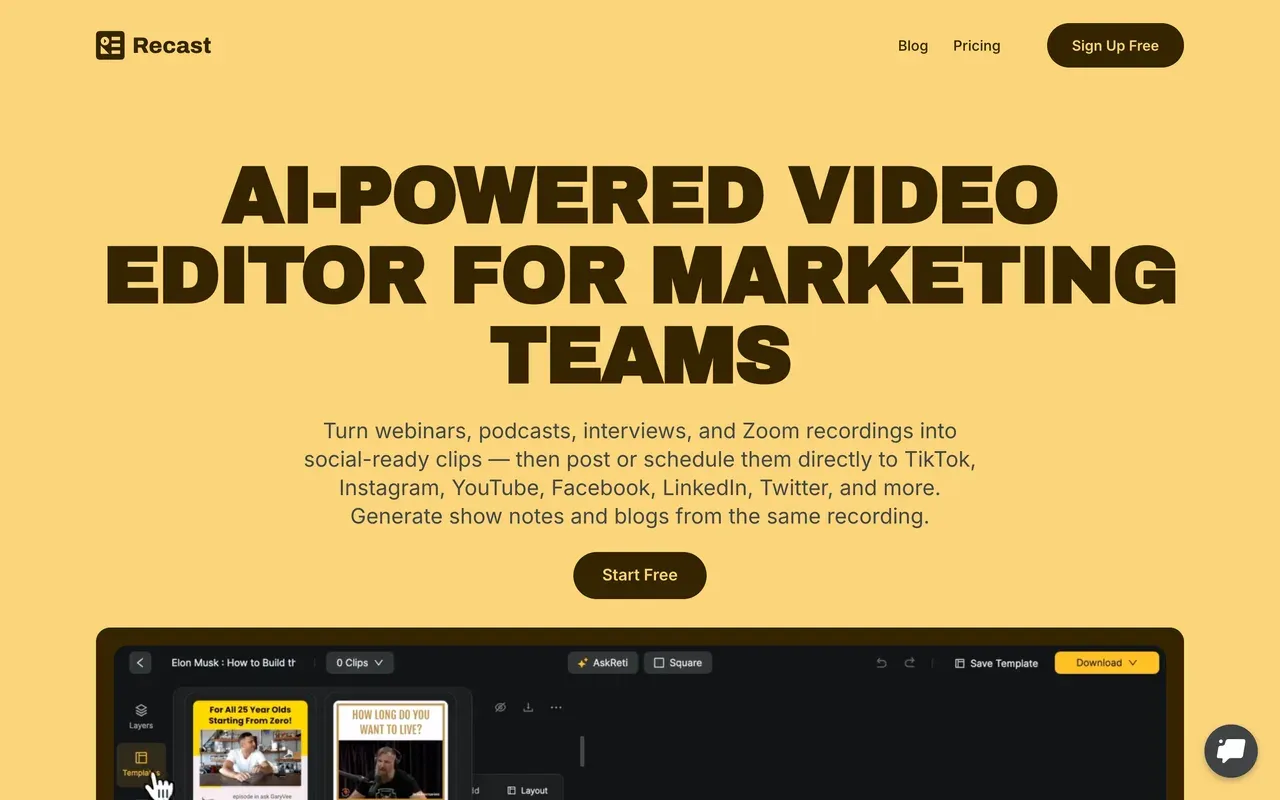
Recast Studio covers Wavve's job and then keeps going: its AI pulls 30+ short clips from one long episode, supports text-based editing in 20+ languages, and also writes the show notes, blog drafts and social posts for the same episode. Direct publishing covers TikTok, Instagram, YouTube, Facebook, LinkedIn and X.
It meters uploads exactly like Wavve does: 1 credit per upload minute, 150 credits a month on the $14/mo annual Starter plan, so long weekly episodes eat the allowance fast. The free tier is a demo (1-minute max clip, 5 export minutes a month), transcription accuracy drops on rough audio, and the public review footprint is thin for teams that need vendor confidence.
- Pricing:
- Starter $14/mo billed annually ($17 monthly)
- Free plan:
- Free trial tier: one-time 60 credits, 1-minute max clip, 5 export min/month
- Best for:
- Marketing teams that want clips and written promo from every episode
Pros
- 30+ AI clips from one episode plus show notes and social copy
- Text-based editing and filler-word removal
- Direct publishing to six platforms
Cons
- Upload-minute credits punish long episodes, same trap as Wavve
- Free tier is effectively a demo
- Small vendor with a thin review footprint
Wavve vs EchoWave at a glance
| Feature | EchoWave | Wavve |
|---|---|---|
| Free tier reality | Yes, free forever with the full editor and 60-minute videos | Free trial only; no ongoing free plan published |
| Per-minute upload metering | None; edit and export without an upload-minute meter | 70 min/mo on Starter, 210 on Pro, 410 on Agency |
| Monthly export caps | No monthly video-count cap | 18 videos/mo on Starter, 33 on Pro, 78 on Agency |
| Starting price | Basic $9/mo billed annually ($19 monthly) | Starter $7.99/mo promo (regular $9.99); annual billing 20% off per FAQ |
| Watermark policy | Quick tools export with no watermark free; small badge on free editor exports | Not stated on its site |
| Subtitles and captions | Yes, auto-transcribe 50+ languages, 170+ presets, SRT/VTT import and export | Captions with SRT and transcript downloads |
| Waveform and audiogram tools | Yes, waveforms, audiograms and progress bars with scrub-accurate previews | Yes, classic audiogram templates |
| AI hot-spot / moment detection | Yes, the clip generator scores each moment 0-100 with Hook, Clarity, Emotion, Value and Trend sub-scores plus reasons, makes 1-30 clips per run, and reframes them across 7 speaker-aware camera layouts; 30 free source minutes a month | Yes, AI hot-spot detection finds shareable moments |
| Full video editor around your clips | Yes, multi-track browser editor with 90+ tools | No, audiogram-focused tool |
| Max output length | 60-minute videos on free; longer on paid plans | About 2 hours max; audio files recommended under 50MB |
| Account required to start | No, start editing without signing up | Yes, trial signup required |
| Ownership and roadmap | Independent product, actively developed | Acquired by Disctopia May 2025; features moving into the Disctopia dashboard |
Best free Wavve alternative
Wavve has no ongoing free plan, only a trial, so any real free tier beats it. EchoWave free is the most complete: a full editor with waveforms, audiograms and unmetered subtitles on videos up to 60 minutes, with quick tools exporting watermark-free. Headliner gives 5 unwatermarked audiogram videos a month plus unlimited watermarked ones, ad-supported. Vizzy is entirely free at up to 4K with no watermark, but it is a visualizer only and renders on your own hardware.
Wavve alternatives without per-minute caps
Minute metering is the reason most people land on this page: 70 upload minutes a month on Wavve Starter disappears fast with weekly episodes. EchoWave does not meter uploads per minute on any plan, and its audio to video workflow takes full episodes. Vizzy has no meters at all, at the cost of local rendering. Most other tools in this category keep some meter: Recast Studio counts upload minutes exactly like Wavve, and OpusClip's credits map to source minutes, so read those caps before switching.
Apps like Wavve for podcast clips with captions
If your Wavve workflow was clip, caption, post, three picks fit. EchoWave now auto-picks the moments with a Viral Score, then pairs its audiogram maker with 170+ caption presets and karaoke word highlighting. Headliner automates the whole loop from your RSS feed, the strongest hands-off option. OpusClip goes furthest on automation for video podcasts at volume, though credits expire after 60 days on monthly plans.
How to switch from Wavve to EchoWave
Rebuild your audiogram workflow in the browser in about a minute.
-
1. Upload your audio
Drop an episode or a track into the audio waveform video generator. No install, no account needed to start, and no upload-minute meter counting against you.

-
2. Style your audiogram
Pick a waveform, add artwork, a progress bar and auto subtitles with karaoke presets. The baked spectrum means the preview you scrub is the video you get.
-
3. Export for every platform
Render square, vertical or widescreen straight from the browser. Save the project as your own template so next week's episode is a two-minute job, or batch with podcast-to-video.

What people are saying about EchoWave

About the EchoWave team
EchoWave is a browser-based video and audio editor built by Lemon Vault LLC since 2018. The people who build the editor write these guides and test every step in the production app before publishing.
Wavve alternative FAQ
What is the best free Wavve alternative?
EchoWave, for most podcasters. Wavve offers only a trial, while EchoWave's free plan is free forever: waveform videos, audiograms and auto subtitles on videos up to 60 minutes, with quick tools exporting watermark-free and a small badge on full-editor exports. If you specifically want free audiograms with zero badge, Headliner's Forever Free includes 5 unwatermarked videos a month. For pure music visualizers, Vizzy is completely free up to 4K.
What is cheaper than Wavve?
Wavve Starter is $7.99/mo at the current promo (regular $9.99) but caps you at 70 upload minutes and 18 exports a month. Headliner Basic at $7.99/mo billed annually is similar money with 10 unwatermarked videos and automation. EchoWave Basic at $9/mo billed annually costs about the same as Wavve's regular price with no minute or export caps at all, which usually makes it cheaper per video the moment you publish weekly. Vizzy is free but visualizer-only.
Does Wavve add a watermark?
Wavve's site does not state its watermark policy, and its FAQ describes the trial as allowing full content creation, so we cannot confirm it either way; that opacity is itself worth knowing before you commit. For comparison, EchoWave is explicit: quick tools export with no watermark on the free plan, full-editor free exports carry a small badge, and Basic at $9/mo billed annually removes it at 1080p.
Wavve vs EchoWave: which should I pick?
Pick Wavve if you want its built-in social scheduler and RSS import, and your volume fits inside 70 to 410 upload minutes a month. Pick EchoWave if you publish regularly: its clip generator finds the highlight moments in a full episode, scores each clip 0-100 with Hook, Clarity, Emotion, Value and Trend sub-scores, and reframes them across 7 speaker-aware camera layouts, with 30 free source minutes a month. Around the clips you get unmetered waveform videos, audiograms, subtitles in 50+ languages and a full editor. EchoWave is also independent, while Wavve's features are migrating into the Disctopia dashboard.
Can EchoWave auto-clip episodes like Wavve's hot-spot detection?
Yes, and it goes further. Upload an episode and the clip generator finds the strongest moments, scores each one 0-100 with Hook, Clarity, Emotion, Value and Trend sub-scores and reasons like "strong hook", then reframes it with on-screen speaker detection (lip movement matched to the voice) across 7 camera layouts. You choose 1 to 30 clips, set a length range, or type a prompt to search the transcript, and captions come in any of 60+ styles. Each clip opens as a normal project, so every camera move is an editable keyframe. Free accounts analyze 30 source minutes a month; free exports carry a small watermark at 720p.
What happened to Wavve? Is it shutting down?
Wavve is not shut down. It was acquired by Disctopia, a podcast-hosting platform, in May 2025 and is now branded "Wavve, powered by Disctopia". Its features are being folded into the Disctopia dashboard, so the standalone product's direction is uncertain, and parts of the site still show testimonials from 2021 and 2022. The pricing page currently runs a lifetime-access promo. It works today; the open question is what it becomes inside Disctopia.
Which Wavve is this page about?
The audiogram maker at wavve.co, the tool podcasters use to turn audio into social waveform videos. The name collides with unrelated products, including a Korean streaming service and a boating navigation app, which is why searches like "what is wavve" return mixed results. If you arrived here looking for either of those, this page will not help. If you make podcast or music clips, every tool above is a direct comparison.
Can I make audiograms longer than Wavve allows?
Yes. Wavve tops out around 2 hours of output and recommends audio files under 50MB, with warnings at 75MB. EchoWave's free plan handles videos up to 60 minutes, and paid plans go longer, with Business offering unlimited renders. For full-episode YouTube versions of a podcast, the podcast-to-video tool builds the whole episode with a waveform and captions rather than just a clip.
What is the best Wavve alternative for music visualizers?
For free, Vizzy: donation-supported, watermark-free, up to 4K 60fps, with deep manual control, as long as you accept rendering on your own machine. For cloud rendering with lyric videos, Specterr, though its paid Pro tier still caps you at 5 videos a month on monthly billing. EchoWave's music visualizer sits between them: cloud-rendered, unmetered, inside a full editor, with 4K export on the Pro plan at $17/mo billed annually.
Do these tools include a social media scheduler?
Wavve's scheduler is one of its genuine strengths, and not everything here replaces it. OpusClip and Recast Studio both include multi-platform publishing, and Headliner automates YouTube uploads from your RSS feed. EchoWave does not schedule posts; you export and publish through your usual tools, or automate rendering itself with templates, bulk CSV (one row per video) and the REST API. If hands-off posting is essential, keep that in your shortlist criteria.
The honest verdict
Clip your episode No minute meter
AI highlights, waveforms, audiograms and captions in your browser. No credit card required.
Get Started →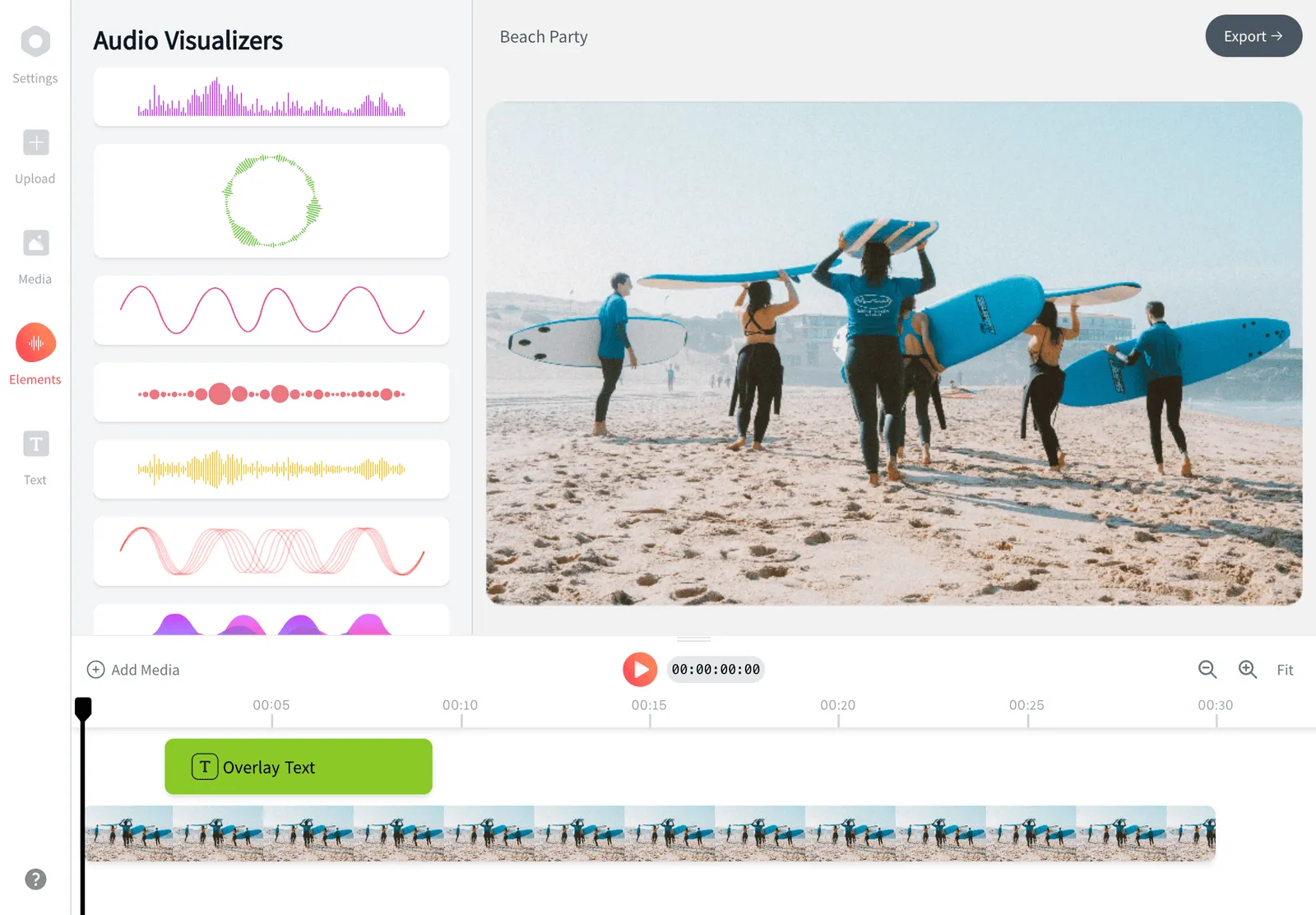
How we checked
Sources used for the claims on this page:
- Wavve pricing (wavve.co), Wavve
- Wavve FAQs (wavve.co), Wavve
- Disctopia acquires Wavve (disctopia.com), Disctopia
- Headliner pricing via spotSaaS (spotsaas.com), spotSaaS (headliner.app bot-gates direct access)
- Audiogram pricing (getaudiogram.com), Audiogram
- Descript pricing (descript.com), Descript
- Specterr pricing (specterr.com), Specterr
- Vizzy (vizzy.io), Vizzy
- Async pricing (async.com), Async (formerly Podcastle)
- OpusClip pricing (opus.pro), OpusClip
- Recast Studio pricing (recast.studio), Recast Studio
Every competitor claim on this page was re-verified against the sources above on August 3, 2026.
Pricing and limits change often. If anything here is out of date, email hello@echowave.io with a link and we'll correct it. Our editorial policy explains how we test and update comparisons.
Trademark and comparison notice. Wavve and all related names, logos, product names and trademarks are the property of their respective owners. EchoWave is an independent product and is not affiliated with, associated with, authorised by, endorsed by, sponsored by, or in any way officially connected to Wavve or its owners. Any third-party names, logos and trademarks are used here only to identify and compare the products honestly (nominative fair use) and do not imply any endorsement, partnership or affiliation.
This comparison reflects EchoWave's own opinion and our understanding of publicly available information believed accurate at the time of writing. Third-party features, pricing and availability change frequently and can vary by region, so figures may be out of date; please confirm the current details on Wavve's official website before making a decision. EchoWave makes no representation or warranty as to the accuracy or completeness of any third-party information shown here. If you believe anything on this page is inaccurate or out of date, please contact us and we will review it promptly.