Add Music to YouTube Video
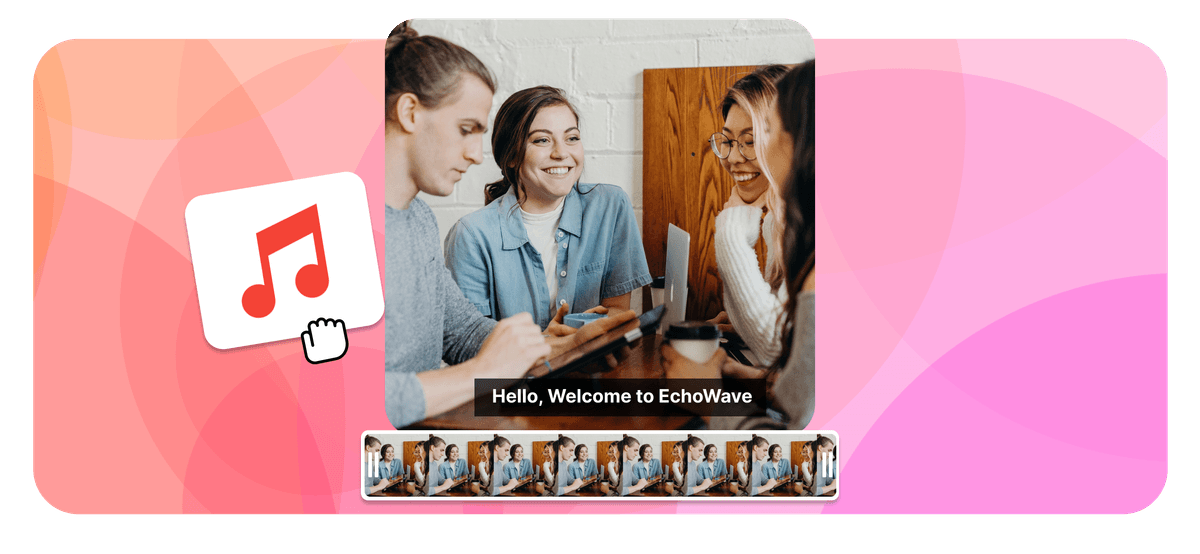
Add music to a YouTube video right in your browser: drop in background music, a voiceover or sound effects onto your YouTube video, then sync the timing, set the volume and export a clean file ready to upload.

Add Music to YouTube Video Features
Echowave is used by thousands of businesses around the world





To add music to a YouTube video, upload the clip to EchoWave in your browser, add your audio file on a separate track, drag it to line up with the picture, balance the volume against any original sound, then export the finished MP4 and upload it to YouTube. The same steps let you add audio to a YouTube video of any kind, from a song or a voiceover to a single sound effect. The whole edit runs locally, so nothing is sent to a third party while you work.
Why you cannot add music to a YouTube video inside YouTube Studio
This is the part that trips most people up. The editor inside YouTube Studio only lets you add tracks from YouTube's own Audio Library to a video you have already uploaded. There is no option to upload your own MP3, your own recorded voiceover, or a song you have licensed and place it onto an existing video. If you want custom audio, you have to do it before the video reaches YouTube: edit the file on your computer or in a browser editor, then upload the finished version.
That is exactly the gap this tool fills. You combine the picture and your chosen audio first, export one merged file, and upload that. YouTube then treats the music as part of the video, the same as any other clip you publish.
How adding audio works in detail
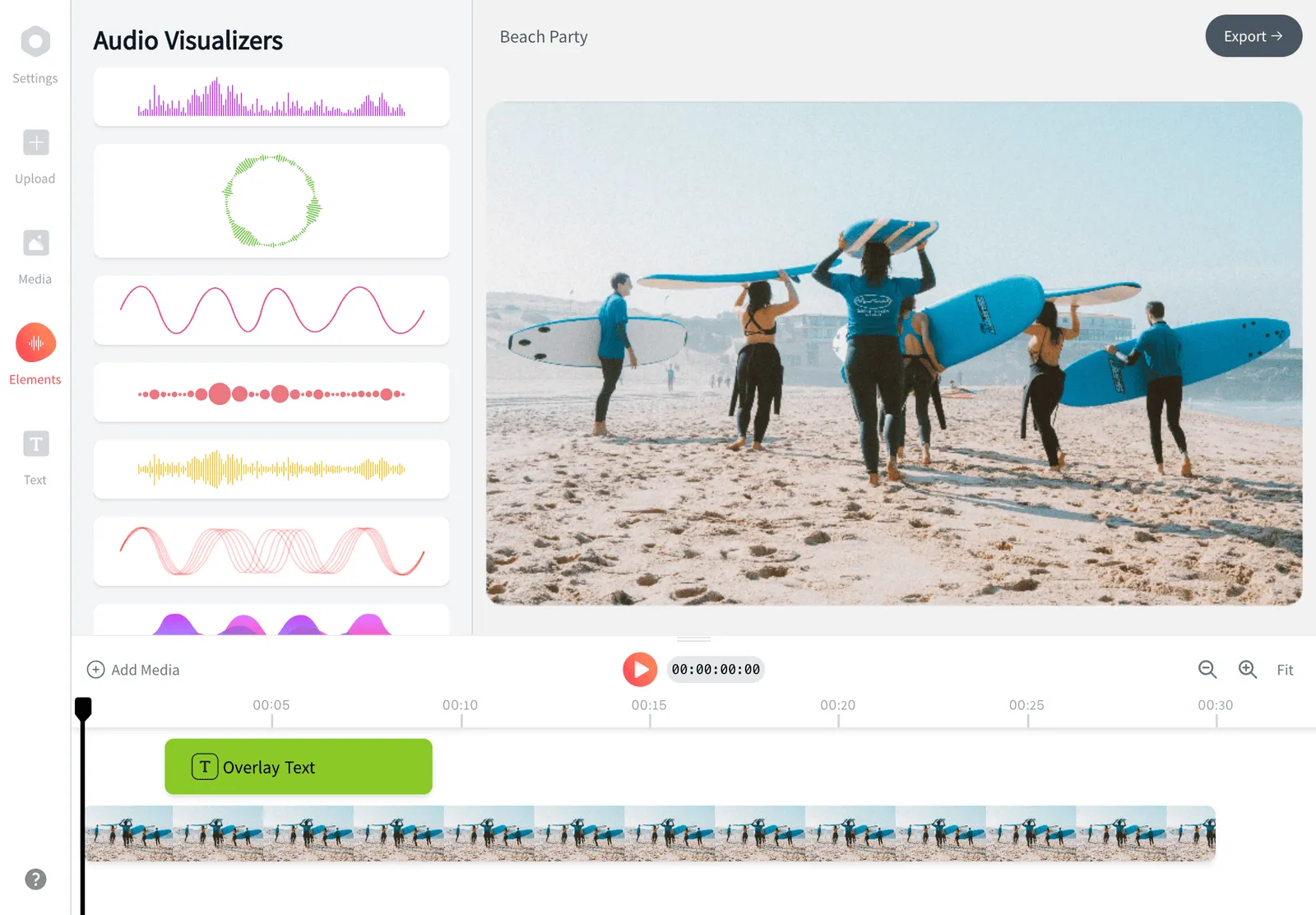
A YouTube video is really two layers playing together: the visual track and an audio track. When you bring a clip into EchoWave it lands on the timeline with its original sound attached. Your new audio goes onto its own layer above or below it, so you can move, trim and fade each one independently.
From there you have full control over the mix. Mute the original camera audio completely and replace it with a song, or keep dialogue and tuck background music underneath at a lower level. Drag the audio clip left or right to set exactly where it starts, pull its edges in to trim the parts you do not want, and add a short fade in at the beginning and a fade out at the end so the track does not start or stop abruptly. If the song is shorter than the video you can loop it; if it runs long, trim the tail. When the mix sounds right, export and the two layers are baked into a single file.
Real use cases
- Background music under a talking video: keep your voice clear and sit an instrumental bed below it at roughly 15 to 25 percent volume so it adds mood without fighting the dialogue.
- Replacing bad on-camera sound: swap out wind noise or a noisy room for a clean recorded voiceover or a music track.
- Adding a voiceover or narration: record commentary and lay it over screen recordings, tutorials or product demos.
- Scoring a montage or b-roll: put a single track across a travel clip, highlight reel or recap where there is no spoken word.
- Building intros and outros: drop a short sting or theme under your channel intro and end screen.
- Sound effects and accents: add whooshes, clicks or stingers at specific moments to punctuate edits.
Supported formats and specs
Upload common video files including MP4, MOV, WebM, AVI and WMV, and audio files including MP3, WAV, M4A, AAC and OGG. MP4 with H.264 video and AAC audio is the safest combination for YouTube and is what most cameras and phones already produce, so the export plays back cleanly everywhere.
For the upload itself, YouTube accepts standard widescreen at 16:9 (1920x1080 for 1080p, 3840x2160 for 4K). Vertical clips for YouTube Shorts should be 9:16 (1080x1920), and square 1:1 also works for Shorts. EchoWave keeps your source resolution and frame rate on export, so a 1080p clip stays 1080p with the audio merged in.
Copyright and avoiding strikes
YouTube runs an automated Content ID system that scans the audio in every upload and matches it against a large database of registered music. If the song you add is owned by a rights holder, you can get a copyright claim within minutes of publishing, which may mute the audio, block the video in some countries, or divert any ad revenue to the rights holder.
This tool does not clear music for you, so use audio you are allowed to use. Safe options include tracks you have created or recorded yourself, music from the free YouTube Audio Library, royalty-free libraries, and Creative Commons tracks where you follow the attribution terms. A common myth is that crediting an artist or keeping a clip under a certain length makes a copyrighted song fair to use. It does not. When in doubt, stick to royalty-free or library music and you avoid the problem entirely.
Privacy, device and browser support
The editing happens in your browser, so your clip and audio stay on your machine while you work. EchoWave runs on Chrome, Edge, Firefox and Safari across Windows, macOS, Chromebook and Linux, and works on tablets and phones too, so you can add music to a YouTube video on a phone without installing an app.
Pricing and what to expect on export
EchoWave is free to use. The free plan adds a small EchoWave watermark to exported video, which you can remove by upgrading to a paid plan. If you only need a quick single-purpose edit, EchoWave's dedicated quick tools for cropping, trimming, compressing and converting export with no watermark. Adding audio funnels into the full editor because you work with multiple tracks and a timeline, which is where the free-plan watermark applies.
How to Add Music to a YouTube Video
Adding your own audio to a YouTube video takes three steps in EchoWave's online video editor. No account or download is needed to start:
-
1. Upload your video
Open the editor and upload the clip you plan to put on YouTube. Common formats like MP4, MOV, WebM and AVI all work, and the file stays in your browser while you edit.

-
2. Add and sync your audio
Upload your music, voiceover or sound effect. Drag the audio clip to set where it starts, trim it to length, balance the volume against the original sound and add a fade in or out.

-
3. Export and upload to YouTube
Export the finished video as a single MP4 with the audio merged in, then upload that file to YouTube the normal way. The music is now baked into the video.
What people are saying about EchoWave
Get the mix right before you upload

Add background music to YouTube videos
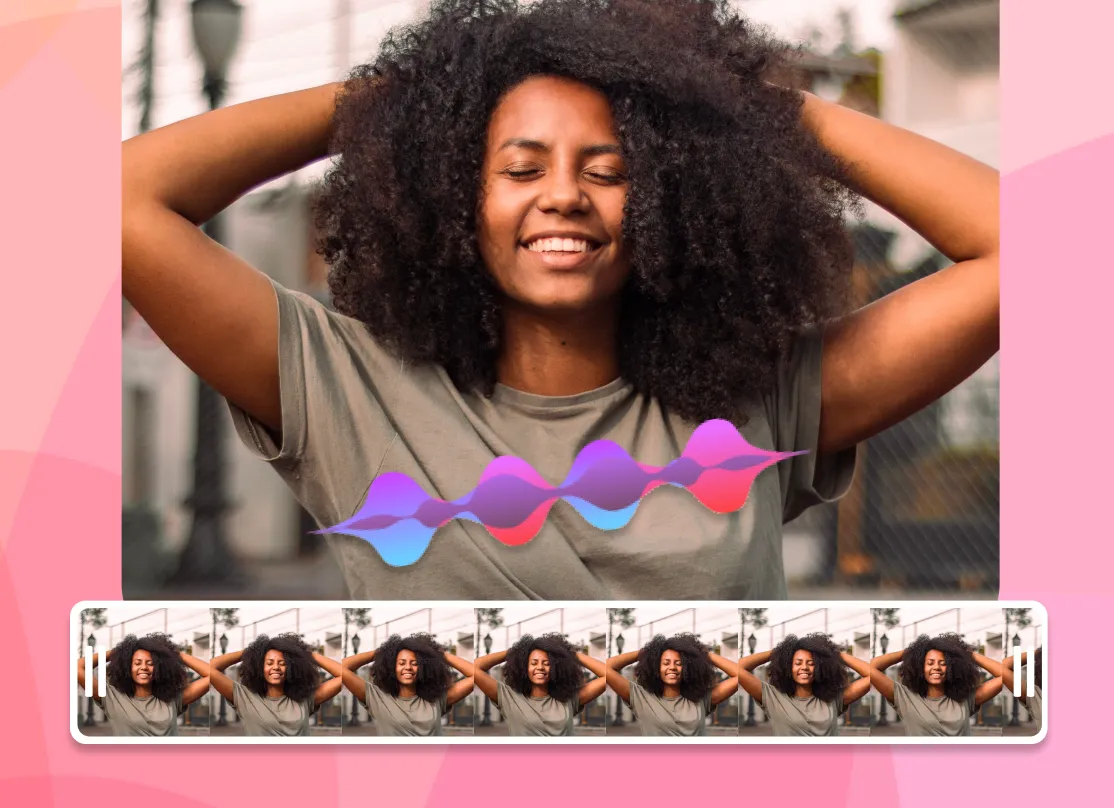
Put a music bed under your video without drowning out speech. Drop the track on its own layer, drag it to the right spot, then lower its volume so dialogue stays clear and the music fills the gaps. Fades at the start and end keep the transition smooth.
Replace or layer audio for Shorts and long form
Keep the original sound, mute it, or stack a voiceover on top, whatever the video needs. The same timeline handles a 60 second vertical Short and a 20 minute long-form upload, and EchoWave supports a wide range of formats including MP4, MOV, WMV, MP3 and WAV across desktop and mobile.

About the EchoWave team
EchoWave is a browser-based video and audio editor built by Lemon Vault LLC since 2018. The people who build the editor write these guides and test every step in the production app before publishing.
Frequently Asked Questions
How do I add my own music to a YouTube video?
Upload your video to EchoWave, add your music file on a separate track, sync and trim it, set the volume, then export one MP4 and upload that to YouTube. You combine the audio and video before uploading rather than inside YouTube.
Can I add my own audio to a video inside YouTube Studio?
No. YouTube Studio only lets you add tracks from YouTube's own Audio Library to an uploaded video. To use your own MP3, song or voiceover you have to edit the video first and then upload the finished file.
Can I add music to a YouTube video after it is already uploaded?
You cannot add your own audio to a published video. You would edit the original clip again, add the audio, export it, then upload it as a new video. Library tracks can be added to an existing upload through YouTube Studio.
Is this free, and is there a watermark?
EchoWave is free to use. The free plan adds a small EchoWave watermark to exported video, which a paid plan removes. The dedicated quick tools such as crop, trim and compress export with no watermark.
How do I avoid a copyright strike when adding music?
Only use audio you are allowed to use: your own recordings, the free YouTube Audio Library, royalty-free music, or Creative Commons tracks under their terms. YouTube's Content ID scans every upload, so crediting an artist or keeping a clip short does not make a copyrighted song safe.
Which audio and video formats are supported?
You can upload video as MP4, MOV, WebM, AVI and WMV, and audio as MP3, WAV, M4A, AAC and OGG. Export is MP4 with H.264 video and AAC audio, which YouTube handles cleanly.
Can I keep the original sound and add music on top?
Yes. The original audio and your new track sit on separate layers, so you can keep both and adjust their volumes independently, or mute the original and replace it entirely.
Can I add a voiceover instead of music?
Yes. Add a recorded voiceover the same way you would add music, then sync it to the picture. See the add a voiceover to video tool for a workflow focused on narration.
Does it work for YouTube Shorts?
Yes. Vertical 9:16 clips at 1080x1920 work for Shorts, and you can add and sync audio on a phone or tablet without installing an app, then upload the result.
Will the export keep my video quality?
EchoWave keeps your source resolution and frame rate, so a 1080p clip exports at 1080p with the audio merged in. Pick a source file at the quality you want to publish.
Do I need to install anything or create an account?
No. The editor runs in your browser on Chrome, Edge, Firefox and Safari, and you can start adding audio without an account or any download.
Ready to add audio to your YouTube video?
No credit card required, our free plan includes a small Echowave.io watermark.
Get Started →