Add Music to a GIF Online, Free
Turn a silent animated GIF into a video with sound. Upload your GIF, drop in a song or sound effect, line it up in the timeline, and export a shareable MP4 right from your browser.


Add Music to a GIF Online, Free Features
Echowave is used by thousands of businesses around the world





To add music to a GIF, upload the GIF to EchoWave's free online editor, add a song or sound effect from your device or the built-in library, trim it to match the loop, then export. The same flow lets you add audio to a GIF of any kind, whether that is a music track, a voiceover, or a single sound effect. Because the GIF format cannot store audio, the result is saved as an MP4 video with sound that plays everywhere from Instagram to Discord.
Why your GIF turns into a video when you add sound
This is the single most important thing to understand, and it trips up almost everyone. The GIF format, created back in 1987, has no audio track. There is no version of a .gif file that plays music. So any tool that promises a "GIF with sound" is really doing one thing under the hood: it keeps your looping animation and wraps it in a container that does support audio, which in practice means MP4 (and sometimes MOV or WebM).
That is exactly what EchoWave does. You bring in your animated GIF, you add the audio, and on export you get a standard MP4 video. The motion looks identical to your original GIF, but now it carries a soundtrack. Platforms like Instagram, TikTok, Discord, WhatsApp, and YouTube all play MP4 natively, so a video file is what you actually want to share anyway.
How adding music to a GIF works in EchoWave
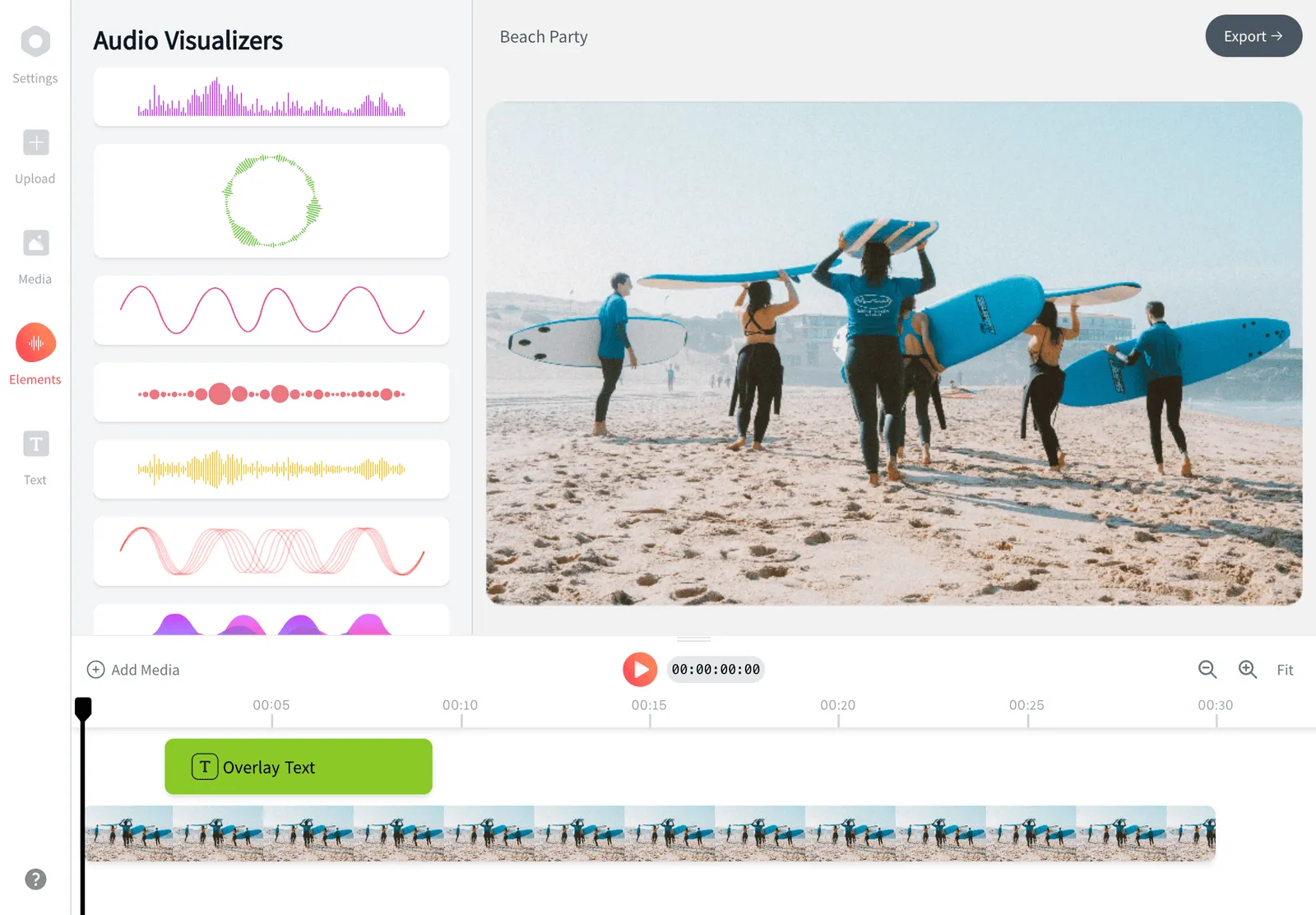
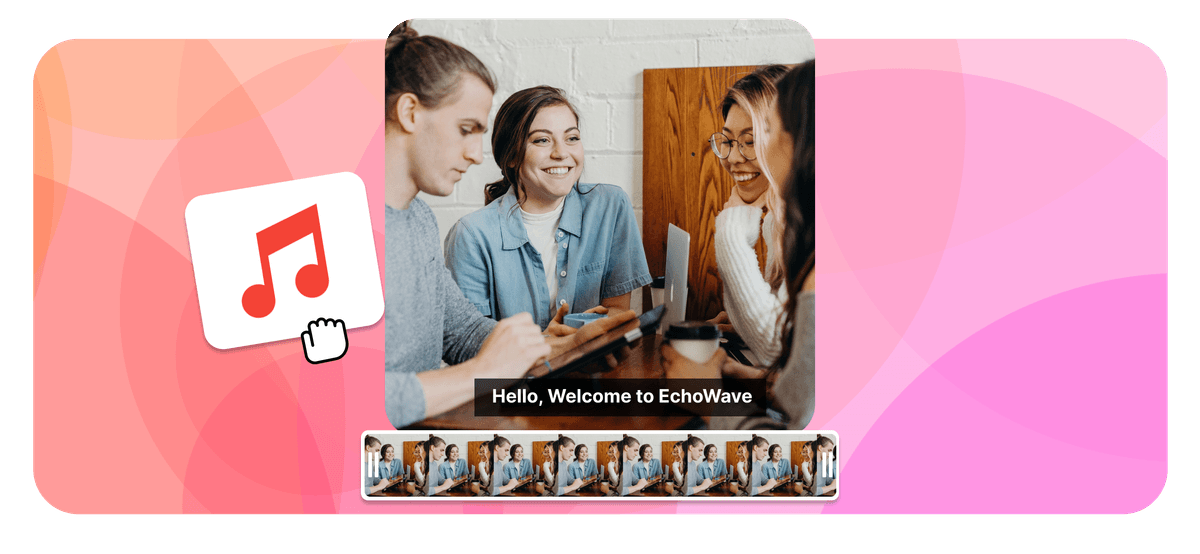
EchoWave is a full browser-based editor, so adding music is more flexible than a one-click converter. When you drop your GIF onto the canvas it becomes a visual clip on the timeline, and your audio becomes a separate track beneath it. From there you have real control:
- Trim the audio so it starts and ends exactly where you want, instead of using the whole song.
- Set the volume and add a quick fade-in or fade-out so the music does not cut in abruptly.
- Loop the GIF to fill the length of the track, or shorten the audio to match a single loop of the animation.
- Layer multiple sounds, for example background music plus a sound effect, on separate tracks.
- Preview in real time before you commit, so what you hear in the editor is what you export.
Everything runs in your browser. Your GIF and audio are uploaded to process the export, and nothing is posted publicly. There is no software to install and no account needed to start.
Add audio to a GIF online, music or sound effect
Music and audio are the same job here: when you add audio to a GIF online you can drop in a full song, a short clip of background music, a voiceover, or a single sound effect. EchoWave reads them the same way and lays the chosen audio on its own track under the animation. So whether you searched to add music to a GIF or to add audio to a GIF, you land in the same place, and you can mix several sounds together if you want both a backing track and an effect.
Real use cases
Adding sound to a GIF is popular for a few clear reasons:
- Reaction clips and memes. A reaction GIF lands harder with the right sound effect, a laugh track, or a punchy music sting.
- Birthday, holiday, and greeting GIFs. Animated "happy birthday" or "merry christmas" cards feel personal when they sing. These are some of the most searched GIF-with-sound terms for a reason.
- Product and promo loops. Marketers turn a short looping animation into a scroll-stopping social video by adding a beat.
- Discord and group chats. Discord plays MP4 with audio inline, so a sound-enabled clip works better there than a silent GIF.
- Lyric snippets and music teasers. Pair a looping visual with a few bars of a track to tease a release.
Supported formats and specs
EchoWave accepts the file types people actually have on hand. On the visual side you can bring in an animated GIF, and you can also start from MP4, MOV, WebM, or APNG if you would rather work from a short clip. On the audio side it reads the common formats: MP3, WAV, M4A (AAC), AAC, and OGG.
The export is an MP4 video using H.264 video and AAC audio, which is the most widely compatible combination across phones, browsers, and social platforms. You can keep the original square, portrait, or landscape shape of your GIF, or fit it to a standard aspect ratio such as 9:16 for Stories and Reels, 1:1 for feed posts, or 16:9 for YouTube and desktop.
If a particular GIF or audio file will not preview cleanly in the browser, the export still runs server-side, so unusual files are handled gracefully rather than blocking you.
Platform-specific tips
Instagram and TikTok: upload the exported MP4 the same way you would any video. For Stories and Reels, set the canvas to 9:16 (1080 by 1920) before exporting so the clip fills the screen without black bars.
Discord: drag the MP4 straight into a channel. Discord plays it inline with sound, which a plain GIF cannot do. Keep the file under the server upload limit (10 MB on free servers) by trimming length or choosing a smaller resolution.
WhatsApp and Messenger: send the MP4 as a video. If you send a true .gif it will be silent, so always share the video export when you want the sound.
Websites and email: an MP4 with a poster frame plays sound on click, whereas an auto-looping GIF embed never will. Use the video for anywhere audio matters.
Quality, length, and limits
The editor preserves your GIF's frame rate and resolution, so the animation stays as crisp as the original. Most GIFs are short loops of a few seconds, and that is the sweet spot: a tight loop with a matched sound is more shareable than a long one. You can extend the runtime by looping the GIF across a longer track, or keep it to a single pass.
The free plan adds a small EchoWave watermark to exports, which you can remove on a paid plan. If you need a sound-free conversion with no watermark, EchoWave's dedicated quick tools for cropping, trimming, compressing, and converting export without one. The music-to-GIF flow uses the full editor, which is where the watermark applies on the free tier.
Device and browser support
Because EchoWave runs in the browser, it works on Windows, macOS, Chromebook, Linux, and on iPhone, iPad, and Android. There is nothing to download. Use a recent version of Chrome, Edge, Safari, or Firefox for the smoothest preview and export. On mobile you can upload a GIF from your camera roll, add audio, and download the finished MP4 directly to your phone.
When to use this tool
Reach for the music-to-GIF flow whenever you want a looping animation that also makes noise: a meme with a punchline sound, a singing birthday card, a branded promo loop, or a Discord clip. If you only need to change a GIF without sound, a quick converter is faster. If you want to keep building (text, captions, multiple clips, overlays), you are already in the full EchoWave editor and can take the project further from here.
How to add music to a GIF
Add a soundtrack to your animated GIF and export it as a shareable MP4:
-
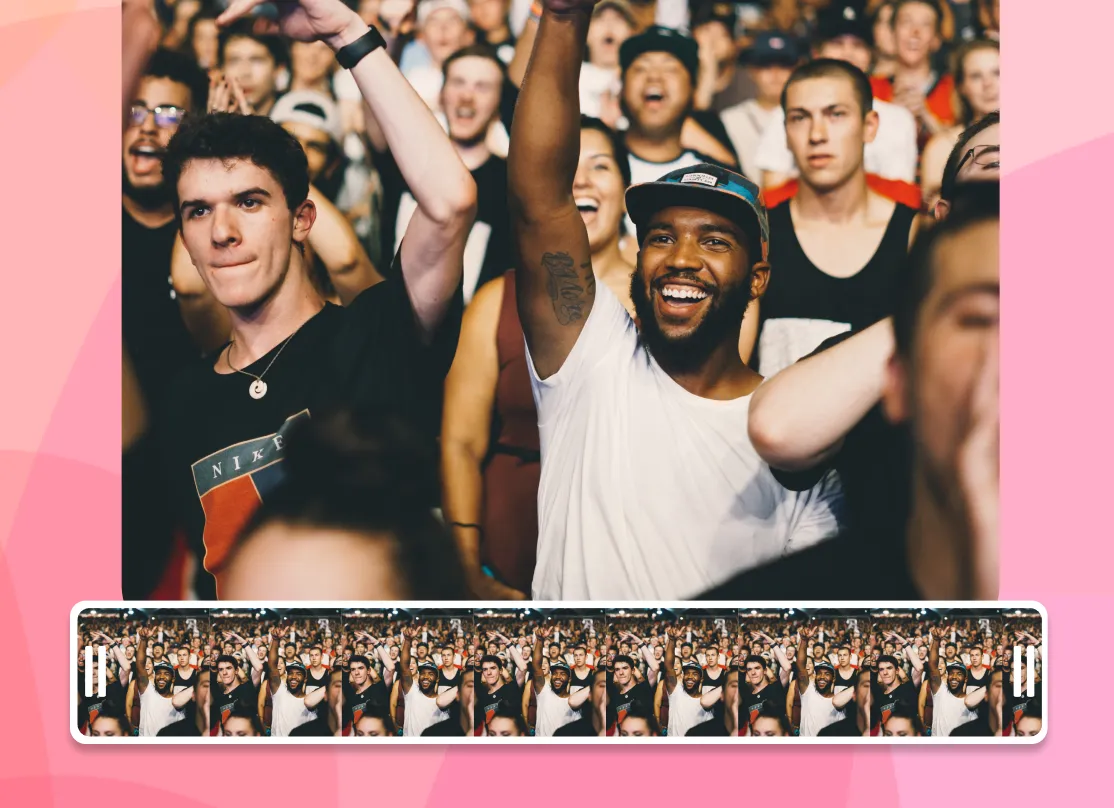
1. Upload your GIF
Open the editor and drop in the animated GIF you want to add sound to.
-
2. Add and trim your music
Pick a track or sound effect from the library or upload your own, then trim and set the volume to match the loop.
-
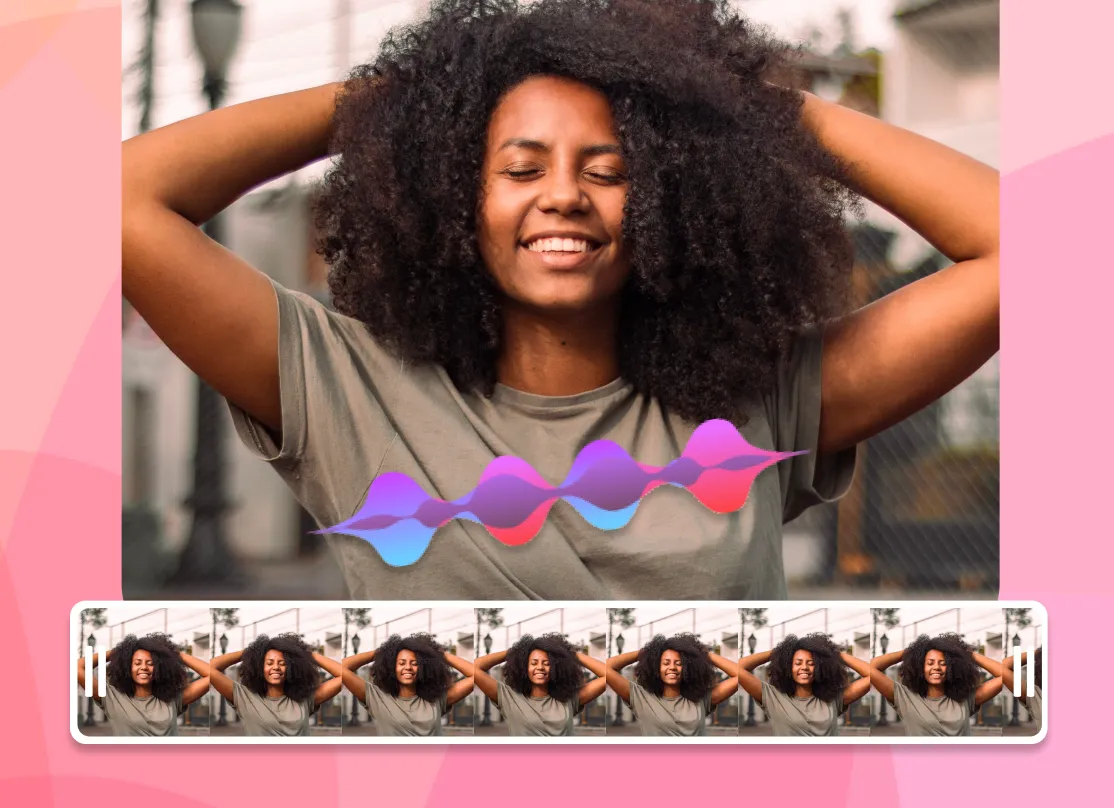
3. Preview and export
Play it back, fine-tune the timing, then export an MP4 video with sound ready to share anywhere.
What creators say after trying EchoWave

About the EchoWave team
EchoWave is a browser-based video and audio editor built by Lemon Vault LLC since 2018. The people who build the editor write these guides and test every step in the production app before publishing.
Frequently Asked Questions
How do I add music to a GIF?
Upload your GIF to EchoWave's free online editor, add a song or sound effect from your device or the built-in library, trim it to fit the loop, then export. The result is saved as an MP4 video so the sound plays back on any platform.
Can a GIF file actually have sound?
No. The GIF format has no audio track and cannot store sound. To get a "GIF with sound" you keep the looping animation and export it as a video, usually MP4, which does support audio. EchoWave handles this for you automatically on export.
Is it free to add music to a GIF?
Yes. You can add music to a GIF for free, with no account required to start. The free plan adds a small EchoWave watermark to exports, which you can remove by upgrading to a paid plan.
What format is the file when I add audio to a GIF?
When you add audio to a GIF, the export is an MP4 video using H.264 video and AAC audio. That combination is the most compatible across phones, browsers, and social apps, and it keeps your animation looking the same as the original GIF.
How do I add music to a GIF for Instagram?
Add your audio in the editor, set the canvas to 9:16 for Stories and Reels, then export the MP4 and upload it to Instagram like any other video. The GIF plays as a video clip with your sound intact.
How do I make a GIF with sound for Discord?
Export your clip as an MP4 and drag it into a Discord channel. Discord plays MP4 inline with audio, which a plain GIF cannot do. Keep it under the server upload limit by trimming the length or lowering the resolution.
Can I add music to a GIF in Photoshop?
Not directly, because GIF files cannot hold audio. You would have to export your Photoshop animation as a video first, then add sound using a video editor. Doing it in EchoWave skips that extra step.
Does Giphy support GIFs with sound?
Giphy can display short "GIFs with sound" inside its own app, but a downloaded .gif file is always silent. To share a looping clip with audio elsewhere, export it as a video as you do here.
What audio formats can I upload?
You can upload common formats including MP3, WAV, M4A (AAC), AAC, and OGG, or pick a track or sound effect from the built-in library.
Can I add music to a GIF on my phone?
Yes. EchoWave runs in your mobile browser, so you can upload a GIF from your camera roll on iPhone or Android, add audio, preview, and download the finished MP4 directly to your device.
Is there an app to add music to a GIF?
You do not need a separate app. EchoWave works in any phone or desktop browser, so you can add music to a GIF on iPhone, Android, Windows, or Mac without installing anything. It behaves like a dedicated app, just without the download.
Can I trim the music and set the volume?
Yes. The audio sits on its own track in the timeline, so you can trim it to the exact section you want, adjust the volume, and add a fade-in or fade-out before exporting.
Is my GIF kept private?
Your files are uploaded only to process the export and are not posted publicly. There is no software to install, and you can start without creating an account.
Ready to add music to your GIF?
No credit card required, our free plan includes a small Echowave.io watermark.
Get Started