
The 9 Best Clideo Alternatives in 2026
Clideo stamps a watermark on every free export, even a ten-second trim. EchoWave is our top alternative because its dedicated quick tools (trim, crop, compress, convert) export watermark-free on the free plan, and it grows into a full video editor when a job needs more than one step. Free and cheaper options are compared honestly below.


The 9 Best Clideo Alternatives in 2026 Features
Trusted by thousands of creators worldwide





Why people look for a Clideo alternative
Let's be fair first: Clideo works. Its 50+ single-purpose browser tools have almost no learning curve, no account is needed for basic use, and its Pro plan at $6/mo billed annually is one of the cheapest paid upgrades in online video. Millions use it for exactly that.
The friction is structural. Every free export carries a watermark, no matter how trivial the edit, which is why so many searches are some version of "clideo no watermark". Free uploads cap at 500MB per file with slower standard processing, so bigger or HD files crawl. And because each tool is a separate page rather than one editor, a multi-step job means uploading, downloading, and re-uploading the same video over and over. Reviewers also report compression artifacts after export and vertical videos occasionally forced to landscape, and Trustpilot's negative reviews cluster on billing: charges continuing after cancellation and refused refunds.
How we picked: we ran the same quick jobs (trim, compress, convert, caption) through each tool in the browser and re-checked every pricing page in August 2026. Where a vendor hides prices behind scripts or logins, we say so.
TL;DR: EchoWave is the best overall alternative because its quick tools are watermark-free without paying and everything happens in one editor; Clipchamp if you want free watermark-free 1080p in a simple timeline; Flixier if fast cloud exports matter more than price.
The best Clideo alternatives in 2026, ranked
Every pick tested in the browser. Prices checked August 2026.
- 1
EchoWave
Our pickBest overall: Clideo's quick jobs, without the watermark or the re-uploading
EchoWave covers the jobs people actually use Clideo for, then removes the two main gripes. The dedicated quick tools, including trim, crop, the video compressor, and 150+ file converters, export with no watermark on the free plan. And instead of bouncing a file between separate single-purpose pages, everything lives in one online video editor: trim, caption, add music, convert, done, with free-plan videos up to 60 minutes.
It also goes far beyond utility work: auto-subtitles in 50+ languages with 170+ presets via add subtitles, music visualizers and audiograms, AI voices, and a screen recorder. The honest caveat: for a single one-off task, Clideo's one-job pages are marginally simpler, and Clideo Pro at $6/mo billed annually undercuts EchoWave's $9/mo annual Basic.
- Pricing:
- Free plan; paid from $9/mo billed annually
- Free plan:
- Free forever: full editor, 720p exports with a small badge; quick tools export with no watermark
- Best for:
- Anyone doing regular quick edits who is tired of watermarked free exports and one-tool-at-a-time workflows
Pros
- Quick tools (trim, crop, compress, convert) export watermark-free, free
- One integrated editor instead of 50 disconnected tools
- Free plan handles videos up to 60 minutes
- Auto-subtitles with no monthly minute cap on the free plan
- Music visualizer, waveform, and audiogram tools Clideo lacks
- No account needed to start, nothing to install
Cons
- Full free editor adds a small badge (removed on Basic, $9/mo annually)
- Clideo's annual Pro at $6/mo is cheaper than EchoWave's Basic
- No meme-style one-click gimmick tools
- 2
VEED
veed.ioThe big step up: a full creative suite where Clideo is a toolbox
If Clideo feels like a drawer of screwdrivers, VEED is the whole workshop: one browser suite with an editor, auto-subtitles, a recorder, AI avatars, text-to-speech, and a Gen-AI studio aggregating 25+ video models. Teams that outgrew utility tools usually land here or on Kapwing.
The cost model is the opposite of Clideo's simplicity: plans are per user, AI features draw from yearly credit allowances, monthly billing runs about double the annual rate, and the free tier watermarks 720p exports capped at 10 minutes. Its Trustpilot negatives concentrate on auto-renewal and refund disputes.
- Pricing:
- From $10/mo per user billed annually ($116/yr); $20 monthly
- Free plan:
- 720p, 10-minute export cap, 2GB storage, watermark
- Best for:
- Teams that want subtitles, recording, and AI tools in one place and will pay per seat

Pros
- Editor, subtitles, recorder, avatars, and TTS in one suite
- Strong subtitle and translation workflow (50+ languages on Pro)
- Gen-AI Studio with 25+ text-to-video models
Cons
- Per-user pricing with yearly credit meters on AI features
- Free tier is demo-grade: watermark, 720p, 10-minute cap
- Recurring billing and auto-renewal complaints on Trustpilot
- 3
Kapwing
kapwing.comPolished browser editor for teams, with a much stingier free tier
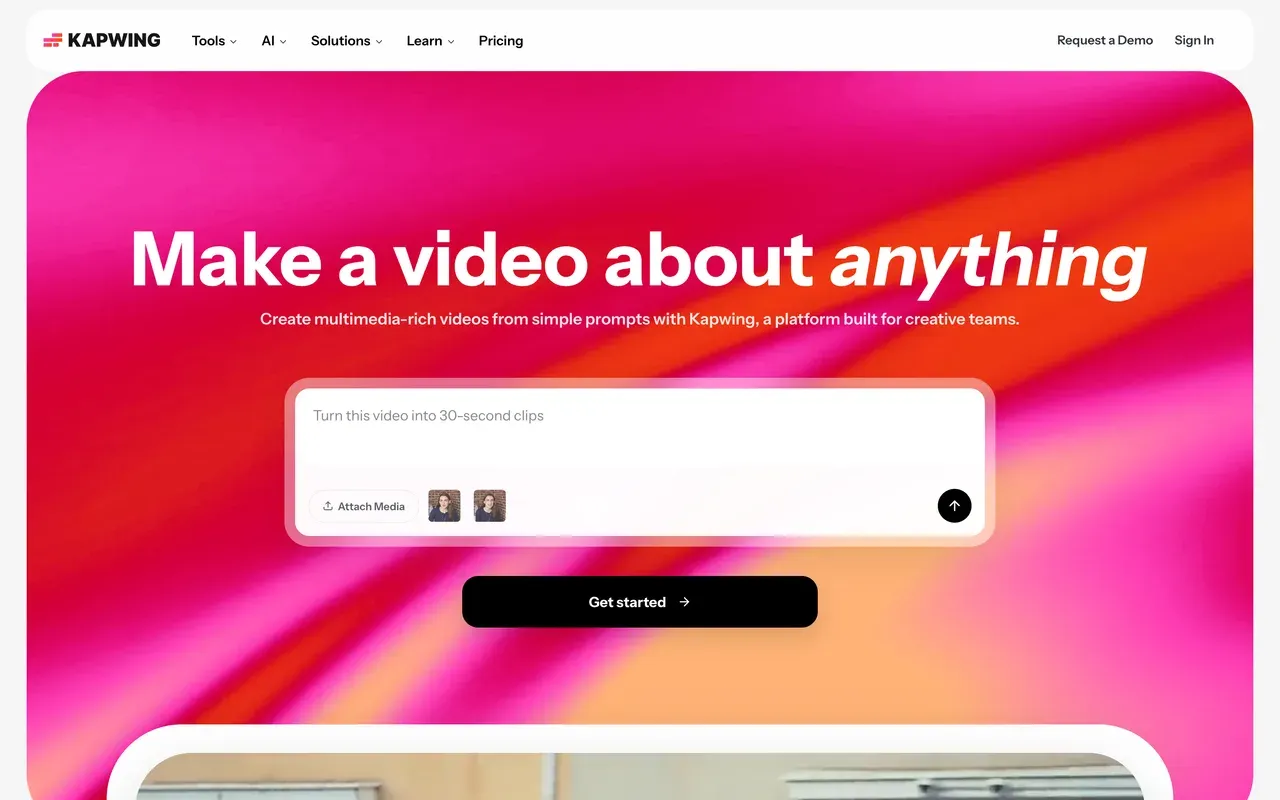
Kapwing sits between Clideo's simplicity and a full production suite: a clean browser editor with top-rated auto-subtitles, translation, resizing, and repurposing tools, plus team workspaces and the Kai AI assistant that can generate and edit projects from prompts.
Where Clideo's free tier is watermarked but broadly usable, Kapwing's is a demo: exports cap at 1 minute at 720p with a watermark, and projects are deleted after 3 days. Paid plans are per member at $16/mo billed annually, and the most consistent complaints are failed exports and lag on longer projects, plus a strict no-refund policy.
- Pricing:
- From $16/mo per user billed annually (Pro, $192/yr); $24 monthly
- Free plan:
- 1-minute watermarked 720p exports; projects deleted after 3 days
- Best for:
- Social teams subtitling and repurposing clips together in the browser
Pros
- Accurate auto-subtitles and translation with a clean workflow
- Repurposing toolkit: resize, smart cut, templates, screen recording
- Team workspaces with in-browser commenting
Cons
- Free plan far more limited than Clideo's (1-minute cap, 3-day retention)
- Export failures and lag reported on longer projects
- No refunds after upgrading; per-member pricing
- 4
FlexClip
flexclip.comTemplate-first editing at Clideo-like prices
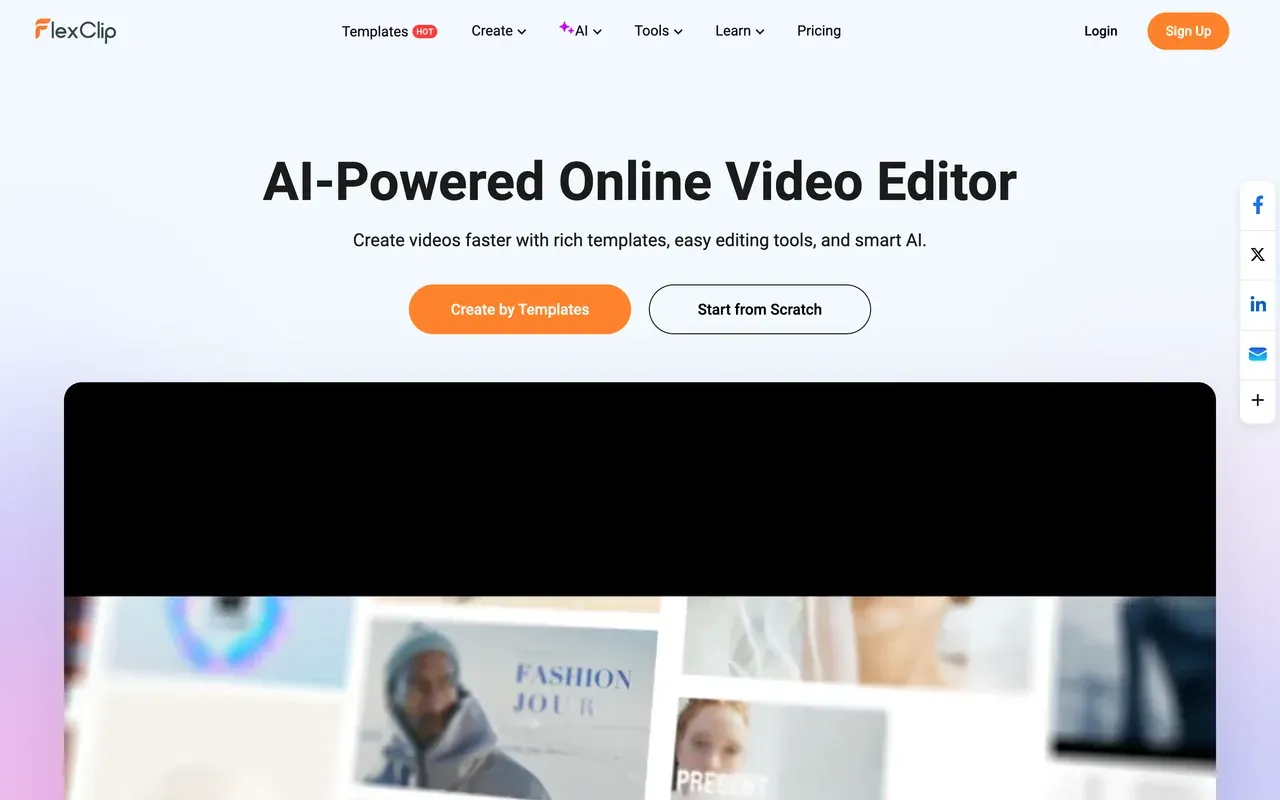
FlexClip is what to pick when your Clideo jobs start needing to look designed: 6,000+ templates, 4M+ stock items, and simple AI extras (auto-subtitles, text-to-video, TTS) in an editor built for non-editors. Watermark-free 1080p costs $11.99/mo billed annually, close to Clideo Pro territory while doing much more.
Its free tier has a twist worse than Clideo's corner badge: every free export opens with a mandatory 3 to 4 second FlexClip intro animation. Renders are also slow on longer videos, and the paid Plus tier still caps stock use at 5 videos and audios per project.
- Pricing:
- From $11.99/mo billed annually (Plus); $19.99 monthly
- Free plan:
- 720p, 10-minute videos, 12 projects, mandatory FlexClip intro animation on exports
- Best for:
- Beginners who want quick template-based videos with light editing
Pros
- 6,000+ templates and 4M+ stock media items
- Watermark-free 1080p from $11.99/mo billed annually
- Very easy learning curve
Cons
- Forced branded intro animation on all free exports
- Slow renders on longer or high-res videos
- Stock caps persist on the paid Plus tier
- 5
Clipchamp
clipchamp.comThe free-tier winner: watermark-free 1080p at $0
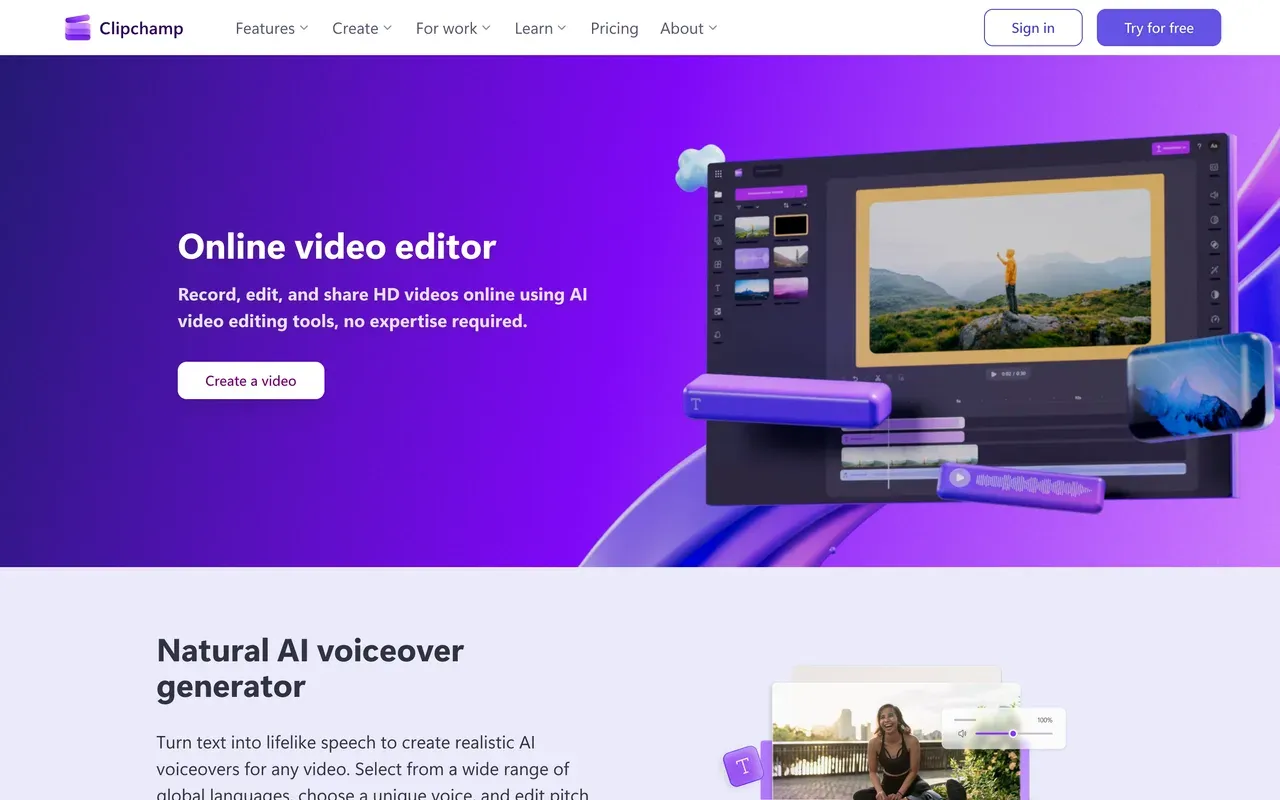
If the watermark is your whole reason for leaving Clideo, Clipchamp settles it: Microsoft's browser editor exports watermark-free 1080p on the free plan, the most generous free policy in this category, and it ships built into Windows 11. You get a simple timeline, screen and camera recording, AI voiceovers, and auto-subtitles in 80+ languages.
The trade-offs are depth and ecosystem. Reviewers describe shallow effects and poor automatic AI results, performance lags on long timelines, it is officially supported only in Chrome and Edge with no Mac app, and 4K plus premium stock require Premium, mainly sold through Microsoft 365 bundles.
- Pricing:
- Free; Premium $11.99/mo, or bundled with Microsoft 365 Personal at $9.99/mo
- Free plan:
- Watermark-free 1080p exports, free stock and filters only
- Best for:
- Windows users who want free, watermark-free 1080p edits without learning a real NLE
Pros
- Watermark-free 1080p exports on the free plan
- Built into Windows 11, nothing extra to install there
- Screen, camera, and voice recording plus subtitles in 80+ languages
Cons
- Shallow feature set; pros outgrow it quickly
- Chrome and Edge only, no Mac app, no offline editing
- 4K export locked behind Premium and Microsoft 365
- 6
Adobe Express
adobe.comClideo-style quick actions inside a design suite, no watermark
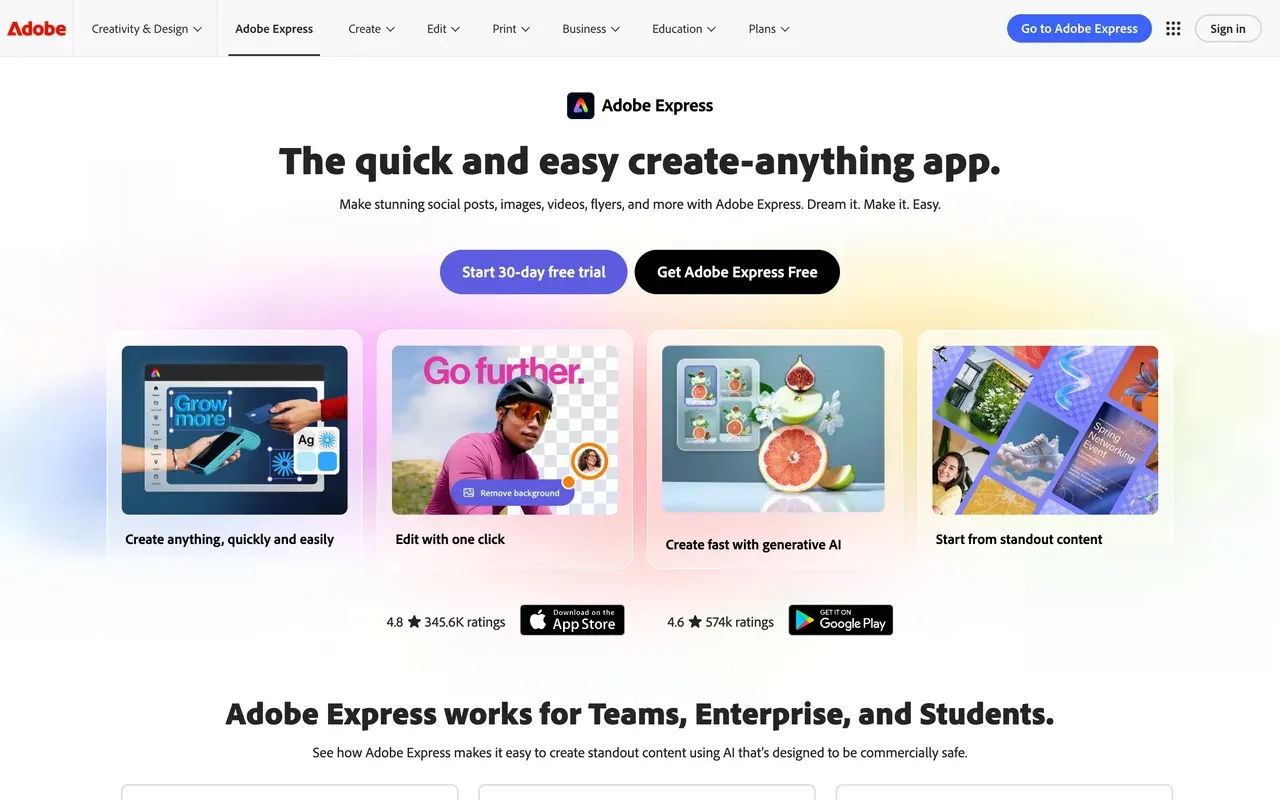
Adobe Express bundles the closest thing to Clideo's toolbox into a design app: quick actions for captioning, resizing, merging, trimming, converting, and background removal, and unlike Clideo the free plan exports without a watermark. You also get 268K+ templates, 500K+ Adobe Stock photos free, and a scheduler.
It is design-first, though: there is no serious multi-track timeline, Adobe's own forums carry recurring bug threads about video uploads and projects failing to load, uploads cap at 3840x3840 pixels, and free AI generation is limited to daily allowances with premium assets locked behind the $9.99/mo Premium tier.
- Pricing:
- Free; Premium $9.99/mo, or $99.99/yr (about $8.33/mo), per user
- Free plan:
- No watermark; daily AI generations, video up to 30 minutes, no 4K, premium assets locked
- Best for:
- Social media managers who mix graphics work with quick video touch-ups
Pros
- Free exports carry no watermark
- Quick actions: caption, resize, trim, merge, convert, remove background
- Huge template and Adobe Stock library, plus a content scheduler
Cons
- Not a timeline editor; deeper video edits get awkward fast
- Recurring video reliability bug reports on Adobe's own forums
- 4K, 2-hour videos, and premium assets require Premium
- 7
Flixier
flixier.comFastest cloud exports, if you can live with per-seat plans and meters
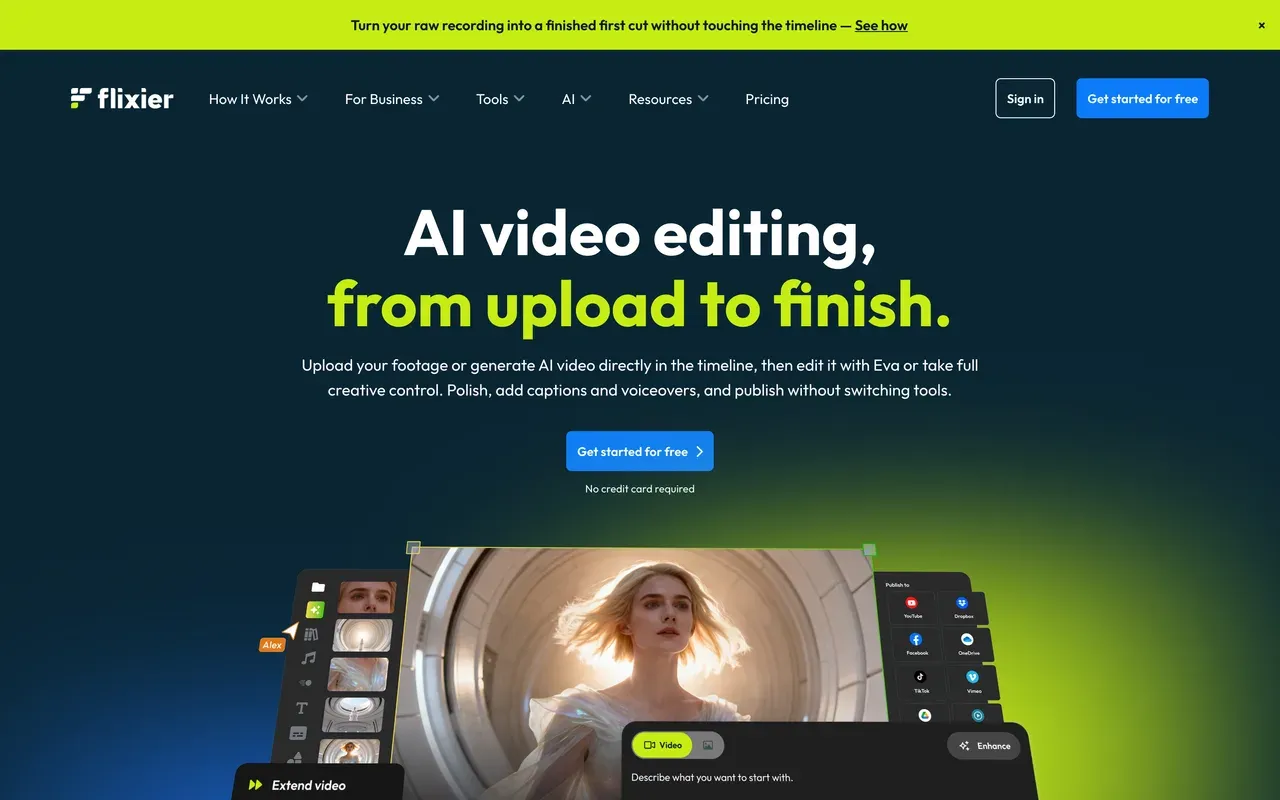
Flixier's pitch against Clideo's slow standard processing is speed: cloud rendering typically finishes exports in under a minute regardless of your hardware, and the editor runs fine on low-spec machines. It adds real editing features Clideo lacks, including edit-by-transcript and collaboration with timestamped comments.
The meters bite quickly, though. Free users get 10 minutes of video export per month at 720p with a watermark and just 5 subtitle minutes, Starter is $19/mo per seat with a 60-minute monthly export cap, and Trustpilot carries recurring complaints about rebilling after cancellation.
- Pricing:
- From $19/mo per seat (Starter); yearly discount advertised at 53%, exact USD annual price not shown in all regions
- Free plan:
- 10 min of exports/month, 5 subtitle minutes, 720p, 2GB storage, watermark
- Best for:
- Creators on weak hardware who want fast cloud exports and light collaboration
Pros
- Cloud exports typically finish in under a minute
- Runs well on low-spec machines, nothing to install
- Edit-by-transcript and real-time collaboration on paid tiers
Cons
- Free tier meters exports to 10 minutes per month
- Per-seat pricing; Starter caps exports at 60 minutes per month
- Rebilling and cancellation complaints on Trustpilot
- 8
CapCut
capcut.comA far deeper free editor than Clideo, with its own watermark now
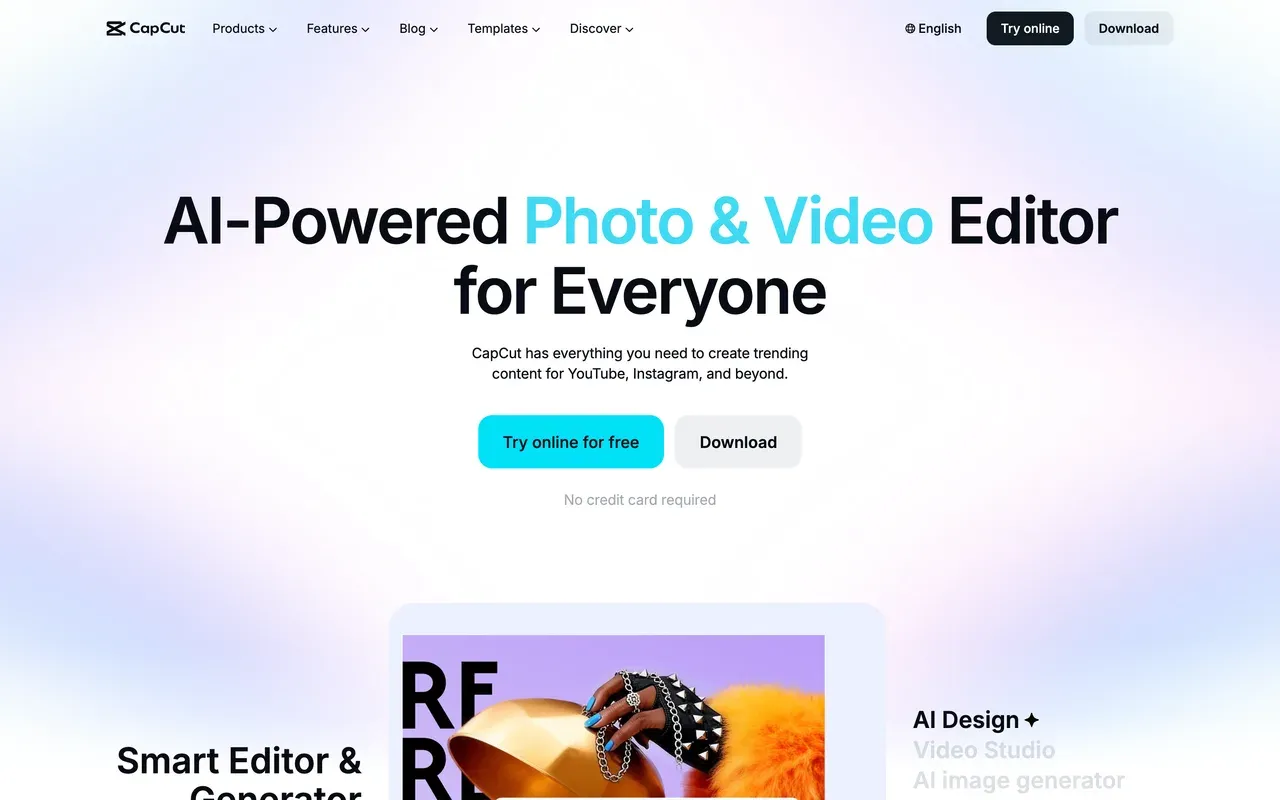
CapCut gives you what Clideo never will: a real multi-track timeline with keyframes, chroma key, trend effects, and 870K+ templates, free, across mobile, desktop, and web. For short-form social work it remains the default editor of TikTok culture.
It no longer solves the watermark problem, though. Through 2025 CapCut added a watermark to free exports and moved formerly free features like auto captions behind Pro, and its pricing is opaque: no public price list, with cost varying by region, device, and promotion (third-party trackers report about $9.99/mo for Standard and $19.99/mo for Pro).
- Pricing:
- About $9.99/mo (Standard) or $19.99/mo (Pro), third-party reported; no public price list
- Free plan:
- Core editing free; exports watermarked and capped around 1080p
- Best for:
- Short-form creators who want deep free editing and accept the watermark or pay
Pros
- Deep free editing: multi-track, keyframes, chroma key
- 870K+ templates and trend effects for vertical video
- Apps for mobile and desktop plus a web editor
Cons
- Watermark on free exports since the 2025 changes
- Formerly free features progressively moved behind Pro
- No transparent pricing; varies by region and device
- 9
WeVideo
wevideo.comCheapest paid entry point, but built for classrooms now
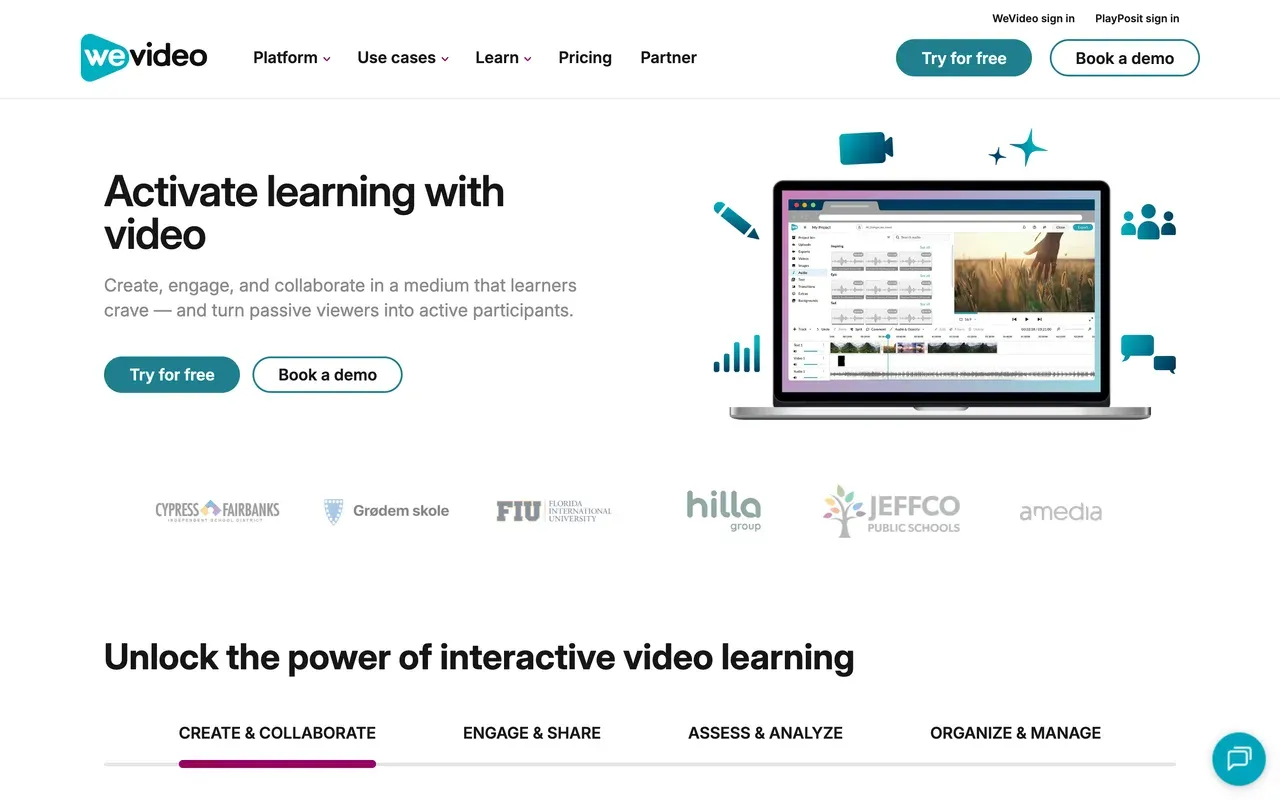
WeVideo's Power plan at $4.99/mo billed annually is the cheapest paid tier on this page, and Unlimited at $7.99/mo annually adds 4K with unlimited publishing. The product has pivoted hard toward education, with LMS integrations and interactive video from its PlayPosit acquisition, and that is where it shines.
For solo creators the numbers are rough: the free plan caps exports at 480p with 5 publish minutes per month, Power itself tops out at 720p, reviewers report lag, long renders, and export failures, and Trustpilot sits at 2.9 with complaints of surprise charges after trials.
- Pricing:
- From $4.99/mo billed annually (Power, 720p); $9.99 monthly
- Free plan:
- 480p max, 5 minutes of publishing per month, 1GB storage, watermark
- Best for:
- Teachers and schools; only budget-hunters otherwise
Pros
- Cheapest paid plan here at $4.99/mo billed annually
- 4K and unlimited publishing from $7.99/mo annually
- Collaborative editing and classroom integrations
Cons
- Free tier caps at 480p; Power still caps at 720p
- Lag, slow renders, and export failures reported
- Education-first focus leaves solo creators feeling secondary
Clideo vs EchoWave at a glance
| Feature | EchoWave | Clideo |
|---|---|---|
| Free plan reality | Free forever: full editor plus quick tools, videos up to 60 minutes | All 50+ tools usable free, but with a 500MB per-file cap and slower standard processing |
| Watermark | No watermark on quick tools; small badge on free full-editor exports | Watermark on every free export, even a simple trim |
| Starting price | Basic $19/mo, or $9/mo billed annually | Pro $9/mo, or $6/mo billed annually ($72/yr), which is cheaper |
| Editor design | One integrated multi-track editor for multi-step jobs | Separate single-purpose tools; chaining steps means repeated upload and download cycles |
| Free export resolution | 720p on the free plan | Reviewers report a 720p cap on free exports |
| Subtitles and captions | Auto-transcribe in 50+ languages, 170+ presets, karaoke styles, SRT/VTT import and export | AI auto subtitles, translation, and text-to-speech tools |
| Audio and visualizer tools | Music visualizer, waveform videos, audiograms | None advertised |
| File converters | 150+ video and audio converters, watermark-free on the free plan | Conversion covered within its 50+ tools, watermarked on free |
| Account required to start | No, start editing immediately | No account needed for basic use |
| Platforms | Any browser, plus Mac, Windows, and Linux desktop apps | Browser only, nothing to install |
| Privacy and AI training | Files processed for your session, not used to train AI models | Not stated on the pages we checked |
Best free Clideo alternative without a watermark
Two picks solve the watermark problem at $0. EchoWave's dedicated quick tools, like the trimmer and video compressor, export watermark-free on the free plan, with videos up to 60 minutes. Clipchamp goes further for timeline edits: watermark-free 1080p exports free, though only in Chrome or Edge and with a shallow toolset. Adobe Express also exports free without a watermark, but it is a design app first. Clideo, by contrast, watermarks everything until you pay.
Is Clideo safe, and is it good?
Clideo is a legitimate product from Clideo Ltd that claims 5 million monthly users and 379 million videos created, and its ease of use is consistently praised. Two flags are worth knowing. Its Trustpilot profile shows 5 stars across roughly 10,400 reviews, but Trustpilot itself flags possible review solicitation on the listing, and the negative reviews concentrate on billing: charges after cancellation and refused refunds. The tools themselves work; if you subscribe, calendar your renewal date.
Apps like Clideo for quick one-off edits
If you only ever need one fast job at a time, three picks fit that habit. EchoWave has dedicated quick tools for trim, crop, compress, and convert that export clean for free. Adobe Express wraps similar quick actions (caption, resize, merge, convert, remove background) in a design app with no free watermark. Clipchamp handles quick cuts in a simple free timeline. All three avoid Clideo's re-upload shuffle when a second step is needed.
How to switch from Clideo to EchoWave
Same browser convenience, no watermark on quick tools, one editor for multi-step jobs.
-
1. Upload once
Open the online video editor and drop in your file. No account, no install, and free-plan videos can run up to 60 minutes.

-
2. Do every step in one place
Trim, crop, add text, generate captions with add subtitles, and convert formats inside the same project instead of re-uploading between separate tools.
-
3. Export clean
Quick tools like the video compressor export with no watermark on the free plan; paid plans from $9/mo billed annually unlock 1080p and remove the editor badge.

What people are saying about EchoWave

About the EchoWave team
EchoWave is a browser-based video and audio editor built by Lemon Vault LLC since 2018. The people who build the editor write these guides and test every step in the production app before publishing.
Clideo alternative FAQ
What is the best free Clideo alternative?
EchoWave for tool-style jobs: its quick tools (trim, crop, compress, convert) export with no watermark on the free plan, and the free editor handles videos up to 60 minutes. Clipchamp is the best free pick for timeline editing, with watermark-free 1080p exports. Both beat Clideo's free tier, which watermarks every export and caps uploads at 500MB.
Does Clideo put a watermark on videos?
Yes. Every export on Clideo's free tier carries a watermark, regardless of which tool you used or how small the edit was. Removing it requires Clideo Pro at $9/mo, or $6/mo billed annually. If you want watermark-free output without paying, EchoWave's quick tools and Clipchamp's free 1080p exports both do it at $0.
What is cheaper than Clideo?
Very little, honestly. Clideo Pro at $6/mo billed annually is one of the cheapest paid plans in online video. WeVideo Power is $4.99/mo billed annually but caps exports at 720p with 30 publish minutes per month. The smarter comparison is free tiers: Clipchamp exports watermark-free 1080p free, and EchoWave's quick tools are watermark-free free, so many people simply stop paying.
Clideo vs EchoWave: which is better?
For a single quick job with no quality stakes, Clideo is fine and its paid plan is cheaper. EchoWave wins the moment you care about clean output or do more than one step: quick tools export watermark-free on the free plan, one editor replaces the upload-download shuffle between Clideo's separate tools, and you get subtitles, visualizers, and 150+ converters in the same place.
Is Clideo safe to use?
Clideo is a legitimate service from Clideo Ltd claiming 5 million monthly users. Two cautions from the review record: Trustpilot flags that the company may be soliciting reviews in unsupported ways despite its 5-star display, and recurring complaints describe charges continuing after cancellation with refunds denied. Using the free tools carries little risk; if you subscribe, note your renewal date.
Clideo vs Kapwing: which should I use?
Different shapes of product. Clideo is 50+ one-shot tools with a usable but watermarked free tier. Kapwing is a real team editor with excellent subtitles, but its free tier is a demo: 1-minute watermarked exports and projects deleted after 3 days, with paid plans at $16 per member/mo billed annually. Casual one-off users lean Clideo; teams lean Kapwing; solo creators wanting both sides should look at EchoWave.
Clideo vs CapCut: which is better?
CapCut is a vastly deeper editor: multi-track timeline, keyframes, chroma key, and 870K+ templates, free. But it now watermarks free exports just like Clideo, and its pricing is opaque, varying by region and device with no public price list. Pick CapCut for short-form creative editing, Clideo for utility one-offs, and EchoWave if you want browser editing with watermark-free quick tools and published prices.
How much does Clideo Pro cost, and what do you get?
As checked August 2026, Clideo Pro is $9/mo, or $6/mo billed annually at $72/yr. It removes the watermark, raises the per-file limit from 500MB to 4GB, speeds up processing, enables batch operations, and unlocks HD exports. Note the prices are rendered by script on Clideo's pricing page; these figures are confirmed via Clideo's own help center.
Why do people switch away from Clideo?
Four reasons come up consistently: the watermark on every free export pushes even casual users to pay; multi-step edits require re-uploading between disconnected tools; the 500MB free cap and slower processing frustrate anyone with bigger files; and Trustpilot billing complaints (post-cancellation charges, refused refunds) erode trust. None of these are dealbreakers for one-off use, which is why Clideo stays popular anyway.
The honest verdict
Quick edits without the watermark EchoWave has a free plan
Trim, crop, compress, and convert with no watermark. No credit card required.
Get Started →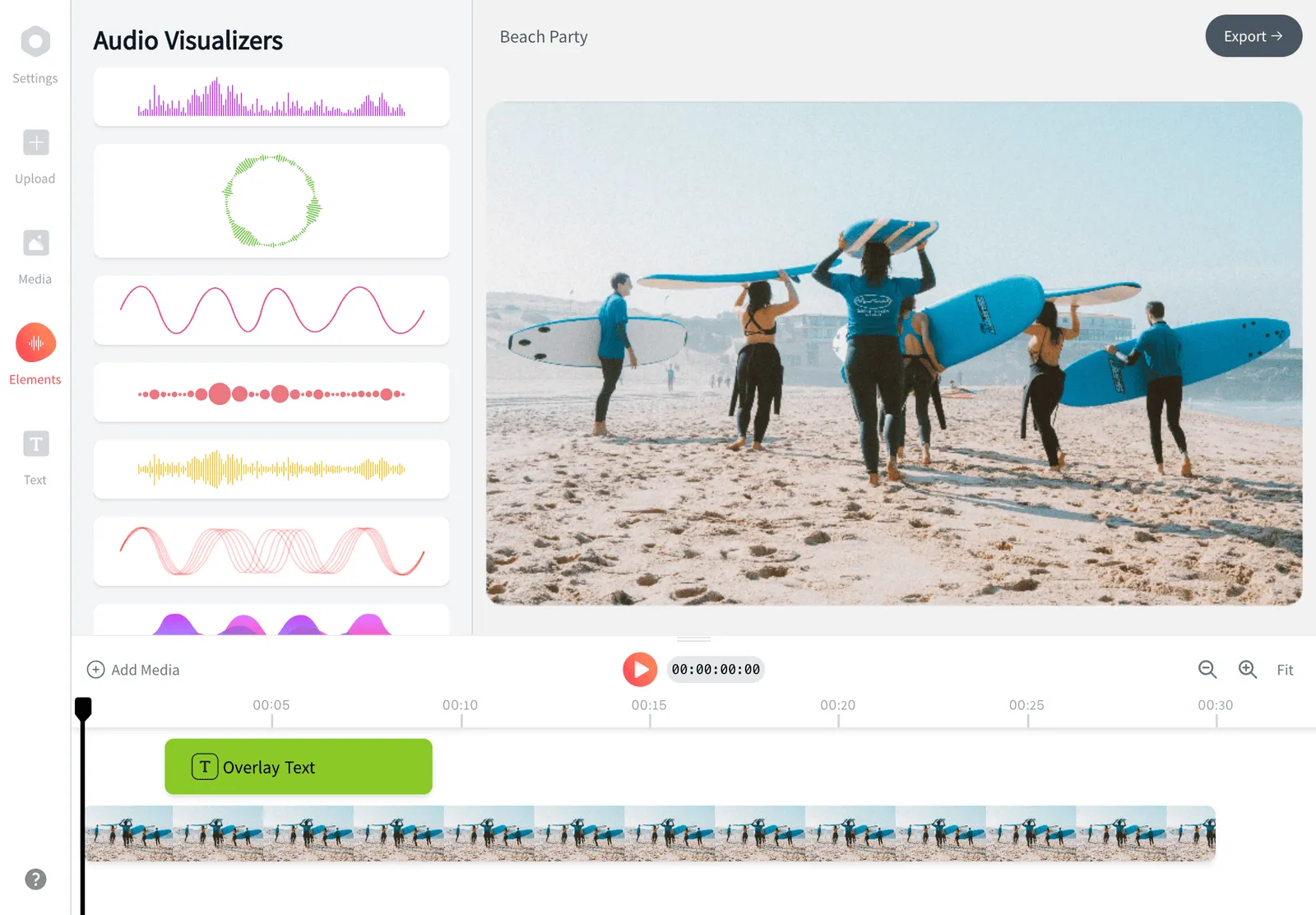
How we checked
Sources used for the claims on this page, as checked August 2026:
- Clideo pricing (clideo.com) (Clideo)
- Clideo Pro plans (help.clideo.com) (Clideo Help Center)
- Clideo reviews (trustpilot.com) (Trustpilot)
- VEED pricing (veed.io) (VEED)
- Kapwing pricing (kapwing.com) (Kapwing)
- FlexClip pricing (flexclip.com) (FlexClip)
- Clipchamp products and cost (support.microsoft.com) (Microsoft Support)
- Adobe Express pricing (adobe.com) (Adobe)
- Flixier pricing (flixier.com) (Flixier)
- How much does CapCut Pro cost? (capcut.com) (CapCut Help Center)
- WeVideo pricing (wevideo.com) (WeVideo)
Every competitor claim on this page was re-verified against the sources above on August 3, 2026.
Pricing and limits change often. If anything here is out of date, email hello@echowave.io with a link and we'll correct it. Our editorial policy explains how we test and update comparisons.
Trademark and comparison notice. Clideo and all related names, logos, product names and trademarks are the property of their respective owners. EchoWave is an independent product and is not affiliated with, associated with, authorised by, endorsed by, sponsored by, or in any way officially connected to Clideo or its owners. Any third-party names, logos and trademarks are used here only to identify and compare the products honestly (nominative fair use) and do not imply any endorsement, partnership or affiliation.
This comparison reflects EchoWave's own opinion and our understanding of publicly available information believed accurate at the time of writing. Third-party features, pricing and availability change frequently and can vary by region, so figures may be out of date; please confirm the current details on Clideo's official website before making a decision. EchoWave makes no representation or warranty as to the accuracy or completeness of any third-party information shown here. If you believe anything on this page is inaccurate or out of date, please contact us and we will review it promptly.