
The 10 Best Descript Alternatives in 2026
Descript's late 2025 pricing overhaul meters both media hours and AI credits, and its rebuilt editor still frustrates users on long projects. Our top pick is EchoWave, a browser editor whose AI clip generator finds up to 30 highlights per run and scores each one 0-100, alongside transcript-based cutting, captions, and audio tools that never charge credits, though Descript keeps the edge on voice correction and multitrack audio work. Free and cheaper options for every workflow are ranked below.



The 10 Best Descript Alternatives in 2026 Features
Trusted by thousands of creators worldwide





Why people look for a Descript alternative
Descript built its name on a great idea: edit video and audio by editing the transcript. The complaints filling 2026 reviews are not about the idea. They are about the meter and the rebuild. Since late 2025, every plan counts two currencies at once: media hours for transcription and AI credits for every AI action. Users report that "a month's worth of credits lasts about a day." The rebuilt editor behind the Underlord AI co-editor has drawn praise for its power features alongside steady reports of crashes and lag on longer projects, including a reviewer whose editor froze twice while making a 60 second clip. And the $16/mo annual Hobbyist tier allows no media-hour top-ups, which pushes growing shows toward the $24/mo Creator plan.
We tested every alternative below in the browser and re-checked each pricing page in August 2026. Rankings weigh what podcasters and video creators actually leave Descript over: predictable cost, stable long-form editing, captions, and clip output.
TL;DR: EchoWave is the best overall alternative now that its AI clip generator finds and scores the highlights for you, on top of transcript-based cutting, captions, and audio tools with no credit meter; Riverside if you need studio-grade remote recording with guests; Vizard for the most automatic-clipping minutes per dollar at higher volume.
The best Descript alternatives in 2026, ranked
Every pick tested in the browser. Prices checked August 2026.
- 1
EchoWave
Our pickBest overall: AI clip generator plus transcript editing and captions, no credit meter
Switching from Descript gets you the core workflow without the meter, plus a job Descript makes you do by hand: EchoWave's AI clip generator reads a word-timed transcript of a long episode alongside audio energy, silences, speaker turns, and scene cuts, then returns 1 to 30 ranked clips per run. Each clip carries a Viral Score from 0 to 100 with Hook, Clarity, Emotion, Value, and Trend sub-scores and plain-English reasons like "strong hook" or "big reactions". A prompt box finds moments about any topic you type, and speaker-aware auto-reframe switches between whoever is talking, using on-screen speaker detection (lip movement matched to the voice), across 7 layouts including split, grid, and presenter plus slides. Every clip opens as an ordinary project in the browser editor, where you cut video by deleting words in the transcript, strip filler words and silences in a click, and auto-generate captions in 50+ languages with 170+ styles; clip captions ship word-timed in 60+ portrait-sized presets including Hormozi-style word punch and karaoke. None of the editing draws down a credit balance, the clip generator analyses 30 free source minutes a month, and the free plan handles videos up to 60 minutes. There is no account wall either: open the podcast editor and start.
For promotion, the audio waveform video generator turns episodes into social clips, and subtitles import and export as SRT or VTT. The honest caveats stay: Descript still wins on Overdub-style voice correction, DAW-grade multitrack audio production, and its Underlord agent, and EchoWave has no clip scheduler, AI B-roll, dubbing, or remote guest recording. Its text-based editing cuts and tidies; it does not rewrite your audio.
- Pricing:
- Free plan; paid from $9/mo billed annually
- Free plan:
- Free forever: 30 AI clip source minutes a month, full editor, 720p exports with a small watermark; quick tools export with no watermark
- Best for:
- Podcasters and talking-head creators who want ranked AI clips plus transcript cutting and captions without watching a credit balance

Pros
- AI clip generator returns 1-30 ranked clips per run, each with a Viral Score (0-100) split into Hook, Clarity, Emotion, Value, and Trend sub-scores plus reasons
- Speaker-aware auto-reframe across 7 layouts with on-screen speaker detection (lip movement matched to the voice)
- No media-hour or AI-credit meters: editing, captions, and filler-word removal are unmetered
- Text-based editing: delete transcript words to ripple-cut video, plus silence removal
- Auto-subtitles in 50+ languages, 170+ presets, translation to 80+ languages
- No account needed to start editing
Cons
- Clip generator analyses 30 free source minutes a month; free exports are watermarked and capped at 720p, 1080p starts at $9/mo billed annually
- No Overdub-style voice correction, dubbing, or DAW-grade multitrack audio production
- No social scheduler, AI B-roll, RSS automation, or clipping from a YouTube link: upload the file or paste a direct media link
- No AI avatars or text-to-video generation
- 2
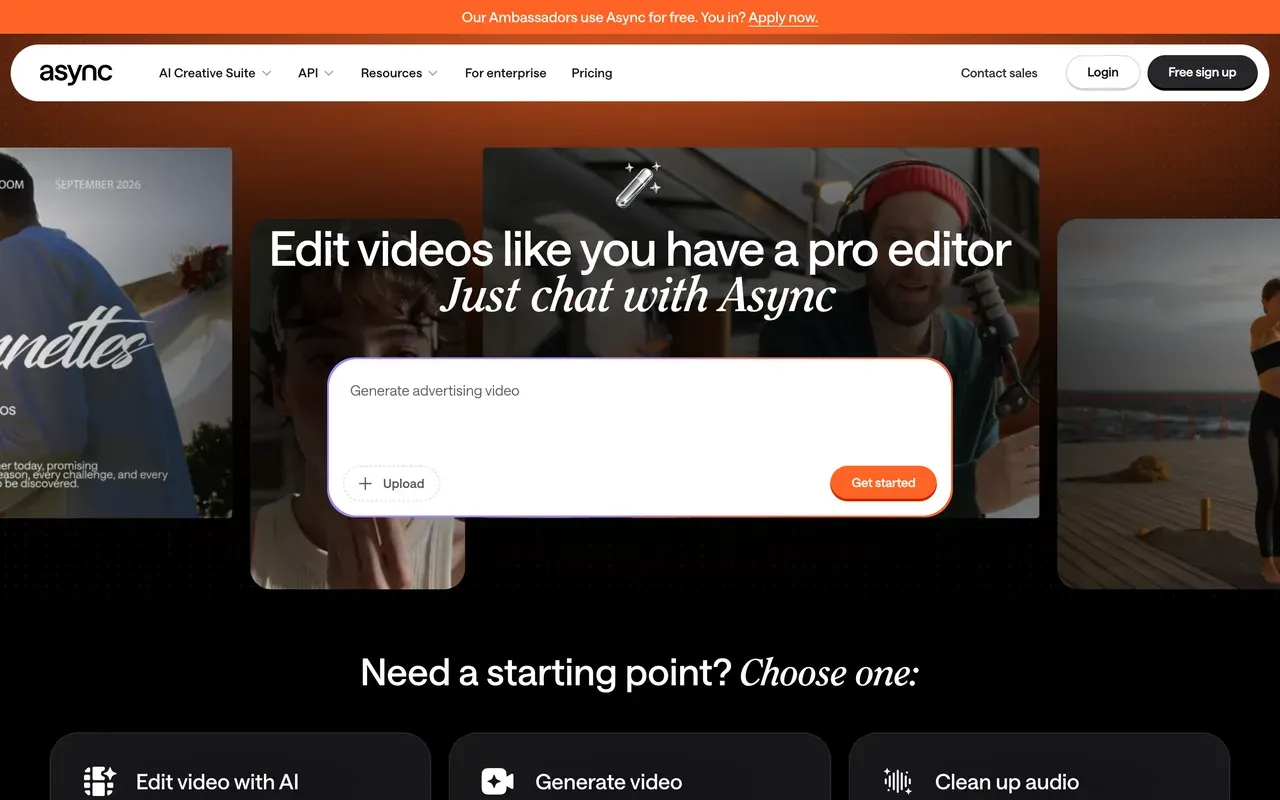
Async (formerly Podcastle)
async.comClosest all-in-one replacement, with the same credit trade-off
Async is what Podcastle became on January 28, 2026, and it covers similar ground to Descript: recording, audio and video editing, clip repurposing, AI voices with Revoice cloning, and a chat-driven editing agent that plays the same role as Underlord. Entry pricing is friendlier at $11.99/mo billed annually versus Descript's $16.
The trade-off does not go away. Every paid tier runs on AI credits, Trustpilot reviewers report trials rolling into annual charges of $300 to $700 with refunds refused, and some saw features like AI clips moved to higher tiers after purchase. Treat it as Descript with a lower entry price, not an escape from metering.
- Pricing:
- From $11.99/mo billed annually (Storyteller; $14.99 monthly)
- Free plan:
- Free Basic plan: watermark on videos, 3-hour video recording cap, 1 hour lifetime remote recording, 2GB storage
- Best for:
- Solo podcasters who want recording, editing, clips, and AI voices in one studio
Pros
- Recording, editing, magic clips, and thumbnails in one studio
- Chat-driven AI editing agent, similar in spirit to Descript's Underlord
- AI voices and Revoice voice cloning built in
- Cheaper entry than Descript at $11.99/mo billed annually
Cons
- AI credits on every paid tier make heavy-use costs unpredictable
- Trustpilot complaints about trials converting to large annual charges with refunds refused
- Reviewers report failed recordings and upload or processing errors
- Rebrand confusion: podcastle.ai now redirects to async.com
- 3
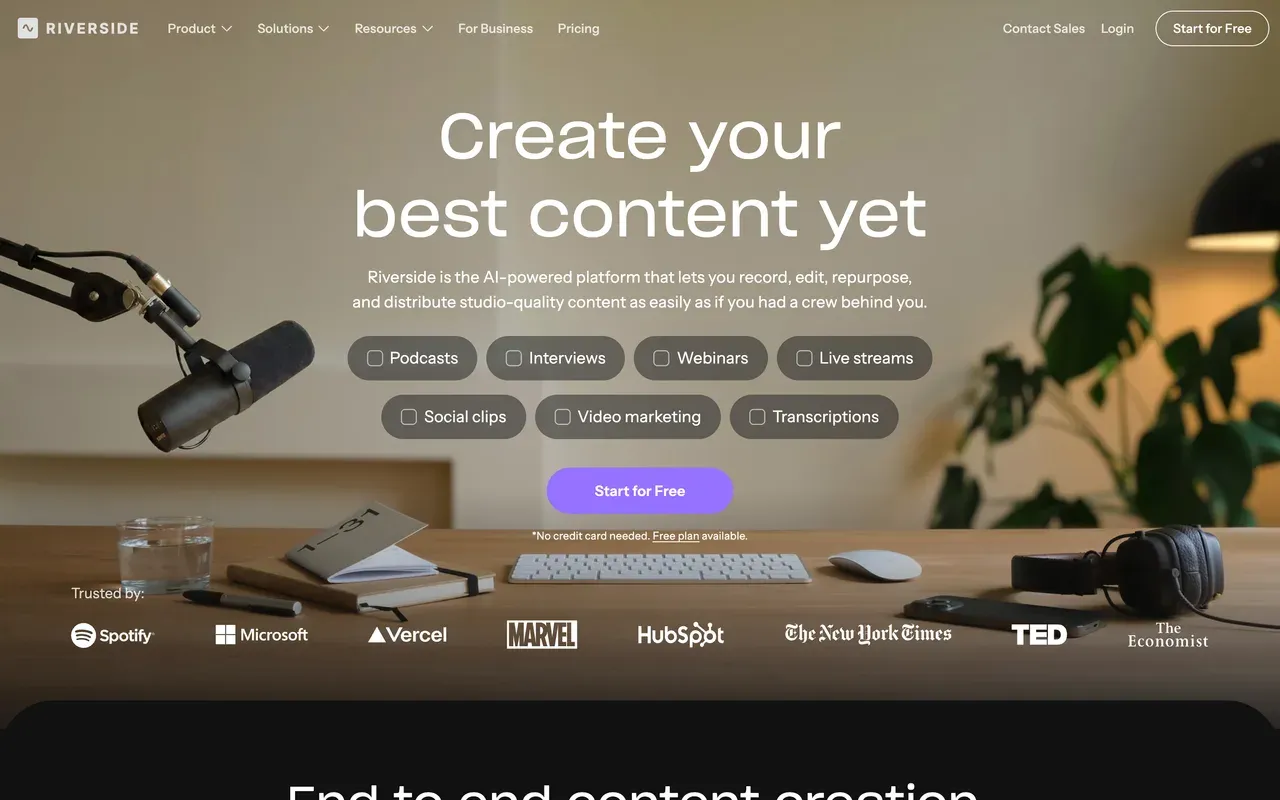
Riverside
riverside.comThe recording studio Descript users graduate to for remote interviews
If Descript is mainly your recording and podcast tool, Riverside (which moved from riverside.fm to riverside.com in May 2026) is the strongest capture-first alternative: local multi-track recording up to 4K that survives bad internet, a text-based AI editor, Magic Clips for shorts, and captions with translation into 30+ languages. At 4.8 on G2 from 1,582 reviews, it is the best-reviewed tool on this page.
Costs run higher than they look. Paid starts at $24/mo billed annually, separate-track downloads are capped at 15 hours a month on Pro, and guests are effectively limited to Chrome and Edge.
- Pricing:
- From $24/mo billed annually (Pro; $29 monthly)
- Free plan:
- 2 hours of multi-track recording total, 720p video, watermark on exports; unlimited single-track recording and editing
- Best for:
- Podcasters recording remote or in-person interviews who want studio-grade multitrack capture
Pros
- Local multi-track recording up to 4K with progressive upload
- Text-based editor plus Magic Clips for auto-generated shorts
- AI captions and translation into 30+ languages
- G2 4.8 from 1,582 reviews
Cons
- Free tier caps at 2 hours of multi-track recording total, with a watermark
- 15 hours per month separate-track download cap on Pro
- Recording effectively requires Chrome or Edge
- Entry price crept up: the old $19/mo annual tier is gone, paid now starts at $24/mo annual
- 4
VEED
veed.ioBroadest browser suite if you want AI tools beyond editing
VEED covers the widest surface of any tool here: editor, recorder, auto-subtitles, AI avatars, text-to-speech with voice cloning, and a Gen-AI studio aggregating 25+ text-to-video models. Where Descript is transcript-first, VEED is breadth-first, and its subtitle and translation workflow (50+ languages on Pro) is genuinely strong.
It shares Descript's core annoyance: everything AI is metered, on VEED by a yearly credit allowance, and per-user pricing roughly doubles if you pay monthly ($20 versus $10 on Creator). Billing complaints dominate its Trustpilot reviews, so read the renewal terms before committing.
- Pricing:
- From $10/mo billed annually (Creator; $20 monthly), per user
- Free plan:
- Free: 720p export cap, 10-minute max export length, 2GB storage, limited AI credits, watermark
- Best for:
- Marketing teams that want one browser tool for subtitles, repurposing, and AI generation

Pros
- Editor, recorder, subtitles, avatars, and Gen-AI studio in one browser app
- Strong auto-subtitle and translation workflow, 50+ languages on Pro
- Brand kits and team controls for marketing teams
Cons
- All AI usage metered by yearly credits; users report running out mid-project
- Per-user pricing, and monthly billing costs about double the annual rate
- Free plan is demo-grade: watermark, 720p, 10-minute export cap
- Auto-renewal and refund complaints are the dominant Trustpilot theme
- 5
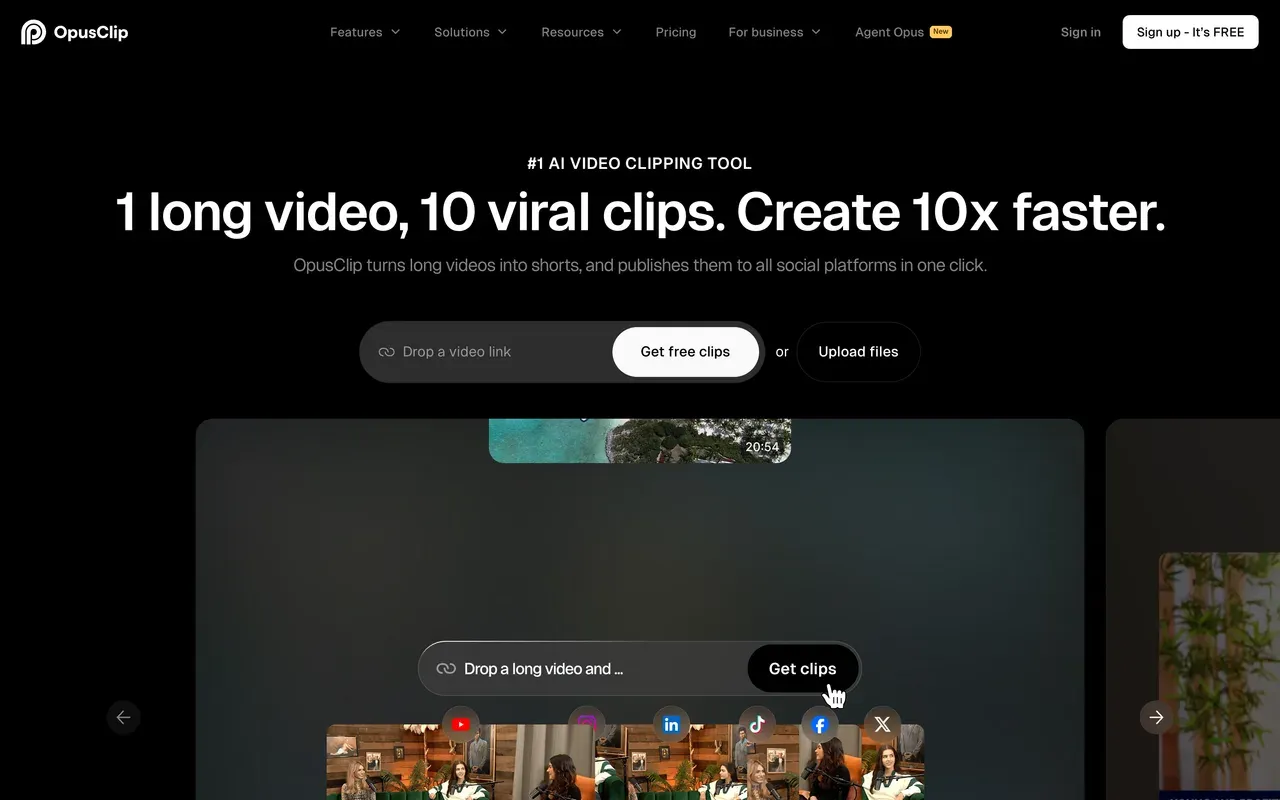
OpusClip
opus.proBest automatic clip picking from long episodes
Descript can make clips, but OpusClip is built around nothing else: ClipAnything picks moments from podcasts, gaming, sports, or vlogs using spoken-word, visual, and emotion cues, scores each clip for virality, and Agent Opus assembles platform-ready shorts end to end. For mining a back catalog, it is the most mature option on this page.
The metering is stricter than Descript's. Credits map to source minutes, monthly-plan credits expire after 60 days, and media becomes inaccessible about 3 days after a subscription ends. Independent testing also found roughly 40% of generated clips get discarded, so budget review time.
- Pricing:
- Starter $15/mo (monthly billing only); Pro $14.50/mo billed annually
- Free plan:
- 60 credits/mo (about 60 source minutes), watermark, up to 1080p, media and exports expire after 3 days
- Best for:
- Creators mining long-form talk content for shorts at volume
Pros
- ClipAnything clips any genre, not just talking heads
- Virality score and auto-reframing with AI subject tracking
- Agent Opus assembles finished shorts end to end
- Scheduler and API for workflow automation
Cons
- Credits expire: 60 days on monthly plans, and leftovers keep their expiry after cancelling
- Projects and media inaccessible about 3 days after a subscription ends
- Starter tier has no annual discount
- Roughly 40% of generated clips were discarded in independent testing
- 6
Vizard
vizard.aiMost upload minutes per dollar, with text-based editing included
Vizard undercuts Descript on the specific job of turning recordings into captioned clips: 600 upload minutes a month from $14.50/mo billed annually, AI clipping rated 4.7 on G2, captions translated into 100+ languages, and the same delete-the-transcript editing trick for trims.
Watch the fine print Descript users will recognize. Editing sessions burn extra credits beyond upload (one tested video consumed 17 of the free plan's 60 credits across two sessions), monthly credits expire after 2 months, and the editor stays shallow once clips need real polish.
- Pricing:
- From $14.50/mo billed annually (Creator; $29 monthly)
- Free plan:
- 60 credits/mo, 720p export, 10-minute max export length, 3-day storage, watermark
- Best for:
- Budget-conscious podcasters processing many hours of talk content

Pros
- 600 upload minutes per month from $14.50/mo billed annually
- AI clipping and caption accuracy rated 4.7 on G2 (340 reviews)
- Text-based editing plus caption translation in 100+ languages
- Free team seats on the Business plan
Cons
- Editing sessions consume extra credits beyond upload minutes
- Monthly-plan credits expire after 2 months
- Free tier: watermark, 720p, 10-minute exports, 3-day storage
- Advanced editing control is limited for complex projects
- 7
HappyScribe
happyscribe.comFor when the transcript itself is the product
If what you actually use Descript for is accurate transcripts and subtitle files, HappyScribe does that one job deeper: transcription, subtitles, and translation in 150+ languages, a full subtitle editor with SRT and VTT export, and an optional human proofreading service from about $2.00 per minute when you need 99%+ accuracy.
It is not a video editor, and the metering is real: Basic includes 120 AI minutes a month with overages at $0.20 per minute, and reviewers report accuracy dropping to 85 to 95% on noisy multi-speaker audio.
- Pricing:
- From $8.50/mo billed annually (Basic; $17 monthly)
- Free plan:
- 10-minute one-time trial of AI transcription; exports gated or watermarked until paid
- Best for:
- Podcasters and localization teams who need accurate multi-language transcripts and subtitle files

Pros
- Transcription, subtitles, and translation in 150+ languages
- Optional human proofreading for 99%+ accuracy
- Dedicated subtitle editor with SRT/VTT export
- SOC 2 Type II, GDPR, and EU data residency
Cons
- Per-minute metering: 120 AI minutes a month on Basic, $0.20/min overage
- Not a video editor: no timeline or design work beyond subtitles
- Accuracy drops on noisy, multi-speaker recordings
- 8
CapCut
capcut.comTimeline depth and templates, at the cost of a watermark and opaque pricing
CapCut is the opposite philosophy to Descript: a conventional timeline with keyframes and chroma key, plus an enormous template culture (870K+ templates) tuned for short-form. If Descript's clunky frame-precise editing is what drives you away, CapCut fixes exactly that, and the core editing is free.
The 2025-2026 catch: free exports now carry a watermark, auto captions moved behind the Pro paywall, and CapCut publishes no price list. US trackers consistently report about $9.99/mo for Standard and $19.99/mo for Pro, varying by region and device.
- Pricing:
- Reported ~$9.99/mo Standard, $19.99/mo Pro; not published, varies by region and device
- Free plan:
- Core editing free (multi-track timeline, keyframes, chroma key); exports watermarked, capped around 1080p
- Best for:
- Short-form creators who want hands-on timeline editing and trend templates

Pros
- Free multi-track timeline with keyframes and chroma key
- Huge template and effects ecosystem for TikTok-style content
- Cross-device projects on mobile, desktop, and web
Cons
- Auto captions and many formerly free features now require Pro
- Free exports carry a watermark
- No public price list; cost varies by region, device, and promotion
- Price roughly doubled through the 2025-2026 restructure
- 9
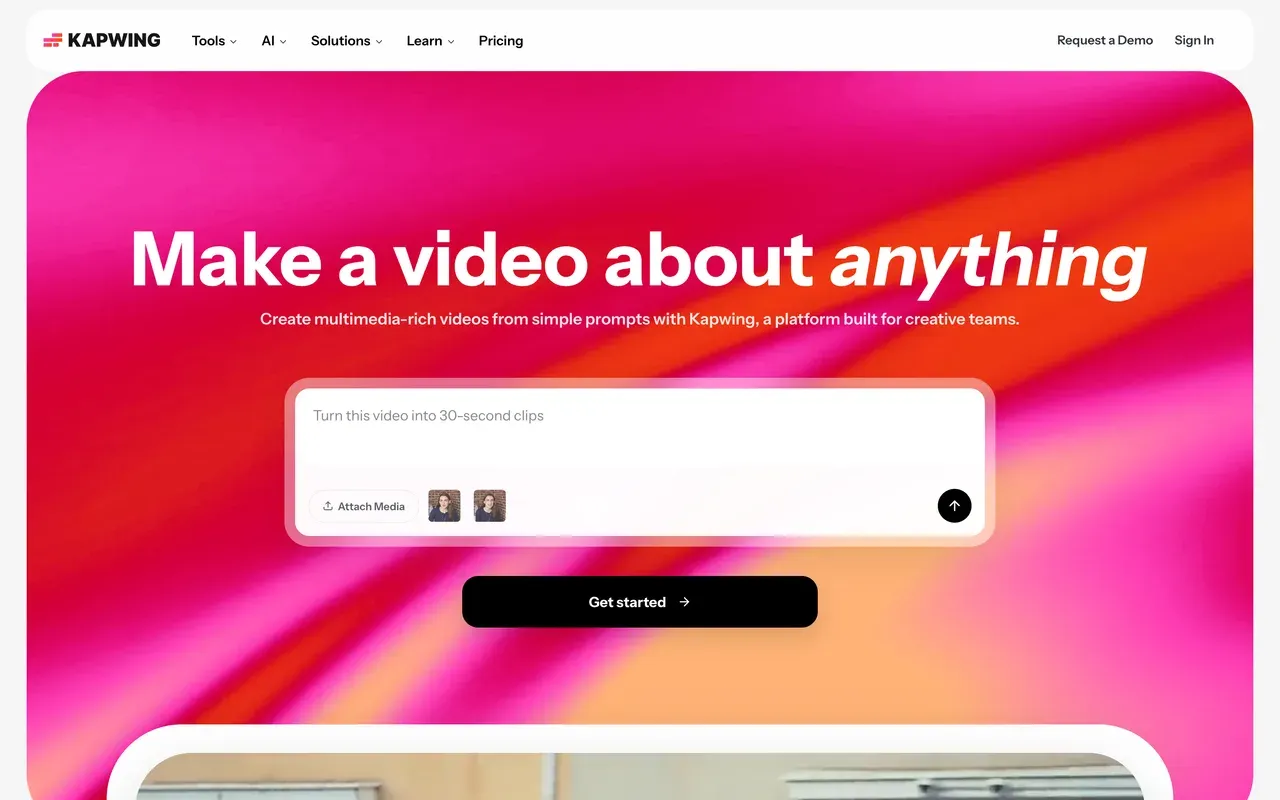
Kapwing
kapwing.comBrowser-based team editing with a clean subtitle workflow
Kapwing overlaps with Descript on captions and repurposing but lives entirely in the browser, with team workspaces built for collaborative social video and the Kai AI assistant for prompt-driven edits. Its auto-subtitle and translation flow is one of the cleanest around.
The free plan is a demo (1-minute watermarked 720p exports, projects deleted after 3 days), paid runs $16/mo per member billed annually, subtitles and dubbing are credit-metered, and export failures on longer projects are its most consistent complaint.
- Pricing:
- From $16/mo per user billed annually (Pro; $24 monthly)
- Free plan:
- 1-minute max export length, 720p, watermark, projects stored only 3 days, 10 AI credits/mo
- Best for:
- Marketing teams subtitling and repurposing short clips together
Pros
- Clean auto-subtitle and translation workflow in the browser
- Team workspaces with review and commenting built in
- Kai AI assistant edits projects from prompts
Cons
- Free exports capped at 1 minute with a watermark; projects auto-delete after 3 days
- Per-member pricing adds up for teams
- Export failures and lag reported on longer projects
- No-refund policy, with disputed charges reported on Trustpilot
- 10
Headliner
headliner.appCheapest way to keep the podcast-promotion half of Descript
Headliner covers the promotion side: audiogram and waveform templates, RSS automations that cut clips for every new episode, full-episode YouTube uploads, and the Eddy AI transcript editor bundled into one subscription. Its Forever Free plan includes 5 unwatermarked videos a month, which beats most free tiers on this page.
Limits are real: exports top out at 1080p, the mobile app caps clips at 10 minutes of audio and users report hanging share flows, and the free experience is ad-supported.
- Pricing:
- From $7.99/mo billed annually (Basic; $9.99 monthly)
- Free plan:
- Forever Free: 5 unwatermarked videos/mo plus unlimited watermarked videos, unlimited transcription, ad-supported
- Best for:
- Hands-off podcasters automating episode clips and audiograms

Pros
- Forever Free plan includes 5 unwatermarked videos every month
- RSS automations create clips per episode and upload full episodes to YouTube
- Eddy AI transcript editor included in the same subscription
- Cheap: from $7.99/mo billed annually
Cons
- 1080p export ceiling, no 4K
- Mobile app caps clips at 10 minutes and users report hanging exports
- Ads inside the free experience
Descript vs EchoWave at a glance
| Feature | EchoWave | Descript |
|---|---|---|
| Free tier reality | Free forever: full editor with 90+ tools, videos up to 60 minutes, 720p exports | 60 media minutes/month of transcription, 100 one-time AI credits, 720p export, 5GB storage |
| Watermark on free exports | Small badge in the editor; quick tools (trim, crop, compress, convert) export with no watermark | Watermark on free exports; watermark-free starts on paid plans |
| Starting price | $9/mo billed annually (Basic; $19 monthly) | $16/mo billed annually (Hobbyist; $24 monthly) |
| Per-user pricing | No per-seat trap on Basic or Pro | Yes, every paid tier is priced per user |
| Usage meters | No media-hour or AI-credit meters for editing and captions | Dual meter: media hours plus AI credits on every plan |
| Text-based editing | Yes: delete transcript words to cut, plus filler-word and silence removal | Yes, category-defining, with Overdub voice cloning on top |
| Auto-clipping (AI finds the moments) | Yes: 1-30 ranked clips per run, each with a Viral Score (0-100) split into Hook, Clarity, Emotion, Value, and Trend sub-scores plus plain-English reasons, and a prompt box that finds moments about any topic | No dedicated moment-finder; you search and select clips from the transcript yourself |
| Auto-reframe to vertical | Yes: 7 layouts including follow speaker, split, grid, and presenter plus slides, with on-screen speaker detection (lip movement matched to the voice) cutting between speakers on their turns | Not a distinct feature |
| Subtitles and captions | Auto-transcribe 50+ languages, 170+ presets, translation to 80+ languages, SRT/VTT | Industry-leading transcription accuracy in 25 languages |
| Recording | Screen, camera, or both: 60-minute takes with a teleprompter, works anonymously | Screen recording plus remote recording (SquadCast) in the same tool |
| Max export resolution | 8K on Business, 4K on Pro, 1080p on Basic | 4K on Creator and above, 1080p on Hobbyist, 720p free |
| Platforms | Any browser, no install; desktop apps for Mac, Windows, and Linux | Web plus desktop apps for Mac and Windows |
| Privacy and AI training | Files processed for your session, not used to train AI models | Cloud platform; AI features run on uploaded media |
Best free Descript alternative
Descript's free plan meters 60 transcription minutes a month and 100 AI credits that never refresh. EchoWave is the strongest free replacement: the full editor takes videos up to 60 minutes, there is no monthly minute cap on free fast subtitles, and quick tools like trim and compress export with no watermark. For pure podcast promotion, Headliner gives you 5 unwatermarked audiogram videos every month on its Forever Free plan. Vizard includes 60 free credits a month if you want automatic clipping, with a watermark.
Descript vs Riverside vs EchoWave
This matchup is really capture versus edit. Riverside records studio-grade multi-track audio and video locally, up to 4K, and holds a 4.8 on G2; its editing and Magic Clips are useful but capped by monthly hours. Descript records too, but its strength is transcript-first editing after the fact. EchoWave skips remote capture entirely and focuses on the finishing work: cuts, captions, audiograms, and clips with no hour meters. Plenty of shows pair Riverside for recording with EchoWave for everything after.
Descript alternative without a watermark
On Descript's free plan, exports carry a watermark until you pay $16/mo billed annually for Hobbyist. Two cheaper routes: EchoWave quick tools (trim, crop, compress, convert) export watermark-free on the free plan, and removing the editor badge costs $9/mo billed annually. Headliner allows 5 unwatermarked videos a month for free. If you need watermark-free automatic clips, OpusClip starts at $15/mo on its monthly-only Starter plan.
Open-source Descript alternatives
Reddit threads regularly ask for an open-source or GitHub-hosted Descript alternative. We did not review self-hosted software here; every tool on this page is a hosted web product. If your real goal is free rather than open source, the practical picks are EchoWave, which needs no account and no install to start editing, and Headliner for free audiograms. Both run in any browser, including on locked-down work or school machines.
How to switch from Descript to EchoWave
No migration project needed: bring your media and rebuild the workflow in a browser tab.
-
1. Upload your video or audio
Open the online video editor in any browser, no account or install, and drop in your episode or raw footage. Files are processed for your session and not used to train AI models.

-
2. Edit by transcript, then caption
Auto-transcribe, delete words in the transcript to ripple-cut the video, remove filler words and silences, and style captions with one of 170+ presets in add subtitles.

-
3. Export and promote
Download up to 60-minute videos free at 720p, or from $9/mo billed annually without the badge. Turn the same project into a clip with the audiogram maker to promote the episode.

What people are saying about EchoWave

About the EchoWave team
EchoWave is a browser-based video and audio editor built by Lemon Vault LLC since 2018. The people who build the editor write these guides and test every step in the production app before publishing.
Descript alternative FAQ
What is the best free Descript alternative?
EchoWave. Its free plan is a working tier, not a demo: the full editor handles videos up to 60 minutes, fast subtitles have no monthly minute cap, and quick tools like trim, crop, compress, and convert export with no watermark. You do not even need an account to start. Descript's free plan, by comparison, meters 60 media minutes a month and hands you 100 AI credits that never refresh. If you only need podcast audiograms, Headliner's Forever Free plan with 5 unwatermarked videos a month is also worth a look.
What is cheaper than Descript?
Descript's cheapest paid plan is Hobbyist at $16/mo billed annually ($24 monthly), per user. Cheaper options on this page: Headliner from $7.99/mo, EchoWave from $9/mo, Async from $11.99/mo, and Vizard or OpusClip Pro from about $14.50/mo, all billed annually. Compare what is metered, not just the sticker: EchoWave's editing and captions are unmetered, while Descript, Async, Vizard, and OpusClip all count credits or minutes on top of the subscription.
Does Descript add a watermark?
Yes, on the free plan: free exports carry a watermark, and watermark-free exporting starts with the paid Hobbyist tier at $16/mo billed annually, which unlocks 1080p. On EchoWave, the free editor adds a small badge, but the dedicated quick tools export with no watermark at no cost, and removing the editor badge costs $9/mo billed annually, which is the cheapest watermark-removal path in this comparison.
Descript vs EchoWave: which should I pick?
Pick Descript if your daily workflow is transcript-first podcast production: Overdub voice correction, Studio Sound, multitrack audio, and the Underlord AI agent are genuinely unmatched here, provided your volume fits its media-hour and credit meters. Pick EchoWave if you also want the highlights found for you: its clip generator returns up to 30 ranked clips per run, each scored 0-100 on Hook, Clarity, Emotion, Value, and Trend, and reframed across 7 speaker-aware layouts. Add transcript-based cutting, filler and silence removal, captions in 50+ languages, and no credit meter, in a browser with no account needed and a free plan that takes 60-minute videos.
How does EchoWave's AI clip generator compare to making clips in Descript?
In Descript you find clips yourself by reading the transcript. EchoWave's clip generator does the hunting: it runs a language model over the word-timed transcript plus audio energy, silences, speaker turns, and scene cuts, then returns 1 to 30 clips ranked by a Viral Score from 0 to 100 with Hook, Clarity, Emotion, Value, and Trend sub-scores and plain-English reasons. A prompt box searches for moments about any topic, and each clip arrives auto-reframed with word-timed captions in any of 60+ presets. The free plan analyses 30 source minutes a month; free exports carry a small watermark at 720p.
Is Descript free?
Descript has a free plan, but it is tightly metered: 60 media minutes of transcription per month, 100 one-time AI credits that do not refresh, 720p export with a 1-hour maximum via web link, 5GB of storage, and limited AI tools, with a watermark on exports. It works for evaluating the transcript-editing workflow, but a weekly show will hit the media-minute ceiling in the first episode or two.
Why did Descript get more expensive?
Late in 2025 Descript overhauled pricing into a dual meter: media minutes cover transcription and storage, while AI credits are consumed by every Underlord and AI action. Reviewers report the change confused and angered existing users, with some bills jumping sharply, and that a month's worth of credits can disappear in about a day of heavy use. The $16/mo annual Hobbyist tier also allows no media-hour top-ups, so outgrowing it means stepping up to Creator at $24/mo annually.
Which is better for podcasts, Descript or Riverside?
They solve different halves. Riverside is the better recording studio: local multi-track capture up to 4K, progressive uploads that survive bad internet, and a 4.8 G2 rating from 1,582 reviews. Descript is the better transcript editor once the recording exists. Riverside caps separate-track downloads at 15 hours a month on its $24/mo annual Pro plan, and Descript meters media hours and credits. Many shows record in Riverside, then cut, caption, and clip in EchoWave, where nothing is metered.
Can I edit video by editing text without Descript?
Yes. EchoWave lets you delete words in the auto-generated transcript to ripple-cut the video, and it removes filler words and silences, though it does not rewrite or re-voice audio the way Overdub does. Vizard also offers text-based editing by deleting transcript lines, and Riverside includes a text-based AI editor alongside its recording studio. If transcript editing is the only Descript feature you use, all three cover the core move.
Is there an open-source Descript alternative?
Not among the tools reviewed here; this page covers hosted web products, and we did not evaluate self-hosted projects. If the goal behind the question is avoiding subscriptions rather than auditing source code, the closest practical answer is EchoWave's free plan, which runs in any browser without an account and does not meter editing or captions, plus Headliner's Forever Free tier for audiograms.
The honest verdict
Ready to edit without a credit meter? EchoWave has a free plan
No account or credit card needed to start.
Get Started →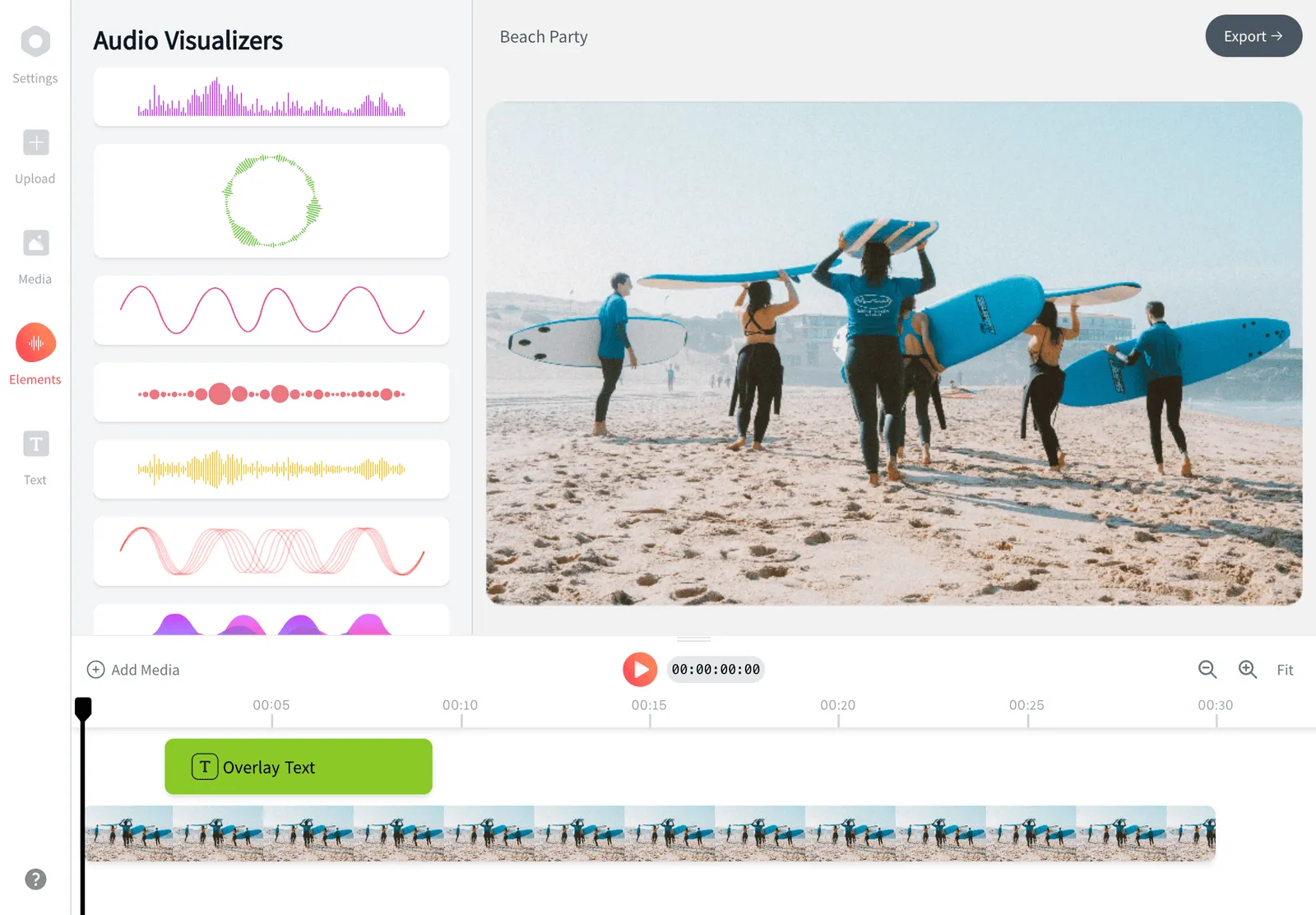
How we checked
Prices and limits on this page come from the tools' own published pages, as checked August 2026:
- Descript pricing (descript.com) - Descript
- Riverside pricing (riverside.com) - Riverside
- Async pricing (async.com) - Async (formerly Podcastle)
- VEED pricing (veed.io) - VEED
- OpusClip pricing (opus.pro) - OpusClip
- Vizard pricing (vizard.ai) - Vizard
- HappyScribe pricing (happyscribe.com) - HappyScribe
- How much does CapCut Pro cost (capcut.com) - CapCut help center (CapCut publishes no price list)
- Kapwing pricing (kapwing.com) - Kapwing
- Headliner pricing (spotsaas.com) - SpotSaaS tracker (headliner.app blocks automated access)
Every competitor claim on this page was re-verified against the sources above on August 3, 2026.
Pricing and limits change often. If anything here is out of date, email hello@echowave.io with a link and we'll correct it. Our editorial policy explains how we test and update comparisons.
Trademark and comparison notice. Descript and all related names, logos, product names and trademarks are the property of their respective owners. EchoWave is an independent product and is not affiliated with, associated with, authorised by, endorsed by, sponsored by, or in any way officially connected to Descript or its owners. Any third-party names, logos and trademarks are used here only to identify and compare the products honestly (nominative fair use) and do not imply any endorsement, partnership or affiliation.
This comparison reflects EchoWave's own opinion and our understanding of publicly available information believed accurate at the time of writing. Third-party features, pricing and availability change frequently and can vary by region, so figures may be out of date; please confirm the current details on Descript's official website before making a decision. EchoWave makes no representation or warranty as to the accuracy or completeness of any third-party information shown here. If you believe anything on this page is inaccurate or out of date, please contact us and we will review it promptly.